

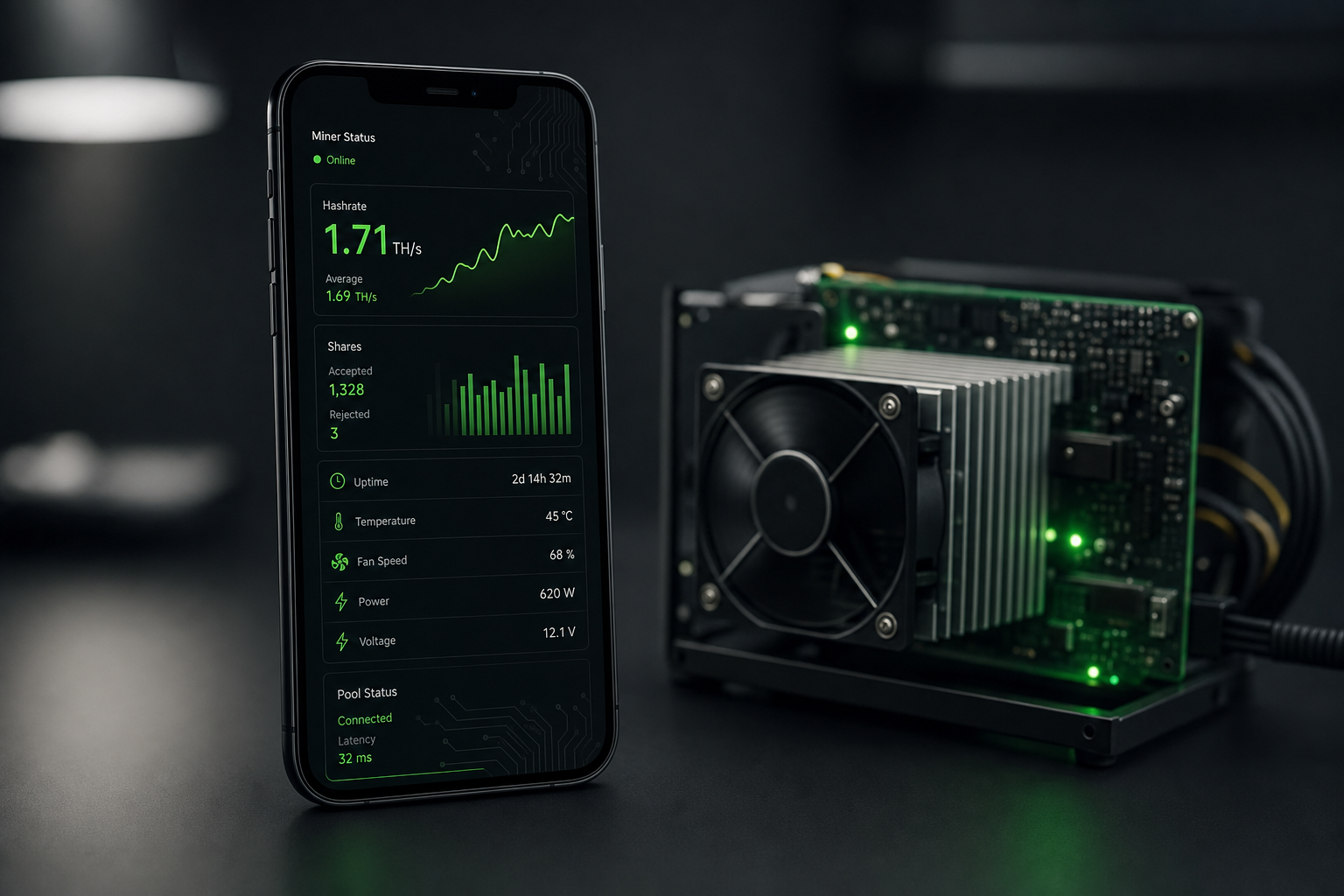
2026 Kratos Mining Monitor App Review for Home Solo Miners
If you are running a small ASIC at home, you already know that managing your hardware is only half the battle. The other half is monitoring, optimizing, and making sure your miner is actually doing its job without overheating or tripping your home electrical breakers. For years, home and solo miners have had to juggle clunky web dashboards, spreadsheets, and separate pool trackers just to see what is happening on their rigs.
That is exactly why we built Kratos. As the go-to destination for ASIC hardware in Europe, we wanted to provide a seamless, mobile-first way to control and monitor your mining devices. Whether you are running a BitAxe Gamma on your desk or a fleet of NerdQaxe++ boards in the garage, Kratos gives you real-time control right from your phone.
In this article, we are going to walk through everything you need to know about our new app, from its core features to why it is the ultimate solo mining app for home operators.
What We Cover
- What is Kratos?
- Key Features of the Kratos App
- Supported Miners and Coins
- Why It Matters for Home and Solo Miners
- How to Get Started
- Frequently Asked Questions
- Conclusion
What is Kratos?
Kratos is a free multi-coin mining monitor app that supports six major coins and scores each miner from 0 to 100 on a comprehensive health scale. Available now on the Apple App Store and Google Play, Kratos was built entirely in Flutter to provide full feature parity across iOS and Android devices. (Source: kratos.mineshop.eu, 2026).
Unlike other monitoring tools that are cluttered with advertisements, in-app purchases, or hidden tracking software, Kratos operates on a simple principle: it is free because we sell the hardware. There are no ads, no tracking, and no premium tiers locked behind a paywall. You get the full suite of features the moment you download the app.
We also strictly adhere to a "no-fake-data rule." Every single number you see in the Kratos app is sourced directly from the miner, the pool, or a public blockchain explorer. If a miner reports zero, Kratos shows zero. If a value cannot be measured, it shows a dash instead of guessing. Our mascot, Klaw, represents this commitment to honesty and transparency in every reading.
Key Features of the Kratos App
Kratos is packed with tools designed specifically for the realities of home mining. It goes far beyond simply displaying a hashrate number on your screen.
Universal Best-Diff Tracker
For solo miners, hitting a block is the ultimate goal. The Universal Best-Diff Tracker keeps a record of your per-miner all-time records and celebrates milestones when you get close. It works on any algorithm and any pool by reading directly from the miner API.
Circuit Monitor
One of the most dangerous aspects of home mining is overloading your electrical circuits. The Circuit Monitor groups miners by electrical breaker or circuit and shows real-time load percentages based on actual power readings, not nameplate guesses. It includes EU 230V/16A and US 120V/15A presets, and it sounds alarms before a circuit trips.
Energy Report CSV
Want to know if your miner is actually profitable? The Energy Report provides per-miner, per-share, per-kWh logging. It calculates your real cost based on your electricity rate and your real revenue at live BTC prices. With a single tap, you can export a CSV file for your tax records or personal spreadsheets.
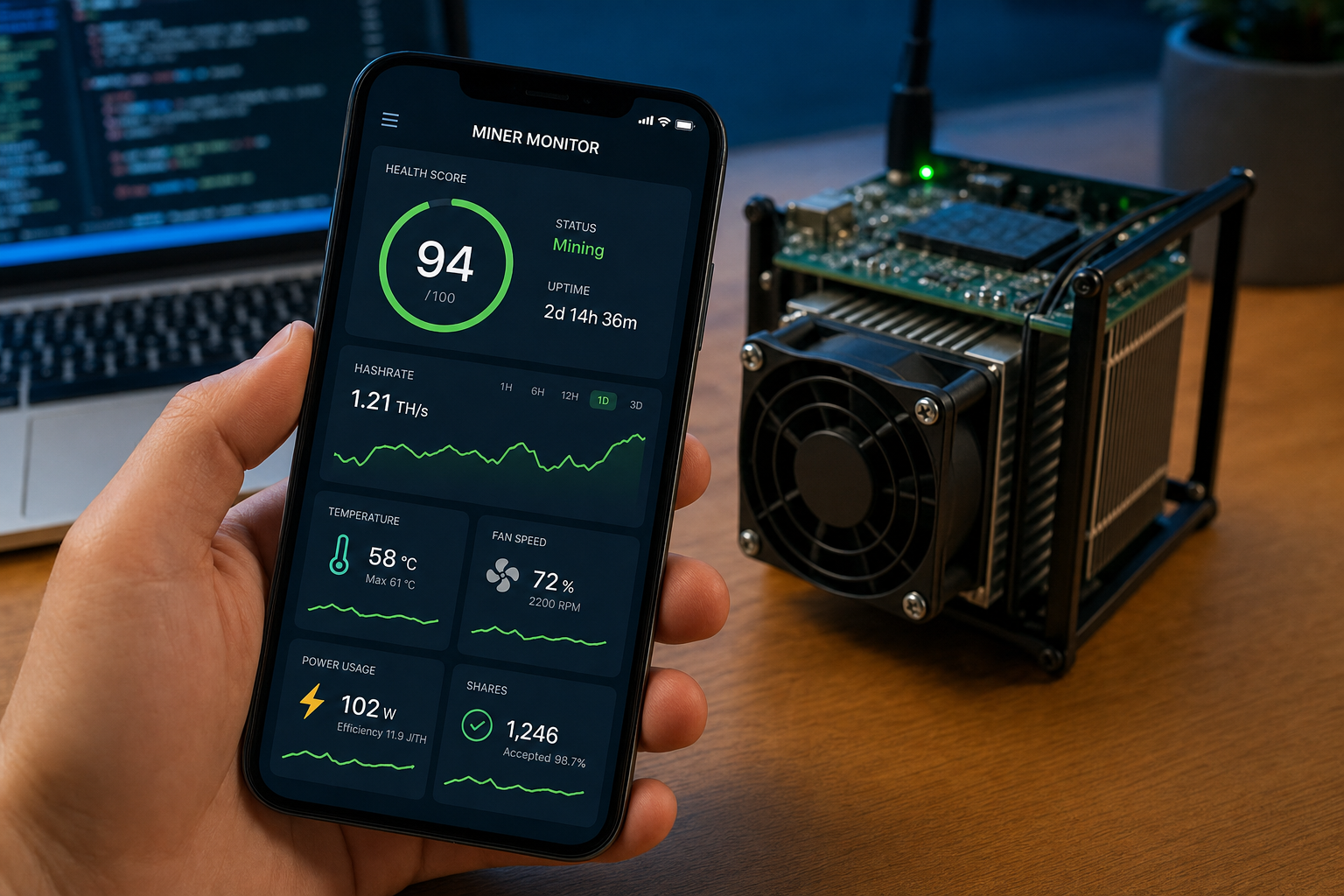
Health Score
Kratos assigns a 0-100 Health Score to each miner. This score combines thermal curves, share accept rates, and hardware error signals to help you catch failing fans or degrading hardware before they actually hurt your hashrate.
Kratos Link Remote Access
Leaving your home Wi-Fi network used to mean losing connection to your miners. Kratos Link bridges your home LAN to your phone, allowing miners scanned locally to auto-switch to a remote relay when you leave the house. There is no manual reconfiguration required.
| Feature | Description | Applies To |
|---|---|---|
| Best-Diff Tracker | Tracks all-time difficulty records and celebrates milestones. | All miners, all coins |
| Circuit Monitor | Groups miners by breaker, shows real-time load, and trips alarms. | Home miners on EU/US circuits |
| Energy Report CSV | Logs power usage and calculates real cost vs revenue; one-tap export. | BTC, LTC, DOGE, KAS, ALPH, CKB |
| Health Score | 0-100 score combining thermal, share, and hardware error data. | All hardware types |
| Kratos Link | Remote relay bridge for seamless access outside home Wi-Fi. | All local network miners |
Supported Miners and Coins
Kratos was designed with universal compatibility in mind. It auto-detects the coin from the device model, supporting Bitcoin (BTC), Litecoin (LTC), Dogecoin (DOGE), Kaspa (KAS), Alephium (ALPH), and Nervos (CKB). If you enter an IP address, Kratos probes the miner's API and identifies the device and protocol automatically.
Supported miner families include BitAxe (Gamma, Ultra, GT), NerdQaxe++ (5-6 TH/s), NerdOctaxe (9.5-12 TH/s), Avalon (Nano, Mini, Q), Lucky Miner (all models), Braiins OS + LuxOS, Antminer (Bitmain), Whatsminer (MicroBT), Goldshell, and generic devices. If you are looking to expand your setup, you can browse our Mini Bitcoin Miners or check out our wider ASIC miners collection.
Whether you need a BitAxe monitoring app for your desk setup or a robust asic miner monitoring solution for a larger farm, Kratos handles it all. You can even edit miners in-place, changing the name, IP, port, or type without deleting and re-adding the device.
Why It Matters for Home and Solo Miners
Home mining has exploded in popularity, but the software ecosystem has lagged behind. Most tools are built for industrial farms and do not account for the realities of a home setup—like worrying about tripping a living room breaker or wanting haptic feedback when a block is found.
Kratos includes haptics on every accepted share, with a stronger pulse sequence when a block is actually found. This makes it an incredibly rewarding solo mining app for individual operators. Furthermore, the Autotune and Overclock Presets feature allows you to run a frequency sweep to find the peak hashrate per MHz step. You can choose from ECO, STD, OC, or MAX presets, all of which are temperature-safe and cancellable.
Mineshop.eu has been supplying European miners with genuine ASIC hardware since 2016, with EU warehouse stock in Ireland and fast DHL/FedEx delivery across all EU countries. We built Kratos because we wanted our customers to have a monitoring experience that matches the quality of the hardware we sell. The open architecture means the source is available on GitHub, including the bridge service code, and our community has over 250+ miners active on the Mineshop Discord.
How to Get Started
Getting started with the kratos mining monitor app is incredibly simple. Download it from the Apple App Store or Google Play, connect your phone to the same Wi-Fi network as your miners, and use the LAN Auto-Discovery feature. Using mDNS and a subnet ping sweep, Kratos finds miners on your local network in about 10 seconds, confirming each device via a real API call.
Once your miners are discovered, you can organize them by circuit, apply one of the five visual themes (Circuit, Volt, Pulse, Stealth, or Chrome), and even join the Live Discord Chat to stay connected with the community. You can also check your solo mining stats and block finder progress at soloblocks.io while Kratos runs in the background.
If you want to upgrade your setup, our home miner category has everything you need, or you can explore heavy-duty options like the Bitmain Antminer and Whatsminer series.
Frequently Asked Questions
Is Kratos completely free to use?
A: Yes, Kratos is a free mining monitor app with no ads, no tracking, and no in-app purchases. It is free because Mineshop sells the hardware. (Source: kratos.mineshop.eu, 2026).
Can I monitor my BitAxe or NerdQaxe with Kratos?
A: Yes, Kratos works perfectly as a bitaxe monitoring app. It supports BitAxe (Gamma, Ultra, GT), NerdQaxe++ (5-6 TH/s), and NerdOctaxe (9.5-12 TH/s), along with many other devices like Avalon, Antminer, Whatsminer, and Goldshell.
How does Kratos handle remote access when I leave my house?
A: Kratos uses a feature called Kratos Link, which bridges your home LAN to your phone. Miners scanned locally will auto-switch to a remote relay when you leave Wi-Fi, requiring no manual reconfiguration.
Does Kratos fake hashrate or revenue numbers?
A: No, Kratos follows a strict no-fake-data rule. Every number is sourced from the miner, the pool, or a public blockchain explorer. If a value cannot be measured, it shows a dash instead of guessing. Our mascot Klaw represents this honesty promise.
Will the app warn me if my electrical circuit is overloaded?
A: Yes, the Circuit Monitor groups miners by electrical breaker and shows real-time load percentages from actual power readings. It includes EU 230V/16A and US 120V/15A presets and will alarm you before a circuit trips.
What coins can Kratos auto-detect?
A: Kratos auto-detects coin types from the device model. It supports Bitcoin (BTC), Litecoin (LTC), Dogecoin (DOGE), Kaspa (KAS), Alephium (ALPH), and Nervos (CKB).
Conclusion
The kratos mining monitor app is arguably the most comprehensive, honest, and user-friendly tool available for home and solo miners today. By combining critical safety features like the Circuit Monitor with advanced optimization tools like Autotune and the Health Score, Kratos gives you complete control over your mining operation without hiding behind paywalls or fake data.
Whether you are tracking your best diff on a solo block hunt or exporting your energy costs for tax season, Kratos is built to make your life easier. To download the app and start monitoring your rigs today, visit https://kratos.mineshop.eu. If you are ready to expand your hashpower, browse our full selection of compatible hardware at Mineshop.eu. For more tips and guides, check out the Mineshop blog or contact us with any questions.
Related Blog
Come Iniziare il Mining di Criptovalute nel 2025: Una Guida Completa
Feb 6, 2025 by Guntis Vitolins
Mineshop
Per configurare e collegare il tuo miner Bitcoin Bitaxe Gamma, segui questi passaggi.
Nov 16, 2024 by Guntis Vitolins
Mineshop
Goldshell KA Box apskats: kompakts Kaspa ASIC racējs mājas lietošanai
Jul 8, 2024 by Guntis Vitolins
Mineshop
Mēs iedziļināsimies detaļās par mazu, bet jaudīgu ierīci, kas ir lieliski piemērota mājas lietotājiem — Goldshell Kaspa Coin ASIC racēju. Ņemot vērā jaunu izlaidumu biežumu, dažreiz
Labākā elektrības cena Bitcoin ieguvei, lai saglabātu rentabilitāti
Apr 5, 2026 by Guntis Vitolins
Mineshop