



Best VPN Setup for Remote ASIC Miner Monitoring in 2026
Your ASIC miner's web interface is exposed to the open internet right now — and you probably do not know it. Most home miners in Europe set up port forwarding to check their dashboard remotely, which is the networking equivalent of leaving your front door unlocked because you want to check the mail from your phone. The miner runs. The coins come in. And somewhere in Eastern Europe or Southeast Asia, someone is scanning port 80 on your IP range looking for exactly that mistake.
This is not a hypothetical. We have seen customers contact us after finding their miner's hashrate hijacked — firmware replaced, pool address changed — weeks after they opened remote access without proper authentication. A VPN for ASIC miner monitoring is not a luxury for paranoid people. It is the only sensible way to check your dashboard from the office or a hotel in Warsaw without handing your hardware to a stranger.
What We Cover
- Why Port Forwarding Alone Will Get You Burned
- VPN Options for Home Miners: A Honest Comparison
- How to Set Up WireGuard for VPN ASIC Miner Monitoring
- Which Miners Work Best for Remote Monitoring
- Frequently Asked Questions
- What You Should Actually Do This Weekend
Why Port Forwarding Alone Will Get You Burned
Most mining guides skip the security section entirely, which is maddening, because remote access is where home miners get hurt most. The standard advice — forward port 80 on your router to the miner's local IP — works in the sense that you can now see the dashboard from anywhere. But you have also made it visible to anyone running a Shodan search for exposed Antminer or Goldshell interfaces. And there are thousands of those scans running every day.
The Antminer X9's web UI, for instance, uses a simple HTTP login page with no rate limiting by default. Three wrong password attempts do not lock you out. That means a brute-force script can try ten thousand password combinations overnight without triggering any alarm. If your password is anything under twelve characters, that is a real problem.
A VPN solves this by making the miner's interface unreachable from the public internet entirely. Your remote device connects to your home network through an encrypted tunnel first, then accesses the miner as if it were sitting on the same local network. No exposed ports. No brute-force surface. Honestly, that is not a complex setup — but it does require a router that supports VPN server mode, or a small dedicated device like a Raspberry Pi.
VPN Options for Home Miners: A Honest Comparison
Three setups are realistically worth considering for VPN ASIC miner monitoring in a European home environment. Each has a distinct trade-off between cost, complexity, and control.
| Solution | Monthly Cost | Setup Difficulty | Data Privacy | Best For |
|---|---|---|---|---|
| WireGuard (self-hosted) | €0–5 (VPS optional) | Medium | Full control | Privacy-conscious miners, technical users |
| Tailscale (WireGuard-based) | €0 (free tier) | Easy | Partial (relay servers) | Beginners, quick setup |
| OpenVPN (router firmware) | €0 | Hard | Full control | DD-WRT / OpenWRT router users |
Tailscale is the fastest path to working VPN ASIC miner monitoring for anyone who does not want to spend a Saturday reading WireGuard documentation. Install it on your home machine (or a Pi), install it on your phone or laptop, and your devices find each other automatically through Tailscale's coordination servers. The free tier supports up to 100 devices — more than enough for a home mining setup with several machines.
The trade-off: your device identity and connection metadata passes through Tailscale's infrastructure. For most home miners, that is acceptable. For anyone uncomfortable with that, self-hosted WireGuard on a cheap VPS (€3–5/month from Hetzner in Nuremberg or Falkenstein) keeps everything under your control.
How to Set Up WireGuard for VPN ASIC Miner Monitoring
Option A: WireGuard on Your Home Router
If your router runs OpenWRT (many do, check your model at openwrt.org), you can install the luci-app-wireguard package directly and create a VPN endpoint on your home network. Your miner never leaves the local network. You connect your phone or laptop to the WireGuard server at home, and then access 192.168.1.x as normal. No cloud middleman. Total latency from, say, Berlin to a home network in Dublin depends on your ISP, but expect 30–60ms — fast enough for checking pool stats and fan speeds without frustration.
Option B: WireGuard on a Raspberry Pi 4
Say you live in Latvia and pay €0.18/kWh. A Raspberry Pi 4 consumes roughly 5W continuously — about €0.65/month in electricity. That is your entire VPN server cost beyond the one-time hardware purchase. Run PiVPN (a one-command WireGuard installer) on the Pi, open a single UDP port on your router to the Pi, and you have a private tunnel endpoint that you fully control. This is the setup we recommend most often for home miners running two to five machines.
PiVPN generates a QR code for each client device. Scan it with the WireGuard mobile app. Done. The setup from scratch takes under an hour if you have used a Raspberry Pi before, maybe two hours if you have not.
A Note on Dynamic IP Addresses
Most European residential ISPs assign dynamic IPs — your home IP changes every 24–48 hours, which breaks VPN connections configured with a static IP address. Fix this with a free dynamic DNS service like DuckDNS. A cron job on the Pi updates your DuckDNS hostname every five minutes. Your VPN client connects to yourhome.duckdns.org instead of a raw IP, and it always finds you. This is one of those details that almost no monitoring guide mentions until you are already frustrated at midnight because your tunnel stopped working.
Which Miners Work Best for Remote Monitoring
Not all ASIC web interfaces are equal. Some give you genuine remote diagnostic value. Others are thin and frustrating.
The Bitmain Antminer X9 has a clean Antminer-style dashboard that shows per-board hashrate, chip temperatures, fan RPM, and pool connection status — everything you need to diagnose a problem remotely without physically touching the machine. If a hashboard drops out at 3am, you will see it in the interface within minutes and can decide whether to restart the miner remotely or wait until morning. (Source: Bitmain.com, 2026)
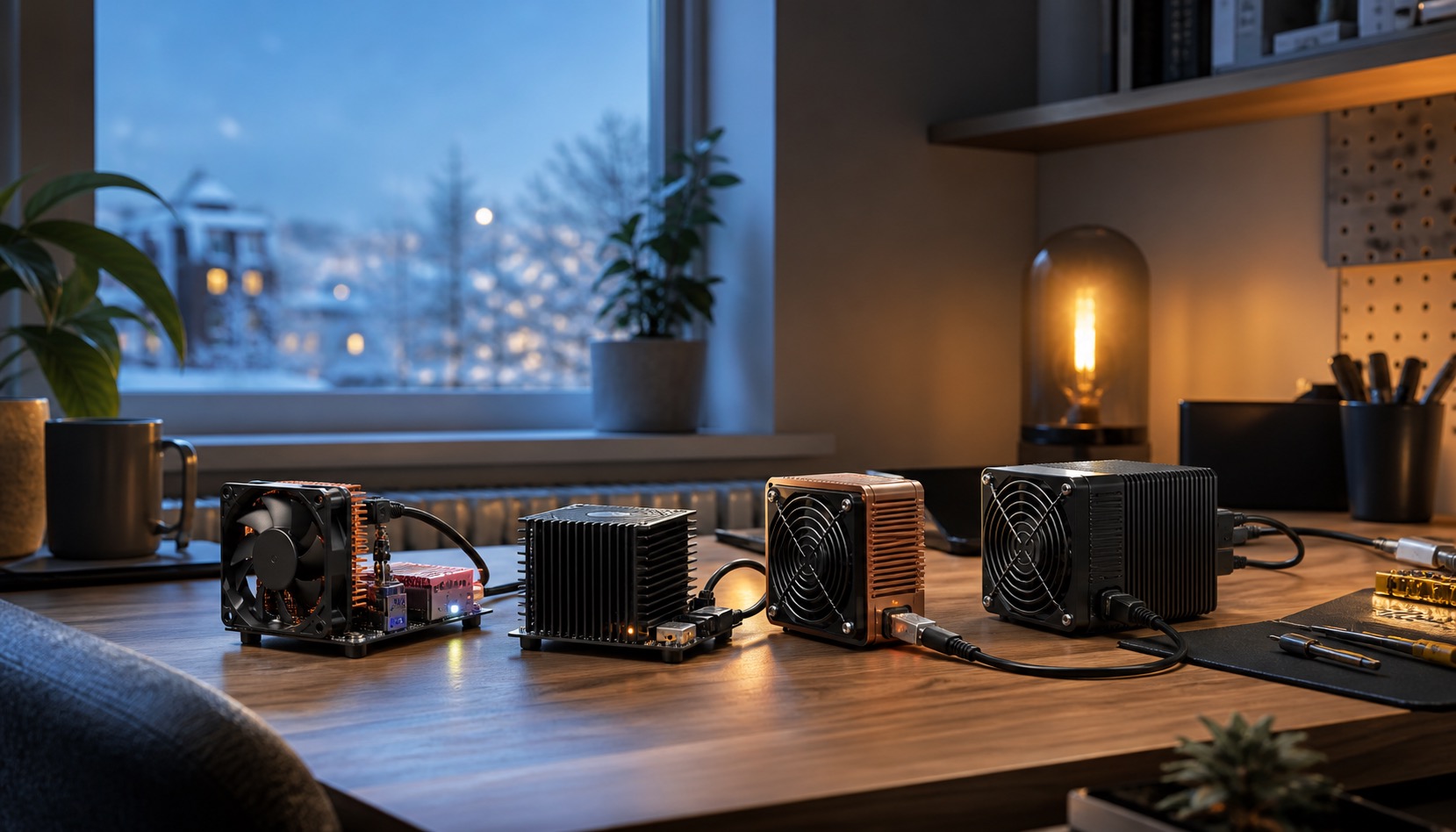
The Goldshell AE Box Pro, running at 44MH/s on the ALEO algorithm, is a particularly good candidate for home VPN monitoring setups because it is designed for quiet home environments — and quiet home environments tend to be bedrooms and living rooms where physical access is inconvenient. Goldshell's web UI is straightforward: hashrate, status, pool info, settings. It does not offer the deep per-chip telemetry of larger industrial units, but for a home miner checking in once or twice a day, it is enough.
Mineshop.eu has been supplying European miners with genuine ASIC hardware since 2016; most orders ship from Ireland and Latvia, both in the EU, with fast DHL/FedEx delivery across all EU countries. In our experience shipping to customers across 27 EU countries, the biggest mistake beginners make with remote monitoring is not the VPN configuration — it is buying a miner with a web interface so limited they cannot actually diagnose problems without connecting a screen. Check the web UI demo before you buy anything.
Browse the full range of home miners at Mineshop.eu if you are looking for machines suited to a home monitoring setup, or check all ASIC miners for the complete catalogue.
For profitability context: with Bitcoin at approximately $77,976 USD and network hashrate between 800–1,000 EH/s, margins for home miners in Germany paying €0.28/kWh are thin right now. Monitoring remotely means you catch efficiency drops — a failing fan, a misconfigured pool — before they compound into weeks of lost revenue. (Source: asicminersprofitability.com, 2026)
Frequently Asked Questions
Do I need a VPN to monitor my ASIC miner remotely?
A: Technically no — you can expose the miner's web interface directly via port forwarding. But doing so puts your miner's login page on the public internet with no rate limiting or brute-force protection on most firmware versions. A VPN routes your remote access through an encrypted private tunnel, so the miner's interface is never publicly reachable. For any miner running 24/7 and earning real money, VPN monitoring is the only defensible setup.
What is the best VPN protocol for ASIC miner monitoring in 2026?
A: WireGuard. It uses modern cryptography (ChaCha20, Curve25519), has a codebase of roughly 4,000 lines versus OpenVPN's 400,000+, and consistently benchmarks faster than either OpenVPN or IPSec on low-powered devices like a Raspberry Pi. For home miners who want the simplest possible entry point, Tailscale wraps WireGuard in an easy setup layer at zero cost for up to 100 devices.
Can I monitor multiple ASIC miners through one VPN connection?
A: Yes. Once your VPN connects you to your home network, you can access every device on that subnet — all your miners, your router admin page, a local NAS. If you have five miners at local IPs 192.168.1.10 through 192.168.1.14, you simply open each dashboard in a browser tab. No additional configuration per miner is needed beyond the initial VPN setup.
Will a VPN slow down my miner's pool connection?
A: No. The VPN only encrypts the tunnel between your remote monitoring device (your phone or laptop) and your home network. Your miners connect to their mining pools directly through your home router — that connection is unaffected entirely. The VPN has zero impact on hashrate, pool latency, or share submission speed.
What hardware do I need to run a home WireGuard VPN server?
A: A Raspberry Pi 4 (€55–70) running PiVPN is the most popular choice for home miners. It consumes around 5W continuously — roughly €0.65/month at €0.18/kWh. Alternatively, many modern routers running OpenWRT or DD-WRT firmware have WireGuard support built in, adding no hardware cost. A third option is a cheap cloud VPS from providers like Hetzner (€3–5/month in their German data centres), though that routes traffic through an external server rather than your home network directly.
Is Tailscale safe to use for ASIC miner monitoring?
A: For most home miners, yes. Tailscale uses WireGuard encryption end-to-end between your devices. The Tailscale coordination servers handle device discovery and authentication but do not see the content of your tunnelled traffic. The main caveat: your device identities and connection metadata are logged by Tailscale (a US company, subject to US law). If that matters to you, run self-hosted WireGuard instead. If it does not, Tailscale's free tier is genuinely excellent and takes under 30 minutes to configure.
What You Should Actually Do This Weekend
If you currently have port forwarding enabled on your router pointing to a miner's web interface, turn it off today. Right now, before you read the next sentence.
Then spend two hours setting up Tailscale if you want something working before dinner, or PiVPN on a Raspberry Pi if you want full ownership of the setup. Both are documented extensively, both work reliably, and either one eliminates the biggest remote-access risk facing home miners in 2026. The network hashrate is at 800–1,000 EH/s (Eurostat, Q4 2025 energy data; mempool.space, as of Q1 2026) — competition for every block is brutal, and you cannot afford to have a hijacked miner costing you two weeks of rewards because you skipped a one-hour security setup.
If you are still choosing hardware for a home monitoring setup, the Bitmain Antminer X9 and the Goldshell AE Box Pro are both in stock at Mineshop.eu with delivery across all EU countries via DHL and FedEx. Browse the home miner category for everything suited to a bedroom or garage setup, or visit the contact page if you want a straight answer on which machine fits your electricity rate and monitoring requirements.
Comments (0)