



How to Monitor Your ASIC Miner Remotely
Your miner crashed at 3am on a Tuesday. You found out at 9am when you checked your pool dashboard and noticed zero shares submitted since midnight. Six hours of dead hashrate. Gone. That is the real cost of not knowing how to monitor your ASIC miner remotely — and most beginner guides do not bother to explain how avoidable it is.
Remote monitoring is not complicated, but it does require the right combination of tools: your miner's built-in web interface, a decent mining pool dashboard, and ideally one lightweight third-party monitoring layer on top. Miss any of those, and you are flying blind. Miss all three, and you are just hoping.
What We Cover
- Why Remote Monitoring Actually Costs You Money When You Skip It
- Your Miner's Built-In Web Interface: What It Tells You
- Pool Dashboards Are Your First Alert System
- Third-Party Monitoring Tools Worth Using
- Monitoring Method Comparison
- What a Properly Monitored Miner Actually Looks Like
- Frequently Asked Questions
Why Remote Monitoring Actually Costs You Money When You Skip It
Say you live in Germany and pay €0.28/kWh. You are running a Bitmain Antminer X9 in a spare room or a garage. It draws around 1,350W continuously. If it crashes and sits idle for 12 hours, you have lost roughly half a day of revenue — but you are still paying for the room, the setup, the amortised hardware cost. The electricity bill for the idle period is actually the smaller loss. The bigger loss is the missed block rewards and pool payouts that do not come back.
Miners crash. Fans fail. Pools go down. Firmware throws errors. These are not hypothetical edge cases — they happen regularly, especially in home environments where temperatures fluctuate and power stability is not always guaranteed. Most mining guides skip the monitoring section entirely, which is maddening, because this is where experienced miners separate themselves from beginners who just plug in and pray.
Remote monitoring is the practice of checking your miner's hashrate, temperature, fan speed, and uptime from any device — phone, laptop, tablet — without being physically present. Remote monitoring for ASIC miners is a function that combines your miner's local web interface, your mining pool's reporting API, and optionally a third-party aggregator, delivering real-time performance data including hashrate in TH/s, board temperatures typically between 60–85°C under normal load, and fan RPM. The goal is simple: know before the revenue stops.
Your Miner's Built-In Web Interface: What It Tells You
Every modern ASIC — from the Antminer X9 to the Goldshell AE Box Pro — ships with a web-based management panel accessible via your local network. Type the miner's IP address into a browser on the same network and you get a dashboard showing real-time hashrate, pool connection status, chip temperatures, fan speeds, and submitted shares.
The problem is that this only works when you are on the same local network. From outside your home — at work, travelling, visiting family — you cannot reach it unless you set up remote access. There are two sensible ways to do this.
Option 1: VPN into Your Home Network
Install a VPN server on your home router (many modern routers support WireGuard or OpenVPN natively). Once connected via VPN from your phone or laptop, your device behaves as if it is on your home network, and you can reach the miner's web panel directly. This is the most private and most reliable method. The setup takes about 30–45 minutes if you have done it before; longer if you have not. But you do it once and it works indefinitely.
Option 2: Port Forwarding (Less Recommended)
You can forward the miner's web interface port (usually 80) through your router to a public IP. Honestly, that is not great from a security standpoint — you are exposing an unencrypted interface to the open internet. If you go this route, at minimum change the default admin password on the miner immediately (the Antminer default is root/root, which is publicly known), and use a non-standard port.
Pool Dashboards Are Your First Alert System
Your mining pool already knows whether your miner is working. Every pool — Antpool, F2Pool, ViaBTC, Braiins — has a worker dashboard that shows hashrate per worker over time, share submission history, and estimated earnings. This is your fastest early-warning system and it requires zero additional setup. If hashrate drops to zero on your worker graph, the miner has stopped submitting shares. Simple.
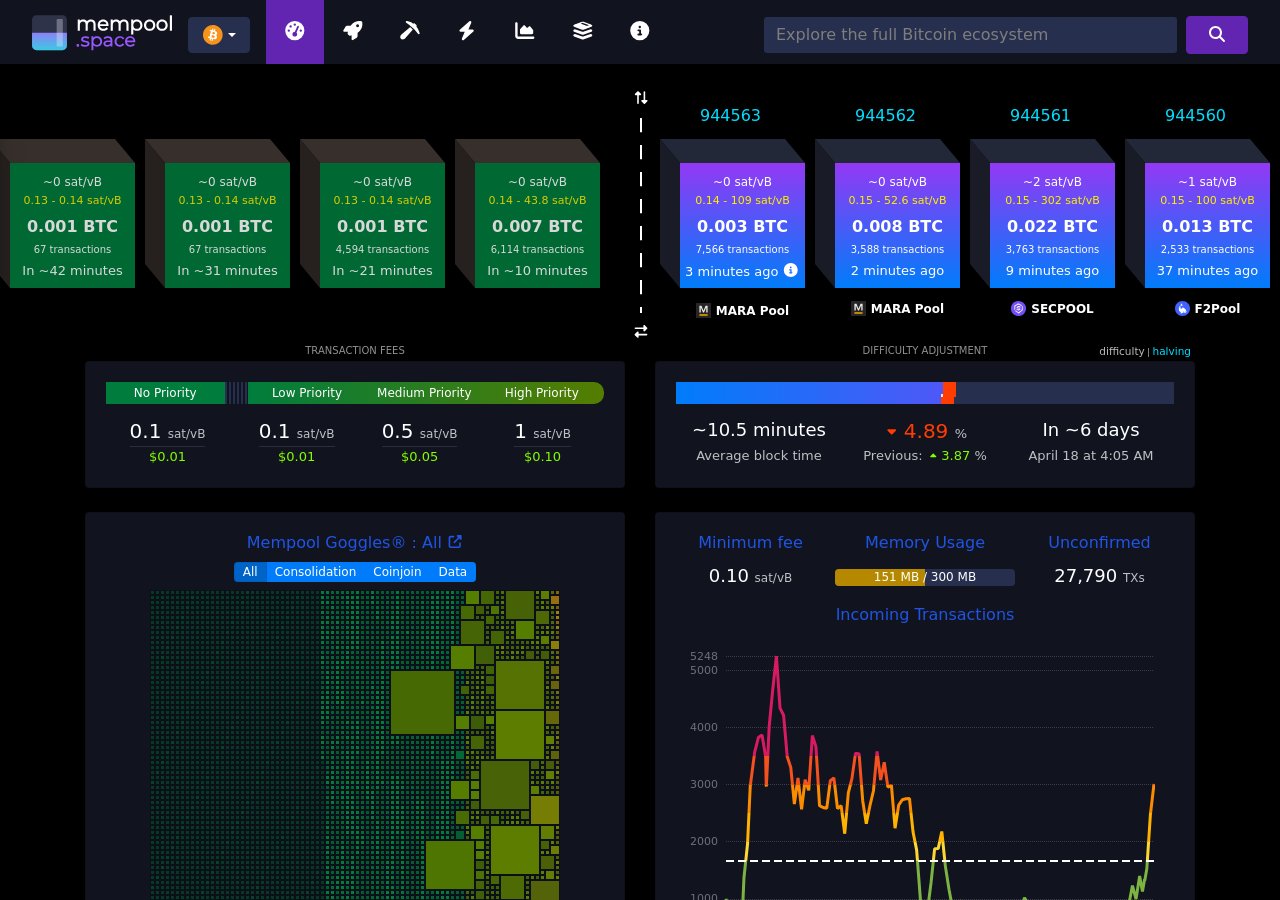
Most pools also offer email or Telegram alerts when a worker goes offline for more than a configurable period — usually 10 to 30 minutes. Turn these on. It takes three minutes and it is the single highest-value action a home miner can take to protect uptime. After the April 2024 halving, with the block reward at 3.125 BTC and network hashrate sitting between 800–1,000 EH/s (Source: mempool.space, Q1 2026), every hour of downtime matters more than it did two years ago. Margins are thinner now. Missed time does not average out the way it used to.
Third-Party Monitoring Tools Worth Using
If you are running more than one miner, or you want a single dashboard that aggregates pool data, miner status, and profitability in one place, third-party tools become genuinely useful. Here are the ones worth knowing about.
Minerstat
Minerstat supports ASIC miners from Bitmain, Goldshell, IceRiver, and others. It can monitor hashrate, temperatures, and pool connections, and send alerts via email, Telegram, or Discord. The free tier covers a small number of workers — enough for most home miners. The paid tiers add more workers and API access. (Source: minerstat.com, 2026)
ASIC Hub (Braiins)
If you are running Braiins OS+ firmware — which is available for a range of Antminer hardware — ASIC Hub is built into the ecosystem. It gives you per-chip hashrate data, autotuning status, and remote management through a browser. The monitoring depth here is noticeably better than the stock Antminer interface, particularly for diagnosing which specific hashboard is underperforming.
Simple Custom Scripts
Worth mentioning for the technically inclined: most ASIC miners expose a local API on port 4028 that returns JSON data about hashrate, temperature, and pool status. A simple Python script running on a Raspberry Pi on your home network can poll this every few minutes, log the data, and fire a notification via Telegram bot if values go out of range. It is not glamorous. It works extremely well.
Monitoring Method Comparison
| Method | Setup Difficulty | Data Depth | Alerts | Cost |
|---|---|---|---|---|
| Miner Web Interface + VPN | Medium | High (per-chip temps, fan RPM) | None built-in | Free |
| Pool Worker Dashboard + Alerts | Low | Medium (hashrate, shares, earnings) | Email / Telegram | Free |
| Minerstat | Low–Medium | High (multi-miner, remote control) | Email, Telegram, Discord | Free / ~€3–10/month |
| Braiins ASIC Hub | Medium (requires Braiins OS+) | Very High (per-chip, autotuning) | Built-in | Free (2% dev fee on firmware) |
| Custom API Script (RPi) | High | Configurable | Fully customisable | ~€30–50 hardware one-time |
In our experience shipping to customers across 27 EU countries, the biggest mistake beginners make is assuming that once a miner is hashing, it will keep hashing. It will not. Hardware that runs 24/7 in variable home temperatures needs to be watched — and the combination of pool alerts plus a VPN into your home network costs nothing and covers 90% of failure scenarios.
What a Properly Monitored Miner Actually Looks Like
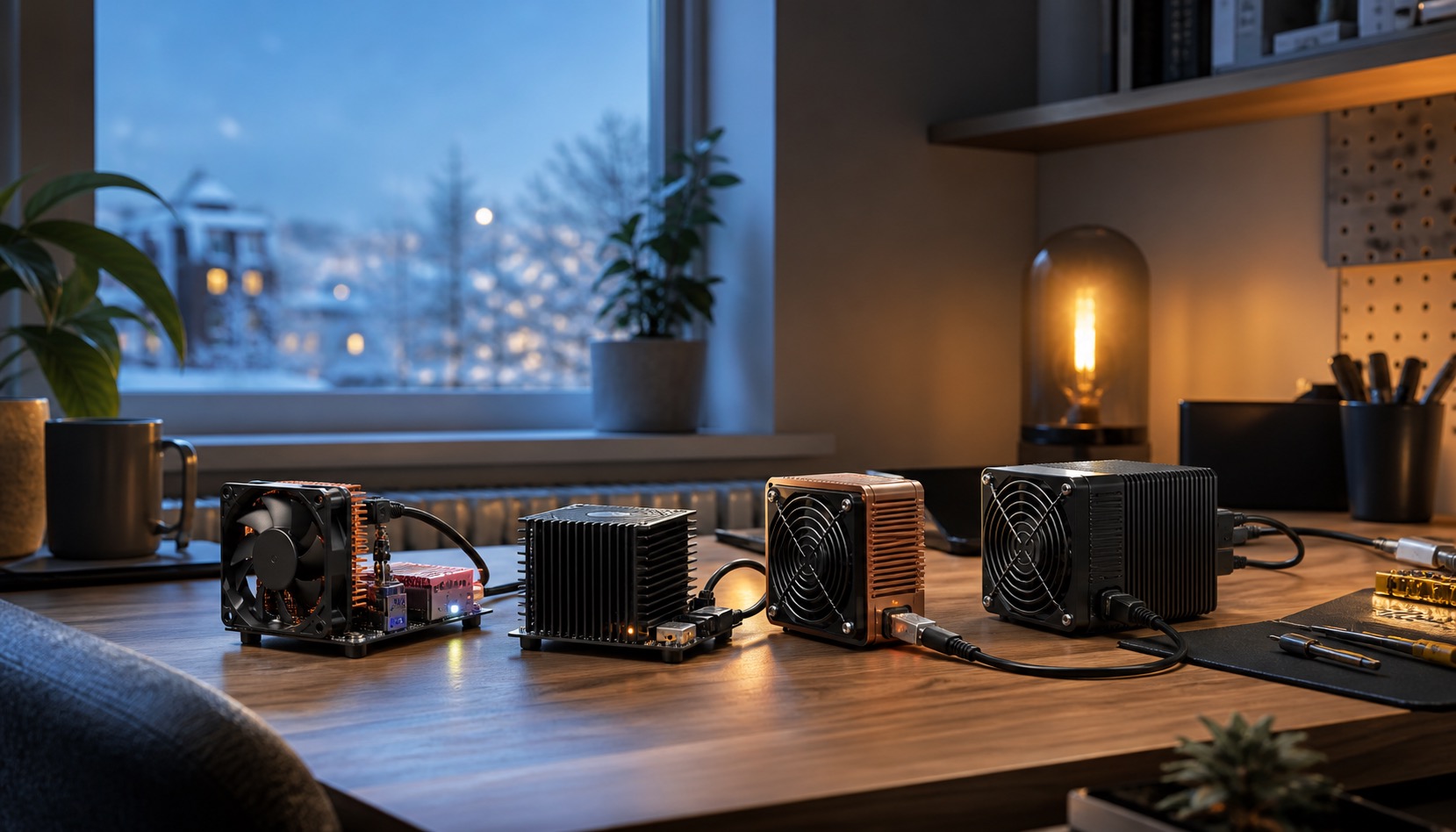
A well-monitored setup is not complicated. One miner. Pool worker alerts enabled for 15-minute offline threshold. VPN on your router so you can pull up the web panel from anywhere. That is it for a single machine. If you are running a Pinecone INIBOX at home as a quiet miner, this three-part setup takes an afternoon to configure and runs indefinitely.
Scale up to three or more machines — say you have a small farm in a garage or a dedicated room — and Minerstat or Braiins ASIC Hub starts paying for itself in recovered uptime within the first month. EU electricity costs between €0.20 and €0.30/kWh (Eurostat, Q4 2025), and at those rates, an undetected 24-hour outage on a mid-range miner represents €5–€8 in electricity paid for nothing, plus the lost mining revenue on top. That is real money, not abstract risk.
Mineshop.eu has been supplying European miners with genuine ASIC hardware since 2016; most orders ship from Ireland and Latvia, both in the EU, with fast DHL/FedEx delivery across all EU countries. Browse the full range of ASIC miners available now, or check the home miner category if you are working with limited space or noise constraints.
Remote Monitoring Tools: Feature Comparison
Choosing the right monitoring tool depends on how many machines you run, whether you need mobile alerts, and how comfortable you are with self-hosted software. Here is a practical comparison of the most widely used options among European home and small-farm miners.
| Tool | Best For | Cost | Mobile Alerts | Self-Hosted? |
|---|---|---|---|---|
| Braiins Farm Monitor | Antminer fleets, Braiins OS users | Free tier + paid | Yes | No (cloud) |
| Foreman.mn | Mixed fleets, MSP management | Free for <3 miners | Yes | No (cloud) |
| Grafana + Prometheus | Technical users, custom dashboards | Free (self-hosted) | Via plugins | Yes |
| Awesome Miner | Windows users, large farms | From €25/mo | Yes | Local app |
| Pool dashboard only | Single miners, beginners | Free | Limited | N/A |
For most home miners running one to three machines — such as a NerdQaxe++ or a compact mini miner — pool dashboard monitoring combined with simple email or Telegram alerts is sufficient. You do not need enterprise software for a home setup. The complexity and cost of tools like Awesome Miner only make sense once you are managing ten or more machines simultaneously.
What Metrics Actually Matter
Not all monitoring dashboards surface the same data. Some metrics are critical; others are noise. Here is what actually matters when watching an ASIC miner remotely.
Critical — Alert Immediately If These Change
- Hashrate drop below 90% of rated output — a 10% or greater sustained drop signals a hardware problem: dead chips, a failing hashboard, or a thermal issue causing throttling.
- Pool rejected share rate above 3% — occasional rejected shares are normal. Above 3% consistently means a network problem, incorrect difficulty setting, or a pool-side issue.
- Chip temperature above 85°C — most Antminer models throttle at 90°C and shut down at 95°C. Sustained operation above 85°C accelerates chip degradation.
- Fan RPM below minimum threshold — for most Antminers, the minimum is around 2,400 RPM. A fan reading below this will trigger a hardware error and eventual thermal shutdown.
- Miner offline for more than 5 minutes — any monitoring system worth using should alert you within five minutes of a miner going dark.
Useful — Check Weekly
- Average hashrate over 24 hours — compare against manufacturer spec. Small deviations are normal; sustained underperformance is not.
- Pool earnings versus expected — cross-reference your pool dashboard earnings against a calculator using your actual hashrate to catch pool-side issues or misconfigured difficulty.
- Uptime percentage — a healthy miner should be running 99%+ of the time. Frequent reboots indicate instability.
If you are unsure whether your monitoring setup is catching the right signals — or if you need help configuring alerts for hardware purchased through Mineshop.eu — contact our support team. We have helped miners across all 27 EU countries set up effective remote monitoring since 2016.
Frequently Asked Questions
Can I monitor my ASIC miner remotely without technical knowledge?
A: Yes, with minimal effort. Your mining pool's worker dashboard — available on Antpool, F2Pool, ViaBTC, and others — shows hashrate and submission status from any browser, no configuration required. Enable email or Telegram offline alerts (usually under account settings in the pool) and you have a functional remote monitoring system in under 10 minutes.
What is the best free tool to monitor ASIC miners remotely?
A: For a single miner, your pool's worker dashboard plus a VPN into your home network is the best free combination. For multiple miners, Minerstat's free tier supports up to a small number of workers and sends Telegram alerts. Braiins ASIC Hub is free if you run Braiins OS+ firmware, which works on many Antminer models, and offers the deepest per-chip monitoring data available without paying for third-party software.
How do I access my ASIC miner's web interface remotely?
A: The most reliable method is to set up a VPN server on your home router (WireGuard is widely supported on routers running OpenWrt or DD-WRT firmware). Once your phone or laptop connects to the VPN, it appears to be on your home network and can reach the miner's IP address directly. Alternatively, port forwarding works but exposes the interface to the internet — change the default admin credentials before doing this.
How often should I check my miner remotely?
A: With alerts configured on your pool (15–30 minute offline threshold is standard), you do not need to check manually very often. A quick daily glance at hashrate trend graphs is sufficient for most home miners. If temperatures in your mining space vary significantly with seasons — common across Northern and Central Europe — increase checks during summer heatwaves, when intake air temperatures above 35°C can cause thermal throttling or shutdowns.
What should I look for when monitoring an ASIC miner remotely?
A: Four things matter most: hashrate (is it at the expected level for your model?), board temperatures (normal range is 60–85°C; above 90°C is a warning), fan speeds (a fan dropping to zero RPM usually means it has failed), and accepted vs. rejected share ratio on the pool dashboard. A rejected share rate above 1–2% can indicate network latency to the pool server or a stratum configuration issue.
Do home miners in Europe need remote monitoring if they are in the same house?
A: Yes — but for a different reason. If your miner is in a garage, basement, or utility room, you are unlikely to notice a failure immediately even if you are home. Pool alerts cost nothing and catch failures within 15 minutes regardless of where you are. The 6 hours of missed hashrate from a 3am crash discovered at breakfast is a real scenario, and a €0 fix prevents it entirely.
Comments (0)