



Why Run Local AI Models in 2026?
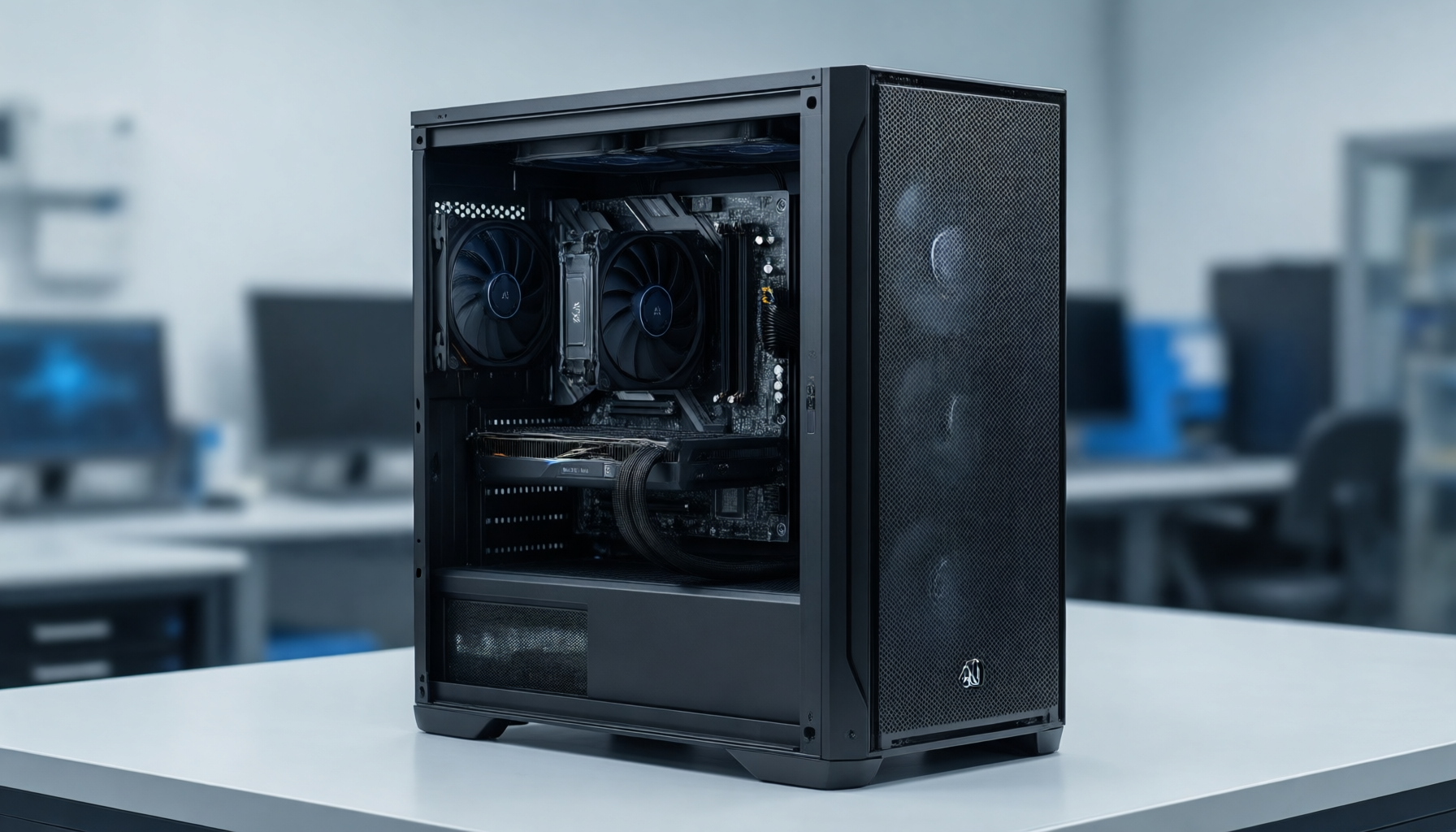
By 2026, the landscape of artificial intelligence has shifted dramatically. European businesses, creators, and developers are increasingly moving away from cloud-only AI solutions and embracing local AI workloads. The reasons are clear: data privacy, long-term subscription costs, latency, and the need for customized, offline-capable workflows. Running large language models (LLMs), image generation pipelines, and automated data extraction locally ensures that your proprietary data never leaves your corporate network.
However, to run these advanced models efficiently, you need the right hardware. Choosing an AI workstation is a significant investment, and making the right choice requires understanding how computational requirements have evolved. Whether you are a developer testing code or a business owner implementing enterprise-wide private AI, your hardware dictates your capabilities.
At Mineshop.eu, we understand the European market's demand for secure, high-performance computing. This guide will help you navigate the hardware specifications needed for local AI in 2026.
Understanding the Core Components of an AI Workstation
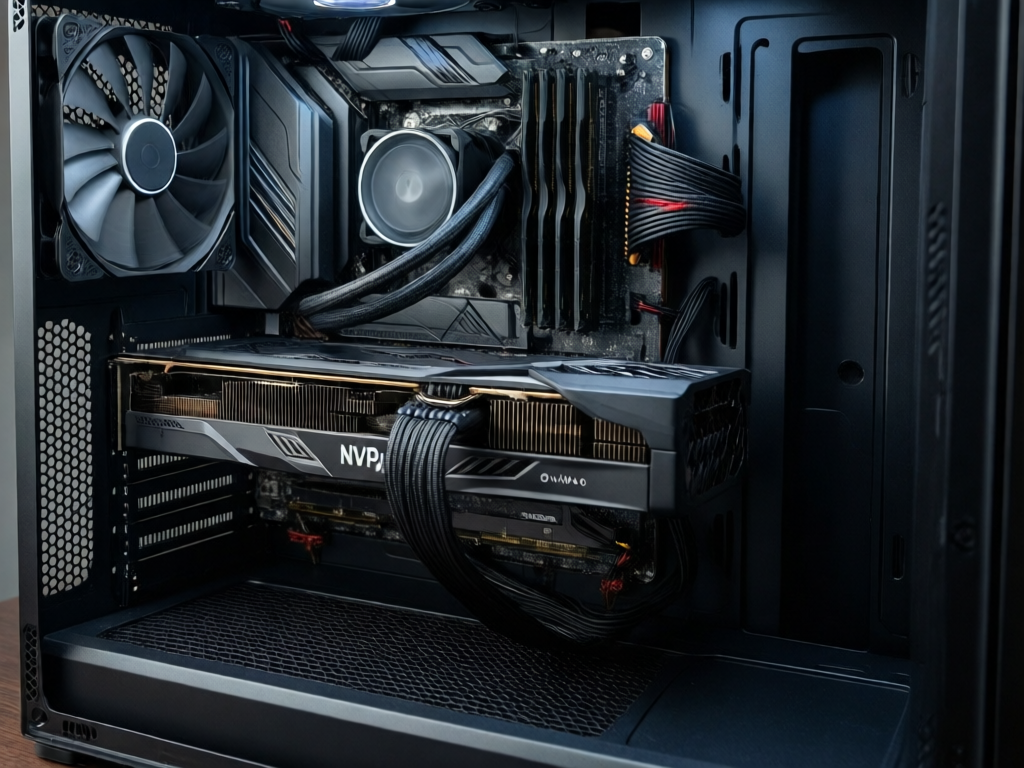
When configuring an AI workstation, you must look beyond standard desktop PC specifications. AI workloads—particularly neural networks and LLMs—require specialized hardware configurations to function optimally. The primary bottleneck for local AI is rarely the CPU; it is almost always GPU VRAM (Video RAM) and memory bandwidth.
It is crucial to note that exact local AI performance depends on model size, quantization, VRAM, and runtime. A model run at 4-bit quantization will perform vastly differently than an unquantized model, and different inference runtimes (like vLLM or llama.cpp) will yield varying throughput speeds. Therefore, your hardware must be built to handle the worst-case scenarios of your specific workload.
GPU and VRAM Requirements
The GPU is the heart of any AI workstation. In 2026, running local LLMs effectively requires substantial VRAM. For example, running an 8B parameter model comfortably might require 12GB to 16GB of VRAM, but enterprise-grade models or complex image generation workflows demand much more. When choosing a GPU, prioritize VRAM capacity over raw compute speed if you must compromise. A card with 24GB of VRAM will allow you to load larger context windows and bigger models than a faster card with less memory.
For European buyers, sourcing workstations with dual GPU configurations is often the best approach for scaling. You can find excellent pre-configured options in our AI workstation category, designed specifically to handle multi-GPU PCIe lanes without bottlenecking.
System Memory (RAM)
System RAM is critical because it acts as a staging area for your models before they are loaded into the GPU VRAM, and it handles offloading when VRAM is exceeded. In 2026, 32GB of RAM is the absolute minimum for a functional AI workstation, but 64GB or 128GB is highly recommended for serious developers. If you are working with large datasets for Retrieval-Augmented Generation (RAG) or running multiple local models simultaneously, high-capacity RAM is non-negotiable.
Storage: Speed and Capacity
AI models are massive. A single modern open-source model can take up 40GB to 100GB of storage space, and you will likely have multiple models, datasets, and checkpoints on your machine. Do not use standard HDDs for AI workloads. Your workstation should be equipped with NVMe SSDs (PCIe Gen 4 or Gen 5) to ensure that model loading times are minimized. A storage capacity of 4TB to 8TB is a practical starting point for an AI workstation in 2026.
Cooling and Power Delivery
Running multi-GPU setups under sustained loads generates immense heat and requires significant power. A reliable AI workstation needs an oversized power supply (PSU) and a chassis optimized for airflow. Workstations built for AI often feature specialized cooling solutions to prevent thermal throttling, which can severely degrade performance during long inference runs or training epochs.
Comparing Workstation Categories for AI
Not every user needs a data-center-grade server. Below is a comparison table to help you identify which type of workstation fits your specific needs, from entry-level development to enterprise private AI.
| Workstation Category | Typical Use Case | GPU VRAM | System RAM | Ideal For |
|---|---|---|---|---|
| Entry-Level AI PC | Testing small models, code completion, light image generation | 12GB - 16GB | 32GB | Creators, junior developers, hobbyists |
| Mid-Range Workstation | Running 8B-13B parameter models, local RAG, stable diffusion | 24GB - 48GB | 64GB - 128GB | Independent developers, small studios |
| High-End Multi-GPU | Enterprise LLMs, complex pipelines, multi-user concurrent access | 48GB - 96GB+ | 128GB - 256GB | Business owners, enterprise technical buyers |
| Compact AI Server (e.g., DGX Spark) | Edge deployment, dedicated private AI server, high-density compute | Varies (Highly optimized) | High-capacity ECC | Offices needing data-center power in workstation form factor |
Choosing the Right Form Factor for Your Business
When buying an AI workstation, form factor matters. A standard tower workstation might suffice for a single developer, but businesses looking to centralize their AI compute power might prefer a rack-mounted or compact server form factor. For those who need data-center-level throughput in a localized, quiet package, systems like the NVIDIA DGX Spark offer a compelling, turnkey solution. These systems are pre-configured to handle the intense memory and compute requirements of modern AI without the DIY assembly hassle.
For European businesses, relying on a local European supplier like Mineshop.eu ensures that your hardware meets regional power standards, compliance requirements, and fast shipping without import delays. We provide full warranty support and custom configurations tailored to your specific AI workload.
Key Questions When Buying an AI Workstation
To ensure you make the right purchase, ask yourself these questions before checking out:
- What is the maximum model size I intend to run locally? (This dictates your VRAM requirements).
- Will I be sharing this workstation over a network with multiple users? (This impacts CPU and RAM needs).
- Is my priority text generation (LLMs) or image generation? (Image generation often requires less VRAM but more compute cycles).
- What is my budget for power consumption and cooling? (High-end workstations draw significant wattage).
Frequently Asked Questions
Why choose an AI workstation over cloud-based AI APIs?
How much VRAM do I need to run a local LLM in 2026?
Can I upgrade an AI workstation in the future?
Does Mineshop.eu ship AI workstations across Europe?
Conclusion
Choosing the right AI workstation for local models in 2026 is about balancing VRAM capacity, system memory, and storage speed against your specific workload demands. By understanding the interplay between model size, quantization, and hardware, you can make an informed investment that powers your private AI infrastructure for years to come. Explore our full range of hardware at Mineshop.eu to find the perfect fit for your business needs.
Comments (0)