



An AI server is a rack-mounted machine purpose-built for inference and fine-tuning: passive-cooled professional GPUs, dense memory, enterprise power — built to serve models around the clock for teams and customers. This tag gathers MineShop's AI server coverage: hardware selection, GPU density, pricing realities and deployment patterns for European builders.
When you need a server, not a workstation
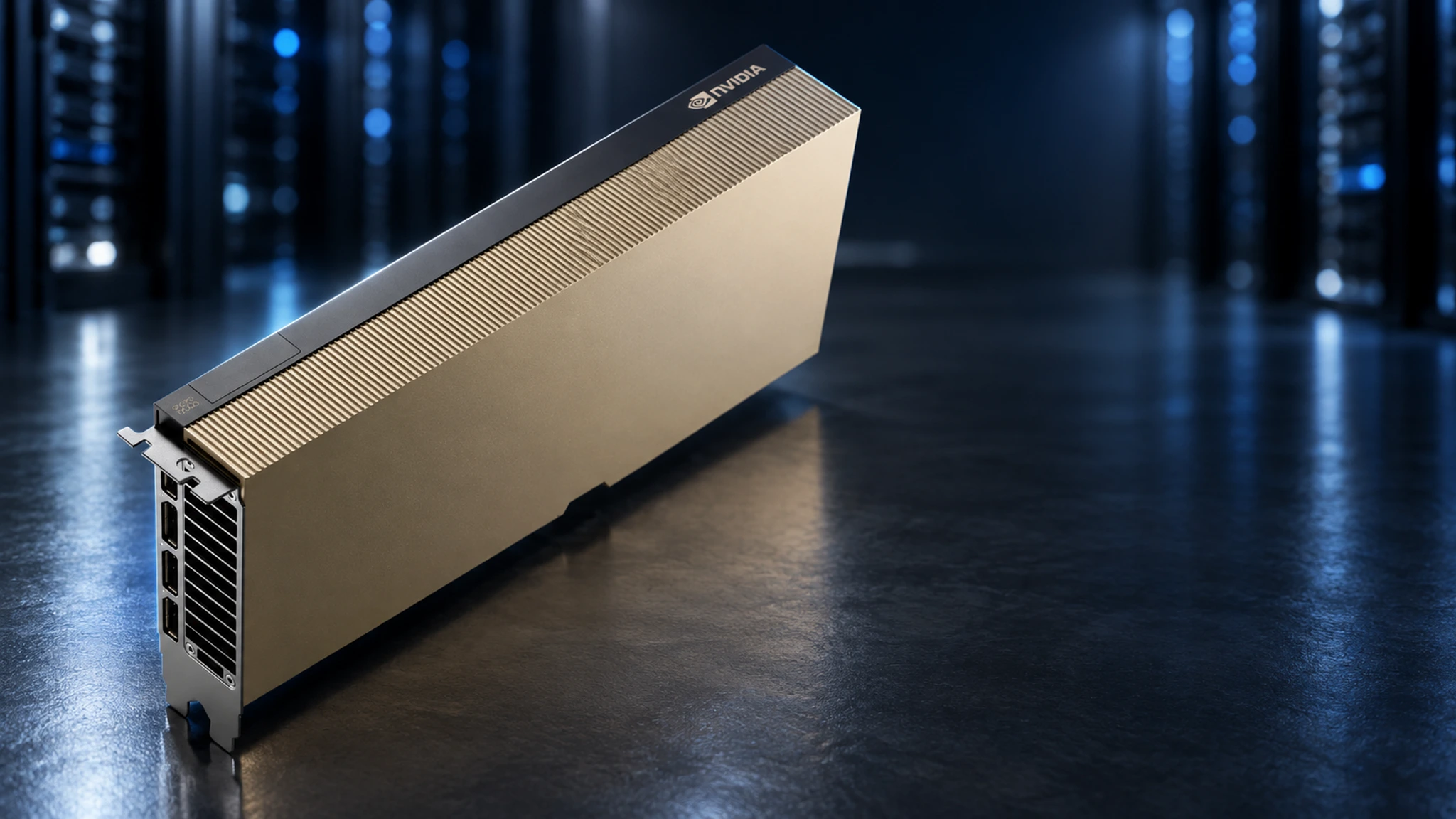
The line is simple: if AI is a product or a shared team resource, you want a server. Desk-side AI workstations handle individual productivity brilliantly; an AI server handles concurrency, uptime and scale. That means multiple GPUs with proper cooling, remote management, and cards designed for sustained loads — like the fanless RTX PRO 6000D Blackwell Server Edition, NVIDIA's data-centre variant with 84 GB of GDDR7 built for exactly this duty.
What drives AI server cost
"AI server price" searches spike because the range is enormous. The variables: GPU count, VRAM per GPU, networking and platform. A single-GPU inference server starts at approachable levels; multi-GPU training rigs scale steeply. Our buying guides break down where money is well spent (VRAM, cooling, power headroom) and where it is not. Comparing against appliances like the NVIDIA DGX Station is instructive — you pay for integration, and self-built routes through our server GPU selection guides often deliver more VRAM per euro.
Serving models in production
Hardware is half the story; the serving stack is the other half. vLLM, TGI and NVIDIA Triton turn GPUs into APIs; Ollama powers lighter internal deployments. Our deployment walkthroughs cover model quantisation, batching for throughput, and monitoring — with real numbers from cards like the RTX PRO 6000 96 GB that also anchor many server builds.
EU hosting and data residency
European teams increasingly need AI infrastructure inside the EU — GDPR, client contracts and latency all point the same direction. Owning the hardware (or colocating it) makes residency trivially provable. We ship AI server components and configurations across the EU from our European warehouse; the tutorials hub covers colocation economics versus cloud GPU rental.
Sizing an inference server: the concurrency maths
Servers are bought for concurrent users, not single prompts. One professional GPU serves several simultaneous chat streams comfortably; a coding team of ten with aggressive agents wants two GPUs and batching; a customer-facing product wants a small fleet behind a load balancer. The variables are context length, model size and burstiness — our sizing guide works through three real deployments (agency, software house, SaaS) with tokens-per-second numbers from the RTX PRO 6000 96 GB and the 6000D Server Edition.
Rack, power and cooling — the unglamorous essentials
A GPU server is only as good as its environment: 220V circuits, PDUs with headroom, chassis airflow engineered for passive cards, and noise planning if it lives near humans. Our deployment checklists cover colocation selection in the EU, home-lab rack builds, and the eternal question — cloud GPUs versus owning — with honest break-even tables. The server GPU tag collects the hardware side; the tutorials hub holds the full series.
From single GPU to fleet
The healthiest pattern we see: start with one desk-side AI workstation, prove the workflows with Ollama and LM Studio, then graduate to a rack server when the whole team wants access. Scaling laterally — same card family, more slots — keeps your software stack identical and your knowledge transferable.
Choosing your serving stack
Three stacks cover ninety percent of deployments: Ollama for internal tools and fast iteration; vLLM or TGI when throughput and batching economics matter; NVIDIA Triton when you need multi-model routing at production scale. Each has honest trade-offs in memory management, quantisation support and ops complexity — our stack-selection guide walks a fictional-but-realistic European SaaS from first deploy to multi-tenant serving on RTX PRO 6000D servers, with configs you can copy.
Monitoring and observability
Production inference needs eyes: tokens per second, queue depth, VRAM headroom, thermals and power draw — trending, not just live. The GPU side exposes everything through standard tooling; the serving side needs a few sensible metrics endpoints. We document a lightweight monitoring setup that fits in an afternoon and answers the only question that matters at 3 AM: is the AI slow, or is it down? Extend it with the alerting patterns from our ops tutorials.
Budgeting the whole lifecycle
Hardware is line one; budget also for power, cooling headroom, spares strategy and the engineer-hours of maintenance. Owning beats cloud GPU rental surprisingly often at steady utilization — the break-even tables in this tag use European power prices and real workstation and server configurations, updated as the market moves.
Official resources
NVIDIA's RTX PRO 6000 Server Edition page has data-centre specifications, and NVIDIA AI covers the full enterprise stack.
