


Ollama made running local models a one-liner: install it, type a model name, and a fully configured LLM runs on your machine with a local API. It became the backbone of the local AI movement — the tool every framework, IDE and agent integrates first. This tag gathers MineShop's Ollama coverage: setup guides, model selection and the hardware that turns it from a demo into infrastructure.
What Ollama actually is
Under the hood, Ollama bundles model weights, quantisation and a serving layer into a single command. "What is Ollama" is really "what if running a frontier model was as easy as running a web server". It exposes an OpenAI-compatible endpoint on localhost, which means thousands of existing tools — coding agents, chat UIs, automation pipelines — point at it with one config change. For GUI lovers, LM Studio covers similar ground with a friendlier face; the two coexist happily on the same machine.
Choosing models: the practical guide
"Ollama models" searches are volume searches: which model for coding? For writing? For a Raspberry Pi versus a workstation? Our guides sort the catalogue by use-case and hardware class. The rule of thumb: pick the largest model your VRAM comfortably holds, not the largest that exists. On the RTX PRO 6000 with 96 GB, that means frontier-class models with long context for whole teams; on smaller cards, efficient mid-size models still impress. See the local LLM ladder for the full breakdown.
From laptop to AI server
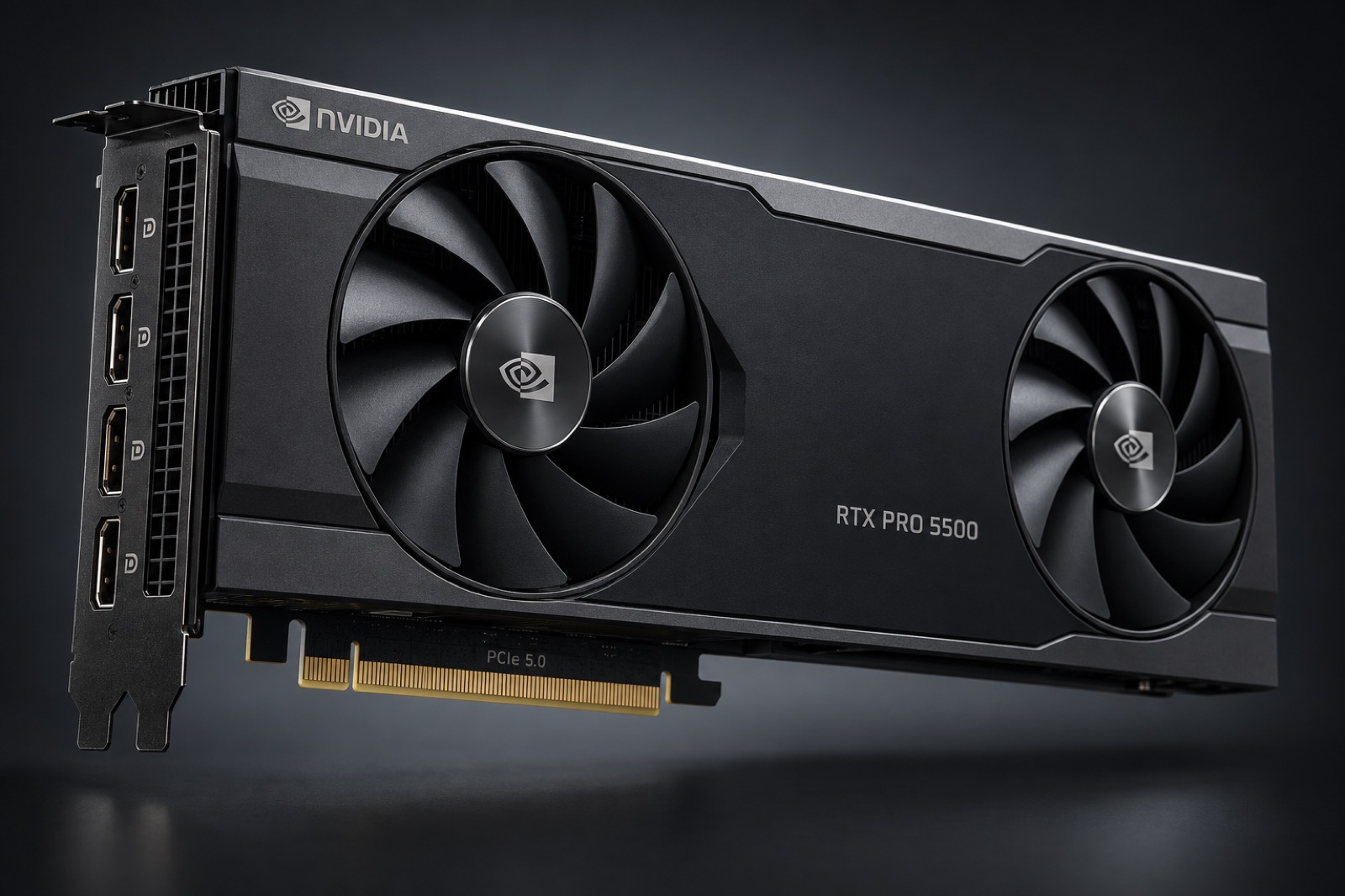
Ollama scales with your ambitions. It runs on a laptop for experiments, on a desktop AI workstation for daily work, and on rack hardware — the fanless RTX PRO 6000D Server Edition serving an office — for real concurrency. Our AI server guides cover the always-on tier; the tutorials hub has the rest.
Ollama as your local API backbone
The moment Ollama clicks is when your tools start using it: the IDE completion plugin, the note-taking assistant, the script that summarises documents overnight — all pointed at the same local endpoint, all free at the margin. Ollama runs as a background service, pulls models on demand and keeps them warm. On a shared AI workstation or an AI server, it becomes the household AI utility: one address, every model, zero API keys.
Modelfiles: reproducible model configs
Ollama's Modelfiles capture a model, its quantisation, system prompt and parameters in one small file — the local-AI equivalent of a Dockerfile. Teams keep them in git; our guides show patterns for a house coding model, a careful writing model and a fast drafting model, all versioned. Pair them with the hardware guidance in the local LLM tag and you have a private AI platform that fits in a tower.
Keeping it running
Day-two operations are where local setups live or die: systemd units for auto-start, log rotation, GPU monitoring, and graceful model eviction when VRAM runs tight. We cover the ops layer for both desk machines and rack server GPUs — the same reliability habits miners learned running hardware 24/7, applied to inference. More in the tutorials hub.
Beyond chat: agents and pipelines
The most interesting local AI work in 2026 is agentic: coding agents that explore a repo overnight, document pipelines that chew through archives, assistants that browse, read and draft — with Ollama as the model engine underneath. Agents hammer hardware differently from chat: long contexts, bursty parallel calls, tight latency needs. That profile is exactly what 96 GB-class cards absorb gracefully; see the hardware ladder for sizing, and the server guides for multi-user agent farms.
When to graduate from Ollama
Ollama is a superb default and a limited ceiling: single-node, best-effort scheduling, brilliant for teams into the dozens. The signals to graduate: persistent queues at busy hours, multi-model routing needs, strict SLAs, or multi-GPU saturation. The path keeps your models and configs — vLLM serves the same weights, Triton routes between them — and your hardware investment carries over intact. We document the migration in the tutorials hub.
Models are coffee; hardware is the kitchen
New model releases arrive weekly and old favourites fade — but the RTX PRO 6000-class GPU keeps serving them for years. That asymmetry is the core advice of this tag: invest in memory and bandwidth, sample models freely, and let the software churn while the hardware compounds.
Get Ollama
One command, free, at ollama.com — model library and docs included.