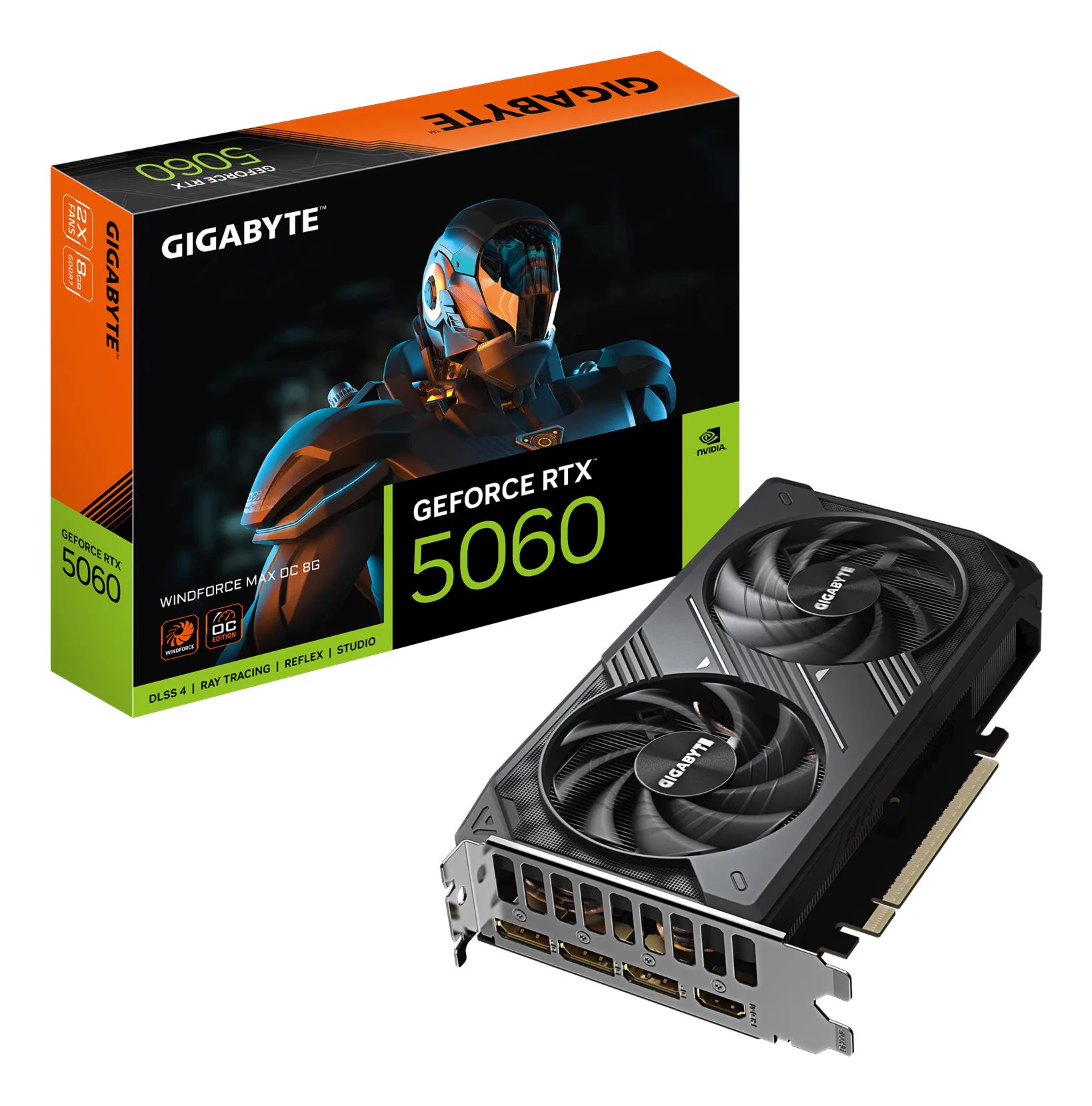
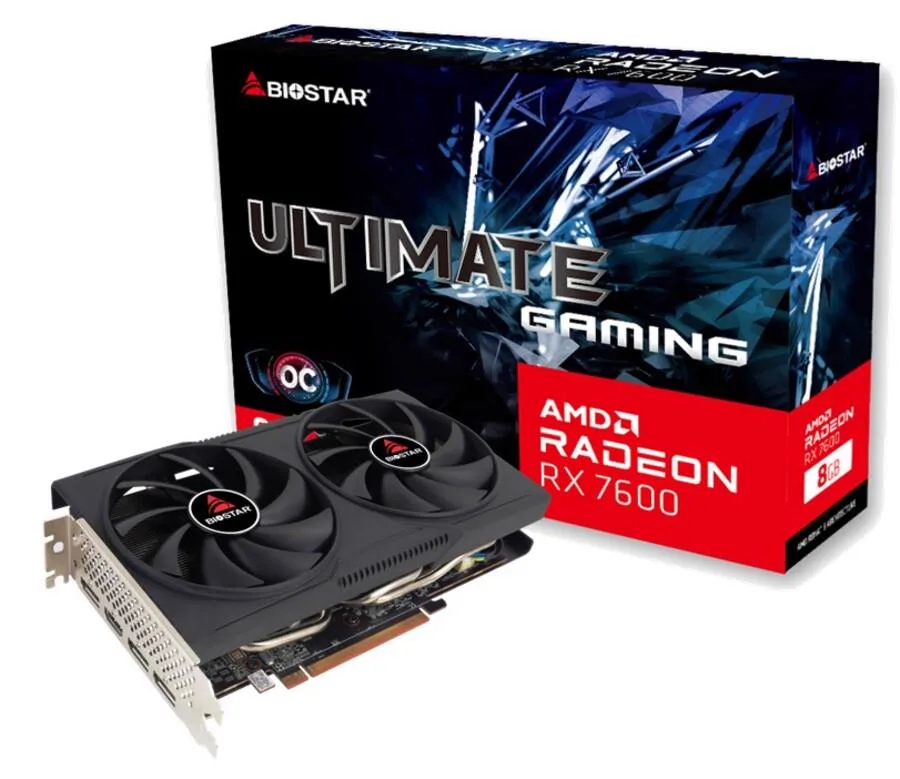
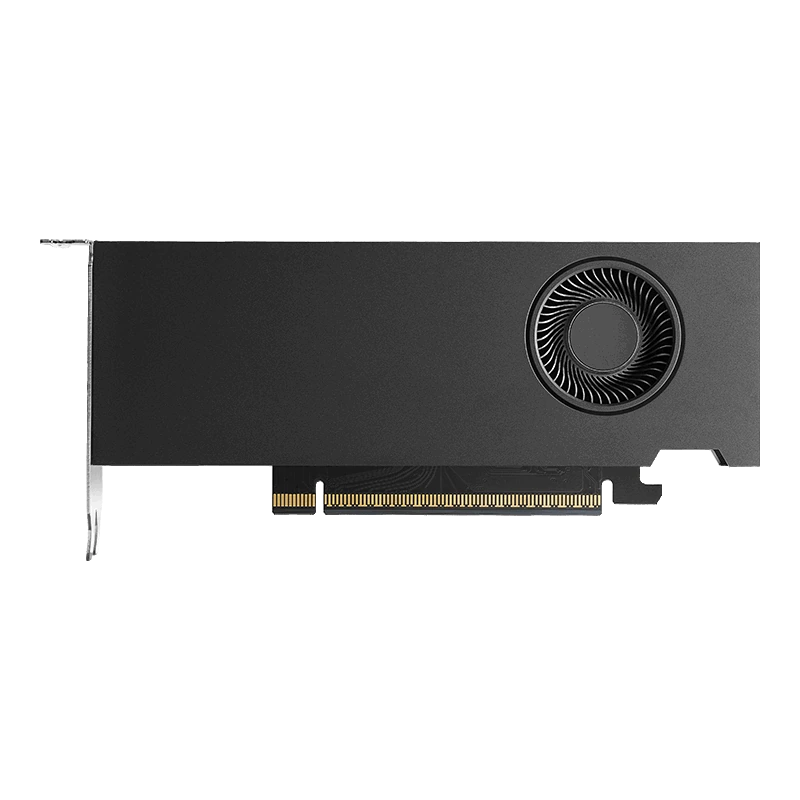
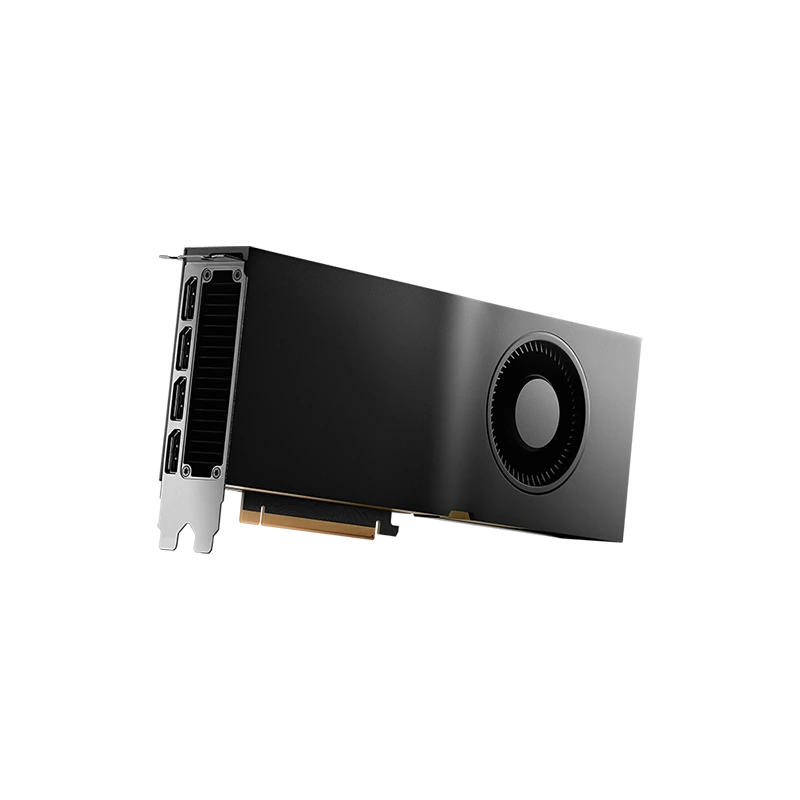
Choosing a graphics card means matching the GPU to your software, display and physical system, not simply buying the largest model number. This category includes consumer GeForce cards, professional NVIDIA RTX PRO hardware and older or used Radeon options. Gaming, rendering and local AI can place very different demands on the same component. Start with your workload, then check memory, dimensions, software support and power requirements for the exact card.
How to choose a graphics card for your workload
Write down what the card must do: the games and display resolution you use, the rendering application you work in, or the AI software you intend to run. Check that application's hardware requirements and supported acceleration methods. Brand or memory capacity alone does not prove that a particular workflow is supported. Compare relevant independent application tests rather than treating a product name as a performance guarantee.
For a new build, balance the GPU with your processor choice and motherboard platform. For an upgrade, inspect the existing system first. Record the expansion slot, case clearance and available power connections. A card can be suitable for your software while still being unsuitable for the chassis or electrical arrangement you already have.
Consumer GeForce examples
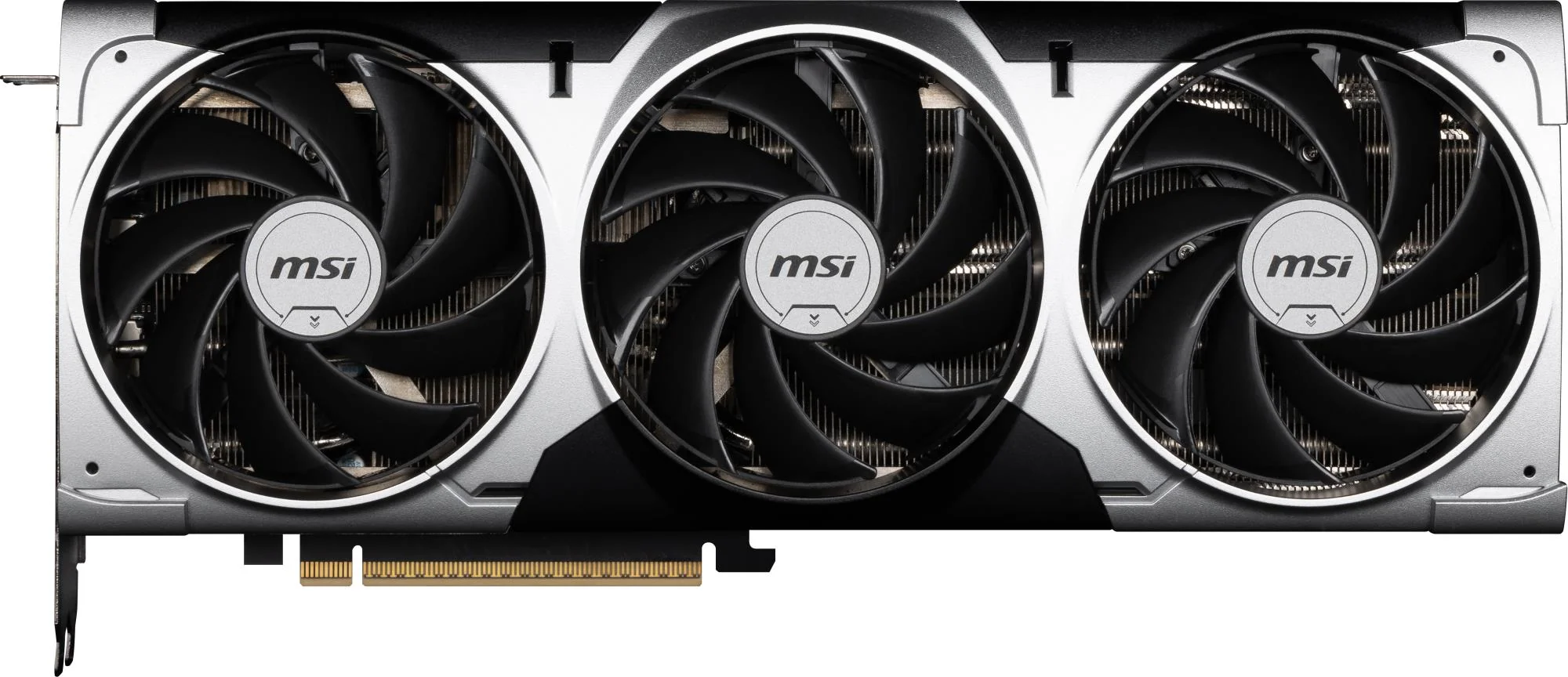
The MSI GeForce RTX 5060 Ti VENTUS 2X OC PLUS has 16GB GDDR7 and published dimensions of 227 × 126 × 41mm. The Palit RTX 5080 Infinity 3 also has 16GB GDDR7, but measures 331.9 × 127.1 × 56.8mm. Equal memory capacity does not imply equal GPU performance or equal physical fit.
The GIGABYTE RTX 5070 Ti AERO OC rev. 1.0 provides another 16GB GDDR7 example, with dimensions of 340 × 149 × 75mm. Check the exact revision when comparing specifications. Card thickness and height matter alongside length, particularly when nearby expansion slots or side-panel clearance are limited.
VRAM, system memory and professional hardware
Dedicated video memory stores data used by the GPU. The amount your application needs depends on its actual workload and settings. A larger VRAM figure may help a task fit into memory, but it does not by itself establish processing speed. Your system memory serves a different role and should be planned separately; adding desktop RAM does not turn a lower-capacity card into an equivalent higher-capacity GPU.
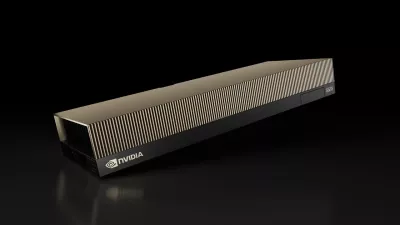
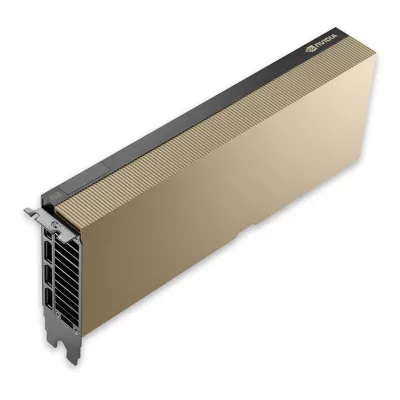
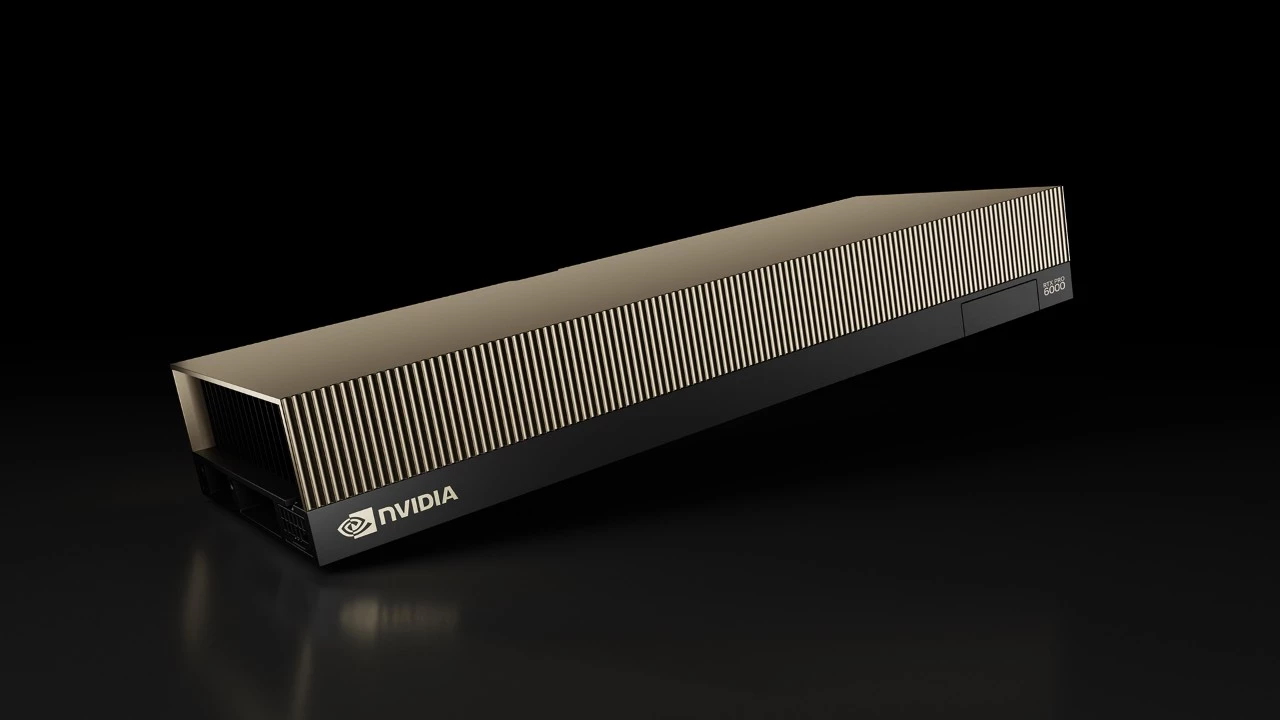
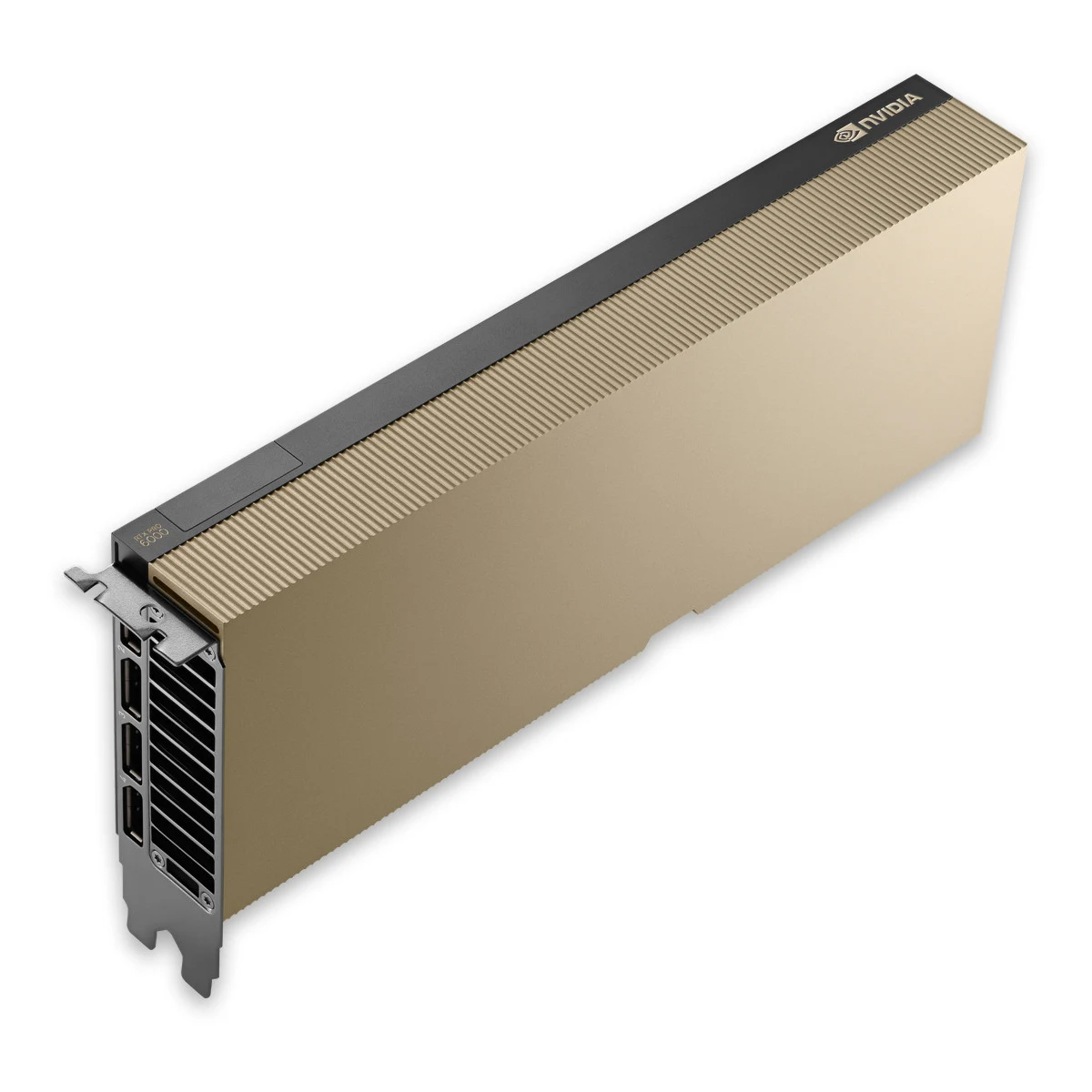
The NVIDIA RTX PRO 6000 Blackwell Server Edition is listed with 96GB GDDR7 with ECC. Treat the Server Edition as a distinct product, not a generic desktop-card replacement. Confirm its required cooling arrangement, chassis integration, power provision and software suitability before designing a system around it. The memory specification does not guarantee that any chosen AI model will run at a particular speed.
For local AI, identify the model, software framework, memory format and intended workload before selecting hardware. Inference, fine-tuning and rendering are not interchangeable requirements. The guide to choosing a workstation for local AI offers a broader planning starting point, but the final decision still needs application-specific checks.
Case fit, displays and connections
Measure the usable space inside the case, allowing for front fans, radiators, drive cages and the GPU power lead. Compare all published dimensions, not just card length. Leave adequate room for cable routing and follow the connector manufacturer's bending guidance. A card that fits on paper may still need a different layout when other components occupy the same space.
Check the card's exact display outputs against your monitor inputs and intended setup. Cable and adapter capabilities also matter. Do not infer port types or supported display combinations from the GPU family name alone. For heavy cards, follow the installation instructions and any support requirements rather than leaving the expansion slot to bear an unsuitable load.
Power and efficiency: plan the complete system
Review the exact card's power requirements and required connectors before choosing among PC power supplies. Include the processor and other components in the plan, and follow the relevant hardware recommendations for headroom. A power connector's rating is not a measurement of what the system will continuously consume.
Efficiency depends on the application, settings and complete build. Do not assume the most powerful card is always the best choice for your daily workload. Cooling, noise and available space can be just as important. Organize a new build with the PC configurator, then check the exact parts and manufacturer requirements before committing to the combination.
Buy carefully: condition, delivery and warranty
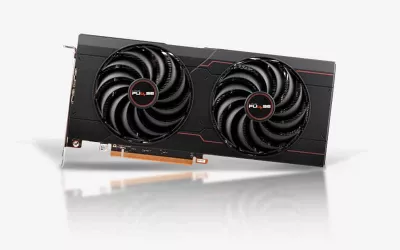
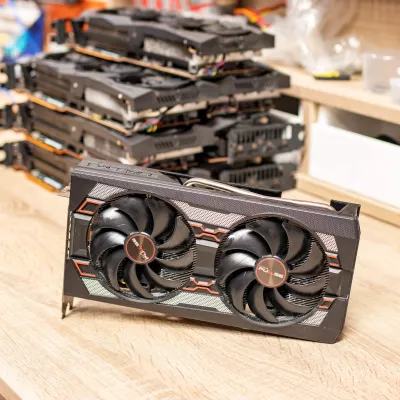
When you buy graphics card hardware, compare the exact variant and its stated condition. This category includes older and used hardware as well as newer consumer and professional designs. A used listing should not be interpreted as a promise of a particular cosmetic condition or accessory bundle; read the individual description and clarify anything essential to your installation.
Mineshop offers tracked delivery to all 27 EU countries from our warehouses in Ireland and Latvia. Consult the delivery information and selected product details for the applicable arrangement. This guide makes no stock or dispatch-time claim. Confirm product-specific warranty coverage and claim requirements, keep the invoice and packaging, and read the return policy. No blanket warranty duration is implied.
GPU buying FAQ
Does more VRAM always mean a faster GPU?
No. Memory capacity and processing performance are different characteristics. Compare the exact application and card.
Can I judge fit by card length alone?
No. Check length, height, thickness and power-cable clearance against the complete case layout.
Is Server Edition hardware automatically suitable for a desktop?
No. Confirm the exact cooling, chassis, power and software requirements before choosing professional server hardware.
Do all cards here have the same condition and warranty?
No. Read the individual listing and applicable warranty terms, especially for used hardware.