An ATX motherboard is the foundation of a desktop build, but size is only the first compatibility check. The right board must also match your processor, memory and expansion requirements. This category brings together AMD AM5 boards, Intel-based alternatives and specialist mining boards. Choose by the exact model's specifications rather than assuming that every board here uses the same socket, memory generation or case format.
Choosing an ATX motherboard: start with the platform
Decide which processor you want to use before comparing board features. Socket compatibility is essential, but you must also check the manufacturer's CPU support list and required BIOS version. A matching socket name alone does not establish support for every processor associated with that platform. Review the processor selection alongside the board documentation, especially when upgrading an existing system.
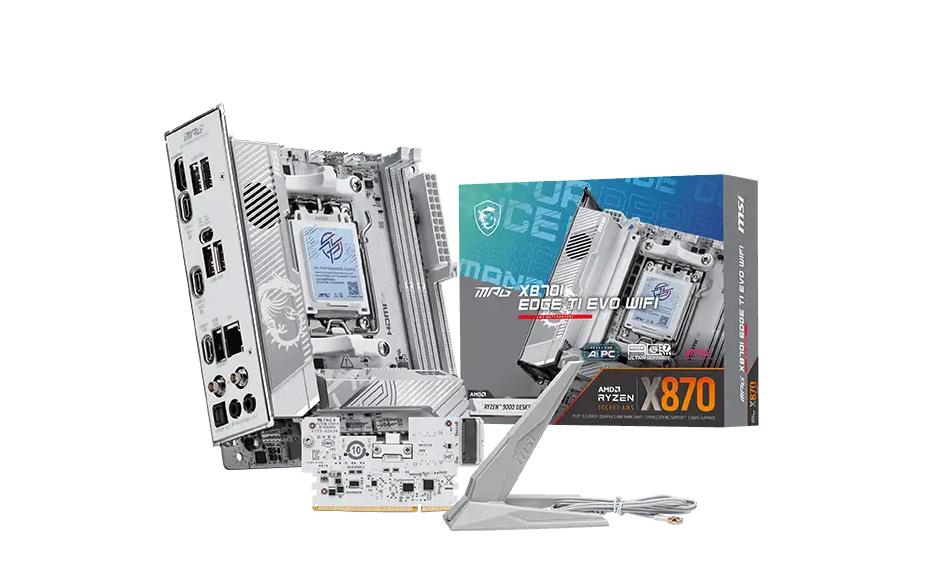
Next, confirm the case accepts the board's physical format and that its mounting points match. An ATX design and a Micro-ATX design have different dimensions and expansion layouts. If a mini ITX motherboard is your starting point, check the exact case and board format before selecting a replacement; this category should not be treated as a promise that a particular compact model is offered.
Examples from the AM5 range
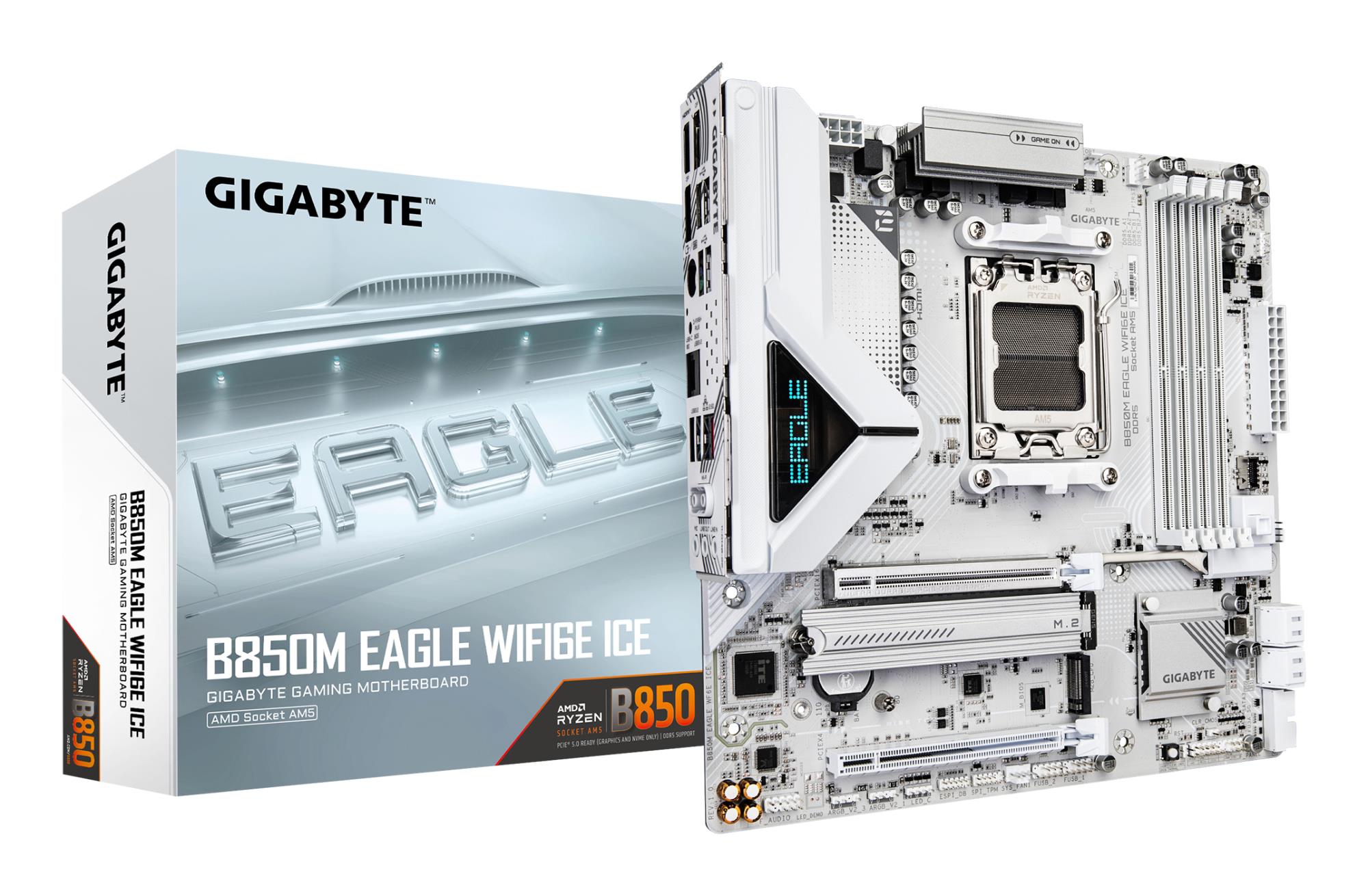
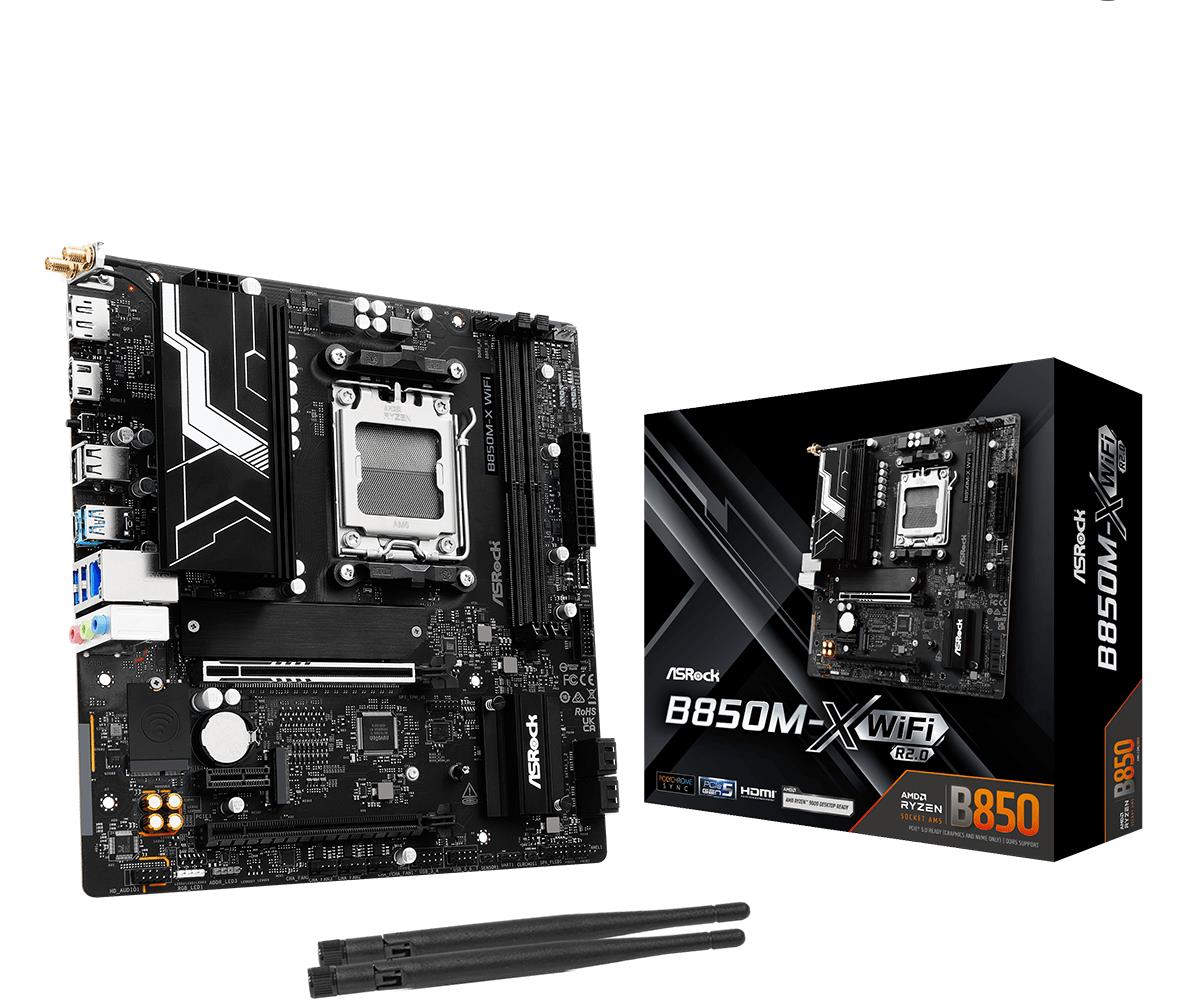
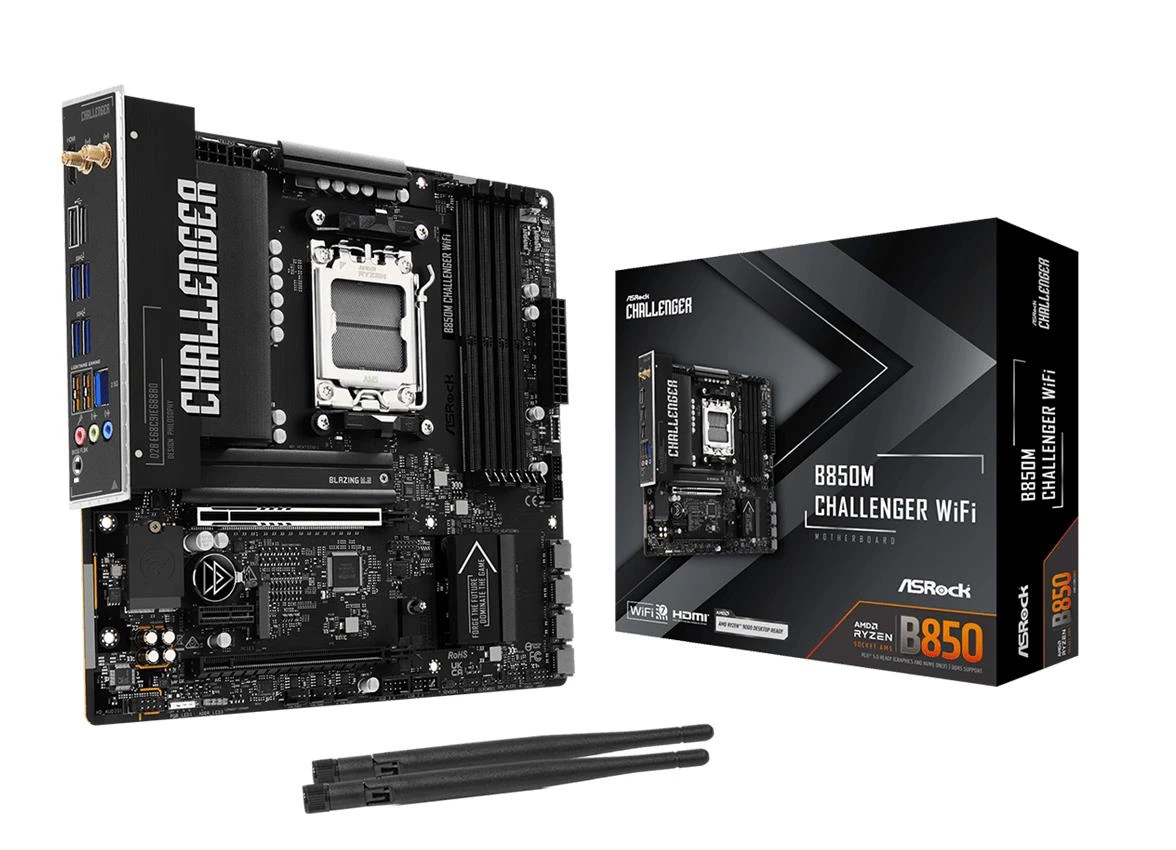
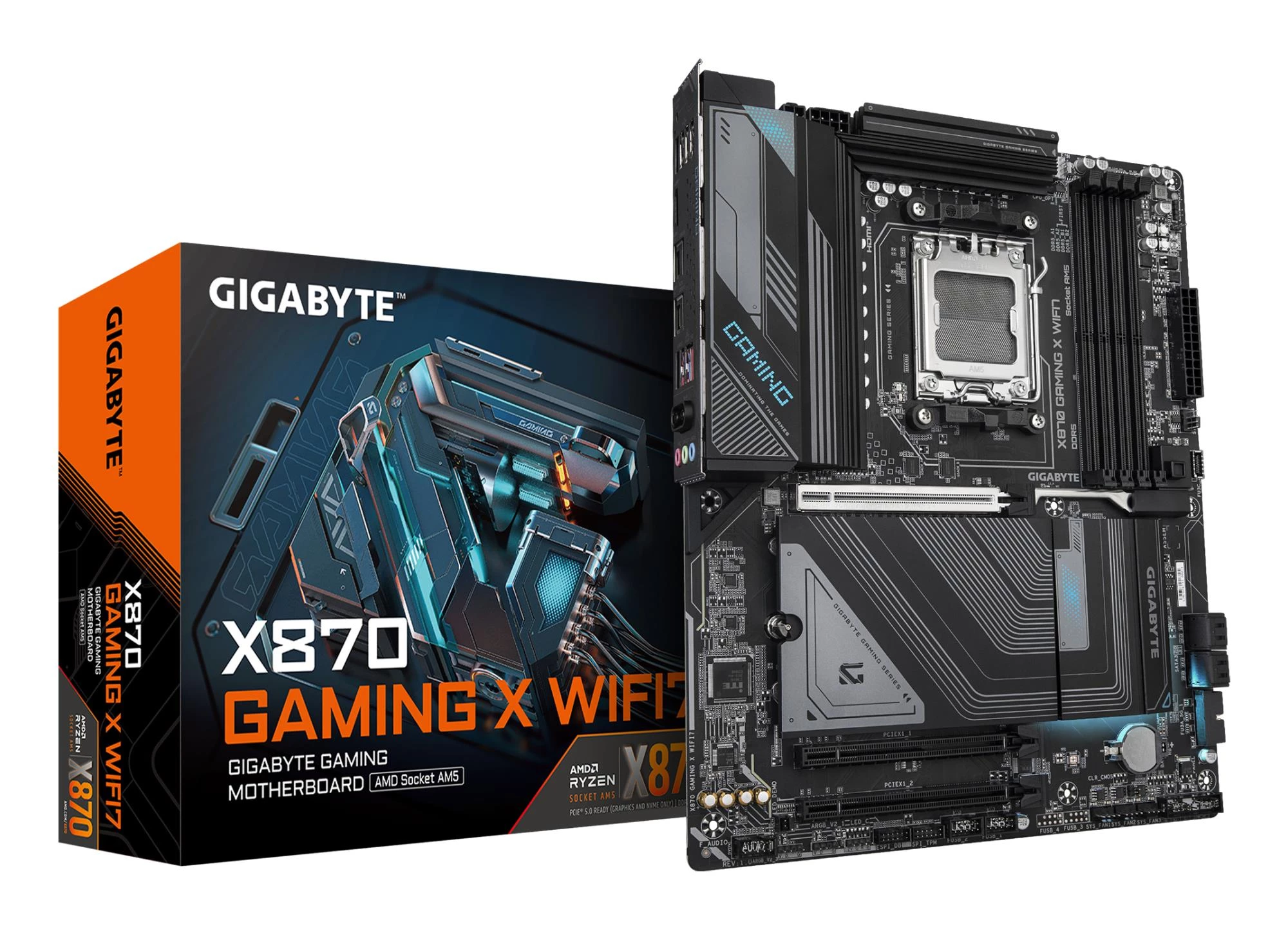
The ASRock B850M Challenger WiFi is a Micro-ATX AM5 motherboard with the B850 chipset and DDR5 UDIMM support. The GIGABYTE X870 GAMING X WIFI7 rev. 1.1 instead uses an ATX format with AM5, X870 and DDR5 UDIMMs. These examples show why chipset, board size and memory type should be separate comparison fields.
For an X870E motherboard option, the ASUS ProArt X870E-Creator WiFi is an ATX AM5 model with DDR5 support. Do not infer all of its connections, expansion bandwidth or CPU support from the chipset name. Check the exact model's specification and manual against your planned storage, graphics and peripheral devices.
Memory support: generation and module type matter
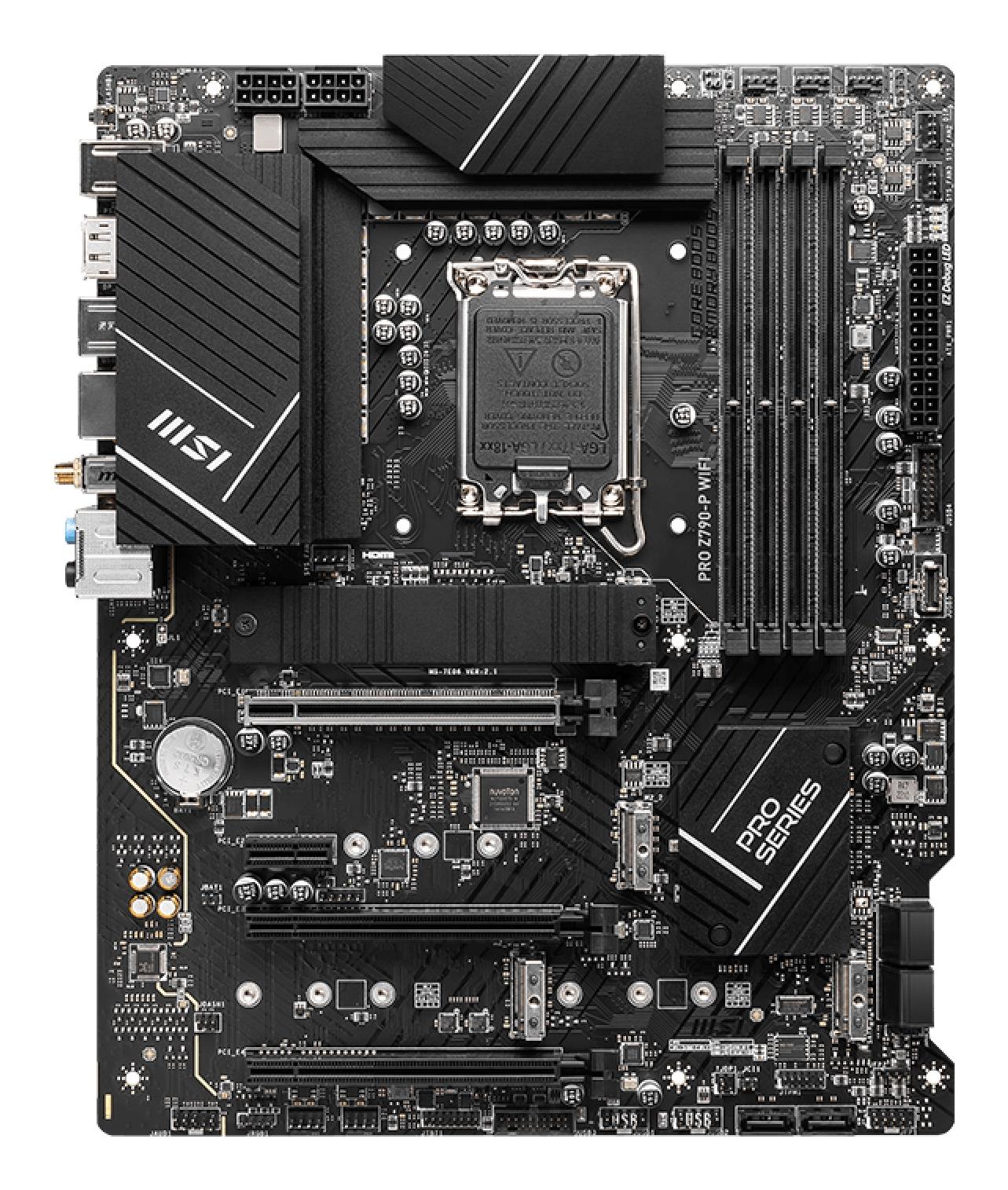
The GIGABYTE B760 DS3H DDR4 provides a useful contrast: its published specifications identify an Intel B760 chipset, ATX format and DDR4 memory. That does not make it interchangeable with the DDR5 AM5 examples. A kit you already own may therefore influence the platform choice, but only after the processor and board requirements are checked.
Browse memory kits and modules with the board's supported generation, module type and population rules in hand. Confirm maximum supported capacity, recommended slot positions and any profile requirements in the exact manual. Server RDIMMs should not be chosen for a board that requires desktop UDIMMs. A familiar brand name or an identical capacity figure does not resolve these compatibility differences.
Chipsets, slots and connectivity
Searches for a B650 motherboard, Z890 motherboard or LGA 1851 motherboard often begin with a platform name. Use that name to narrow research, not to assume category membership or feature parity. A chipset label is not a complete list of storage interfaces, rear ports, networking capabilities or expansion arrangements. Select the connections you actually need and verify them on the specific product.
Map your devices before buying: graphics hardware, storage drives, network adapters and any other expansion cards. Check slot positions, mechanical clearance and lane-sharing notes. A second device can affect which connections remain usable on some board layouts, so consult the manual rather than judging only by the number of visible sockets. Pair the board with compatible graphics hardware and allow room for the card's cooler and power connector.
Specialist mining boards need their own checklist
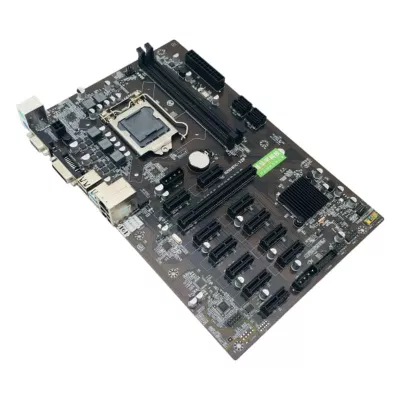
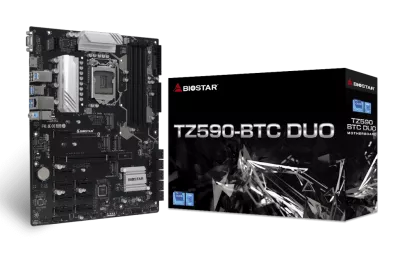
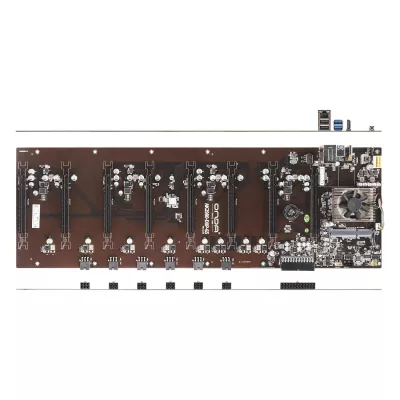
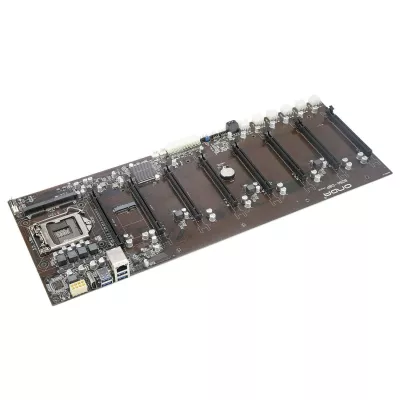
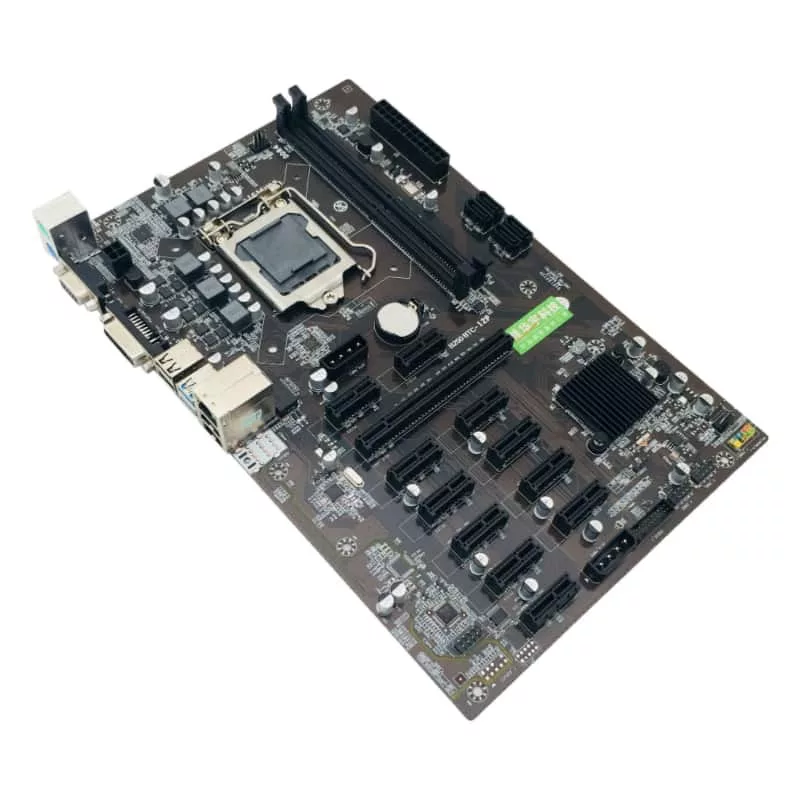
A specialist board is not simply a conventional gaming board with more slots. Confirm the required processor generation, memory format, expansion arrangement and operating-system requirements. Review how devices will be supported mechanically and powered electrically. Never generalize the AM5 or DDR5 specifications above to all mining boards in this mixed category.
Power, cooling and build preparation
Check the board's main and CPU power connections against the selected power supplies. CPU power leads and graphics power leads are not interchangeable because they look similar. Route the cables without pulling on sockets and leave access to connectors that may become difficult to reach after the graphics hardware is fitted.
Compare cooler mounting requirements and clearances around the socket, memory and nearby heatsinks. Adequate case airflow matters for more than the processor alone. Do not assume a premium chipset automatically makes the whole build more energy-efficient; consumption depends on the components, configuration and workload. Use the PC configurator to organize your parts, then verify the final combination against manufacturer support information.
Delivery from Ireland and Latvia, and warranty
Mineshop offers tracked delivery to all 27 EU countries from our warehouses in Ireland and Latvia. Check the selected product's delivery details and the shipping policy before ordering. This guide makes no stock claim or dispatch-date promise. For a complete build, compare delivery arrangements for each component rather than assuming they all follow the same route.
Confirm the warranty terms for the exact board and keep its invoice, serial number and packaging. No universal warranty duration is stated here. Read the return policy for the applicable process, and resolve uncertain CPU or memory compatibility before installation. Handle the board carefully and follow its manual for mounting, firmware updates and first startup.
Motherboard buying FAQ
Does an ATX board fit every desktop case?
No. Check the case's supported board formats and mounting layout before choosing the board.
Is a matching CPU socket enough?
No. Confirm the exact processor appears on the board manufacturer's support list and check the required BIOS version.
Can DDR4 and DDR5 memory be swapped?
No. Use the generation and module type explicitly supported by the selected board.
Are all boards in this category AM5 models?
No. The category also includes Intel-based and specialist mining designs. Compare each model individually.