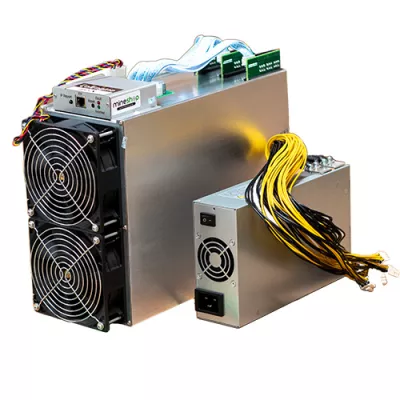
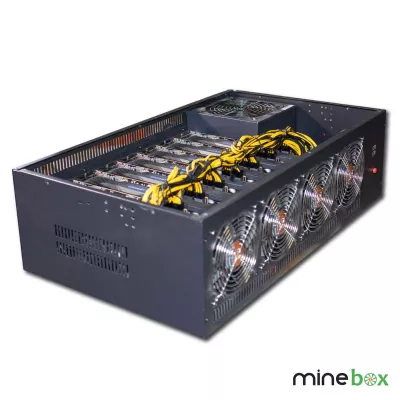
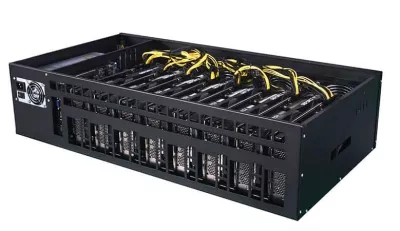
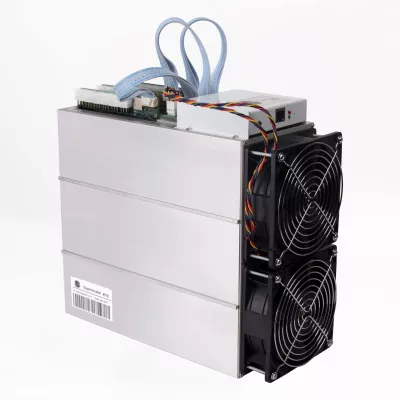
GPU mining is a hardware choice that starts with the algorithm, not the number of graphics cards. This category brings together complete systems and supporting equipment, so check what each listing actually does before comparing it with a dedicated GPU miner. Choose around your electricity tariff, space, software experience and intended workload rather than an old revenue estimate.
GPU mining: choose the workload first
The best GPU for mining is not necessarily the fastest gaming card or the newest model. Ask whether the target algorithm is supported by the exact card, whether the mining software supports its driver, and whether the whole system can sustain the workload. Benchmark results only become useful when the algorithm, settings and power measurement are stated together. A large headline rate without that context is not a sound basis for choosing equipment.
Start with complete GPU mining rigs if you want a system rather than separate components. The NVIDIA rig category and AMD rig category offer more focused routes through the catalogue. Category placement alone does not tell you that every product has the same purpose: a management computer, hybrid desktop and multi-card machine should not be judged as interchangeable miners.
Read the actual configuration
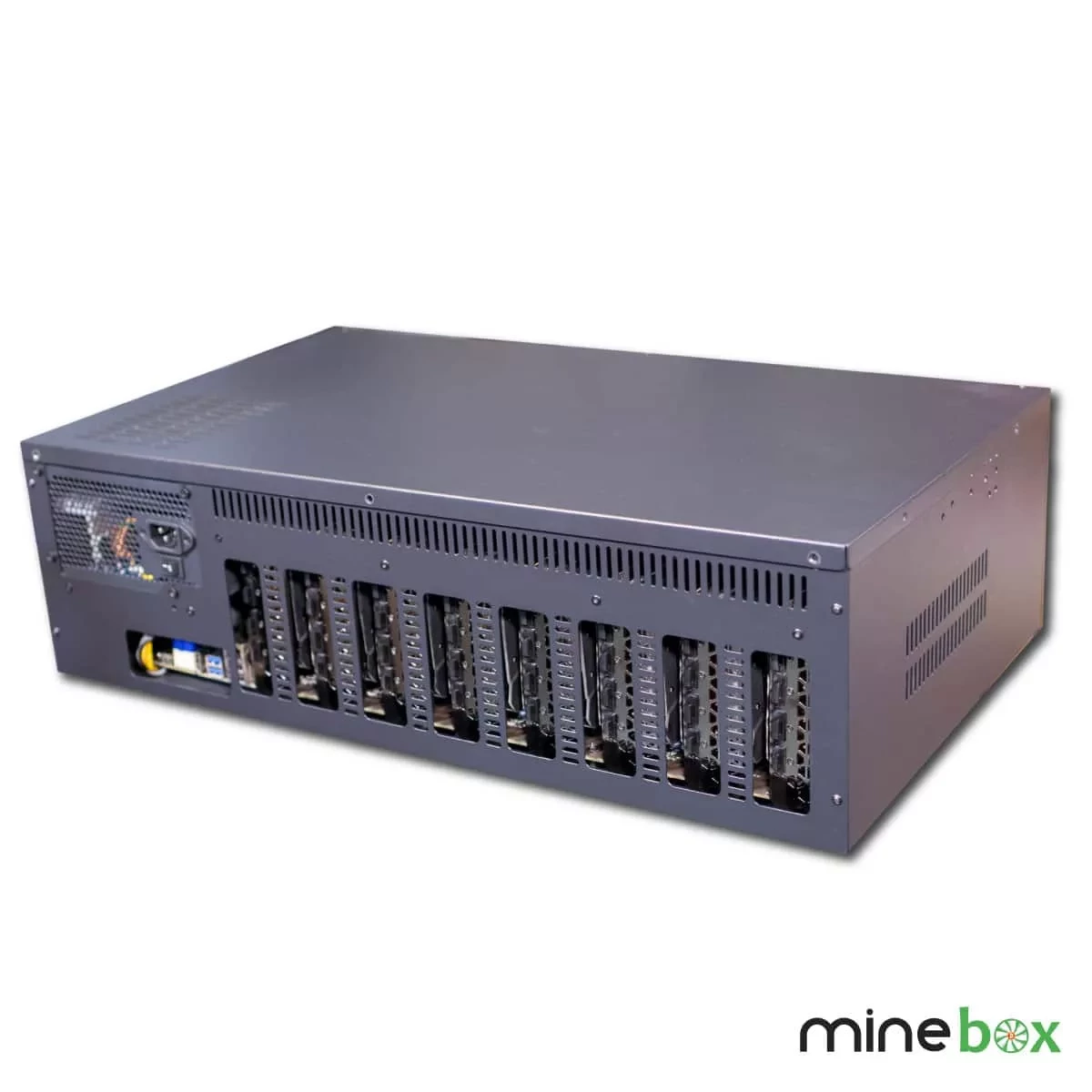
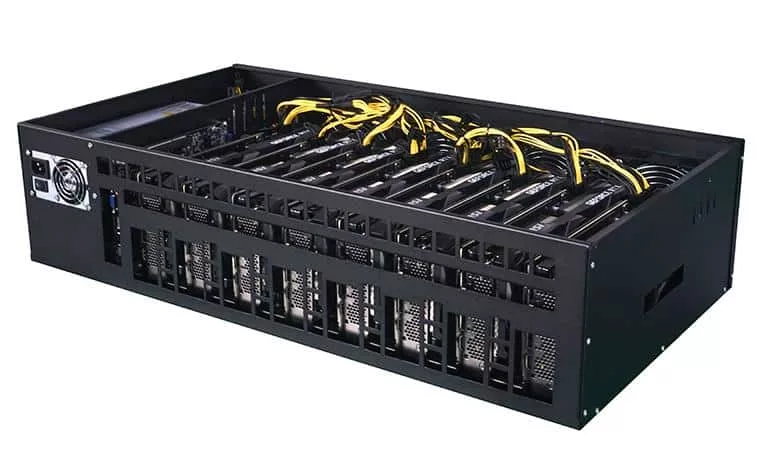
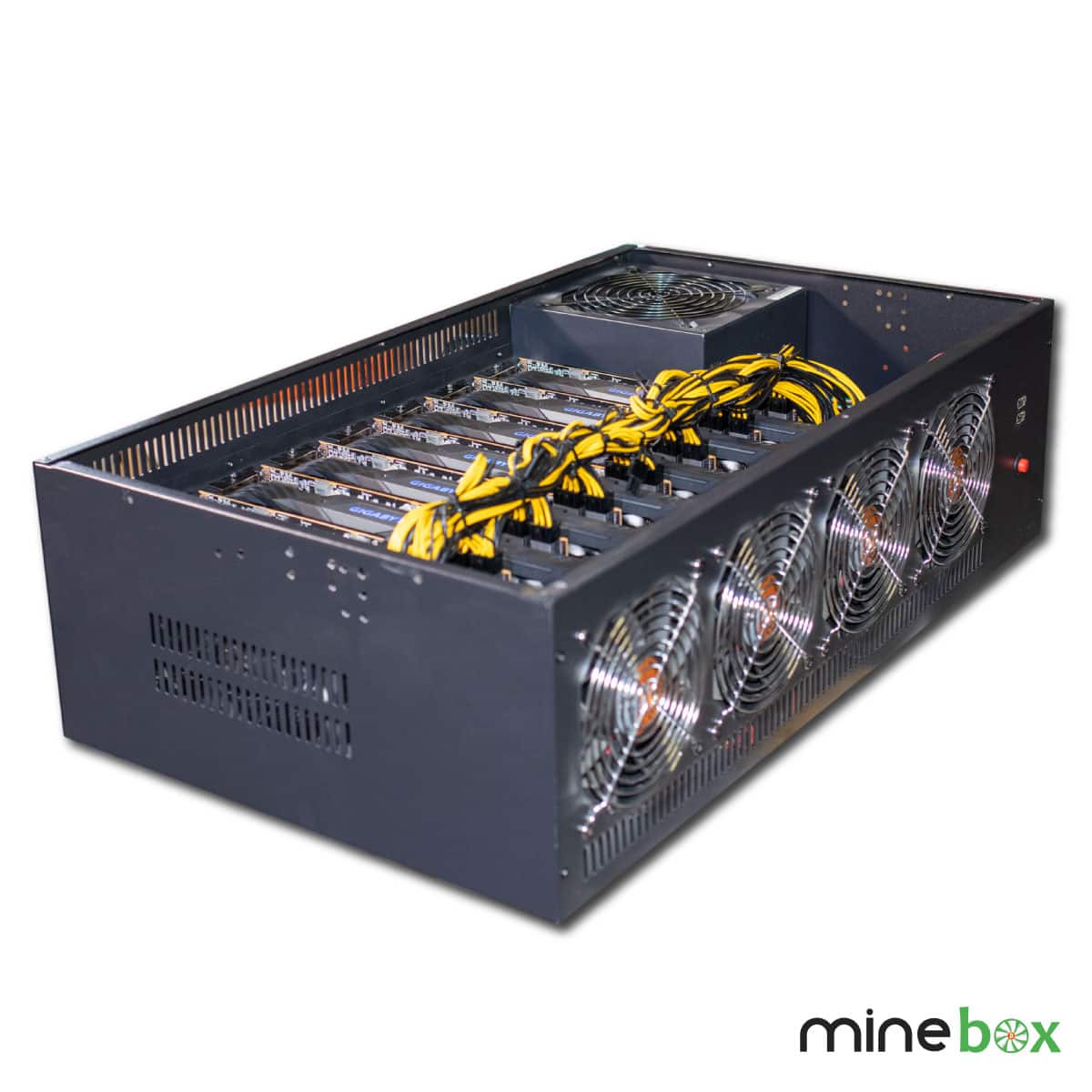
The used RX 5700 MineBox 8 rig is named as an eight-card configuration, with a MineBox 8 steel chassis and Dual-X dual-fan cooling per card. Treat its used condition as part of the buying decision. Ask about the condition of fans, connectors and cards, included accessories and testing, rather than assuming the same terms as a new build.
The NetPeer X4O NVIDIA system lists four NVIDIA RTX 4070 cards, a Celeron G4900 processor and 4GB DDR4 memory. Those configuration details help identify the system; they are not a guarantee of algorithm-specific throughput or earnings. The NETPEER B8 lists an Intel 3855U processor, DDR3 4G memory and RJ45 Ethernet 10/100M. Historical performance wording needs current confirmation before it is used in a calculation.
Distinguish mining from management
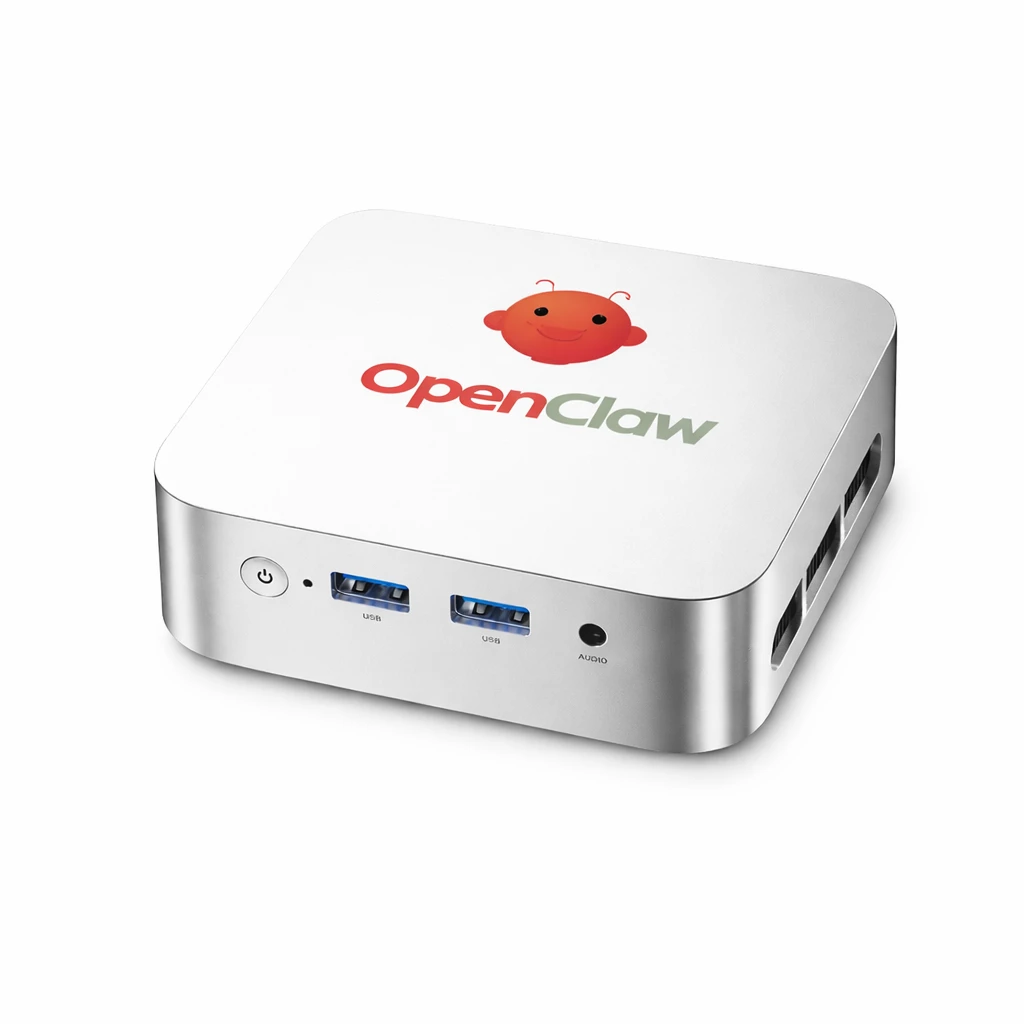
The OpenClaw Mining Hub mini PC lists an AMD Ryzen 3 4300U processor and 16GB DDR4 memory. Its management role is different from buying a bank of graphics cards. Check the required software, network access and supported equipment for your intended setup. Do not infer a multi-GPU configuration from its position in this broader catalogue.
Compatibility before expansion
If you plan to change cards, check motherboard slots, BIOS support, risers, physical spacing and power connectors as one system. A slot being present does not establish that your intended number of cards will be supported. Review individual graphics cards for a component purchase and rig frames and cases for enclosure options, but verify each part against the actual machine. Avoid buying an upgrade purely from a category label.
Software compatibility deserves the same attention. Confirm the operating system, GPU driver and miner version you intend to run. Keep a recoverable record of the working configuration before updates, and check access arrangements for remote management. Mixed workloads can require different software or settings, so a system that starts successfully is not yet proven stable for your chosen workload.
Power, cooling and realistic running costs
GPU mining profitability depends on more than a benchmark. Include electricity, pool fees, downtime, maintenance and changing network conditions in your own assessment. Use whole-system wall consumption rather than a card-only figure, because processors, fans and power conversion also consume energy. Compare results at the same operating settings; a lower-power profile can produce a different rate.
Check suitable power supply options against the full configuration, connector requirements and continuous load. Never mix modular cables from different supplies unless compatibility is explicitly confirmed. Arrange a clear intake and exhaust path, avoid recirculating warm air and consider the room's ability to remove heat. Ask about noise under the intended load instead of assuming an open frame will suit a living space.
For context, read the ASIC versus GPU mining guide. Do not carry historical Ethereum proof-of-work claims into a current buying decision. Likewise, a search for Kaspa GPU mining is not evidence that any listed system will be competitive for that workload. Confirm current algorithm suitability and economics independently, without treating past marketing as a forecast.
EU delivery and warranty checks
Mineshop offers tracked delivery to all 27 EU countries from our warehouses in Ireland and Latvia. Check the individual listing and order information for the applicable fulfilment details; a category description cannot establish current stock or a delivery date. For a large system, confirm package dimensions, safe access and what assembly, cables or setup remain your responsibility.
Before ordering, ask for the warranty terms applicable to the exact product and its condition. Confirm the claim process, any testing requirements and whether particular accessories are included in coverage. Keep your invoice and serial-number records, and describe faults clearly rather than making unapproved modifications first. Do not assume a single warranty duration applies to all equipment in this category.
Questions before you buy
How do I compare two GPU systems?
Compare the exact configuration, algorithm-specific evidence, whole-system power, cooling and condition. Use the same test conditions; GPU count alone does not establish useful performance.
Does every product here contain mining GPUs?
No. This broad category also includes supporting equipment such as a management mini PC. Read the product purpose and included components before ordering.
Are earnings guaranteed?
No. Revenue and operating costs change, and old benchmark or marketing claims are not a promise of future returns.
What should I check on a used rig?
Ask about card and fan condition, testing, included cables and product-specific warranty terms. Confirm the configuration before planning an upgrade.