An AMD mining rig is worth comparing as a complete installation: cards, frame, power delivery, cooling and software all affect how usable it will be. The existing overview below remains unchanged, but its promotional earnings language is not a forecast. Start with a supported workload and the exact configuration, then assess the condition and operating costs.
Our AMD GPU Crypto Miners are designed to help you maximize your cryptocurrency earnings with advanced hardware and optimized power consumption. With our top-quality AMD GPUs, you can achieve impressive hash rates that can keep up with the most demanding mining operations. Our AMD GPU Crypto Miners are user-friendly and easy to set up, so you can start mining quickly and easily. We offer exceptional customer support and competitive pricing, ensuring that you get the best possible value for your investment. Browse our selection of AMD GPU Crypto Miners today and start mining with confidence!
AMD mining rig selection: hardware before headlines
AMD GPU mining requires compatible software and drivers as well as physical hardware. Choose a crypto mining rig around the workload you intend to maintain. Confirm the software requirements first, then decide whether you can manage the equipment and its ongoing maintenance. Ethereum ETH is not a current GPU-mining workload; historical Ethereum-related figures do not establish present-day returns.
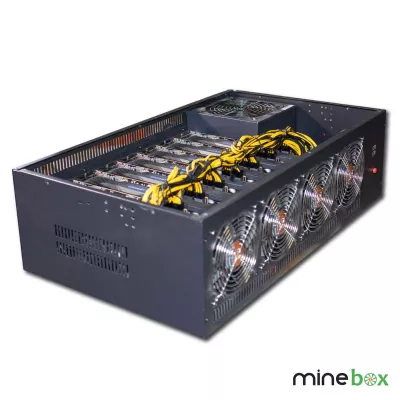
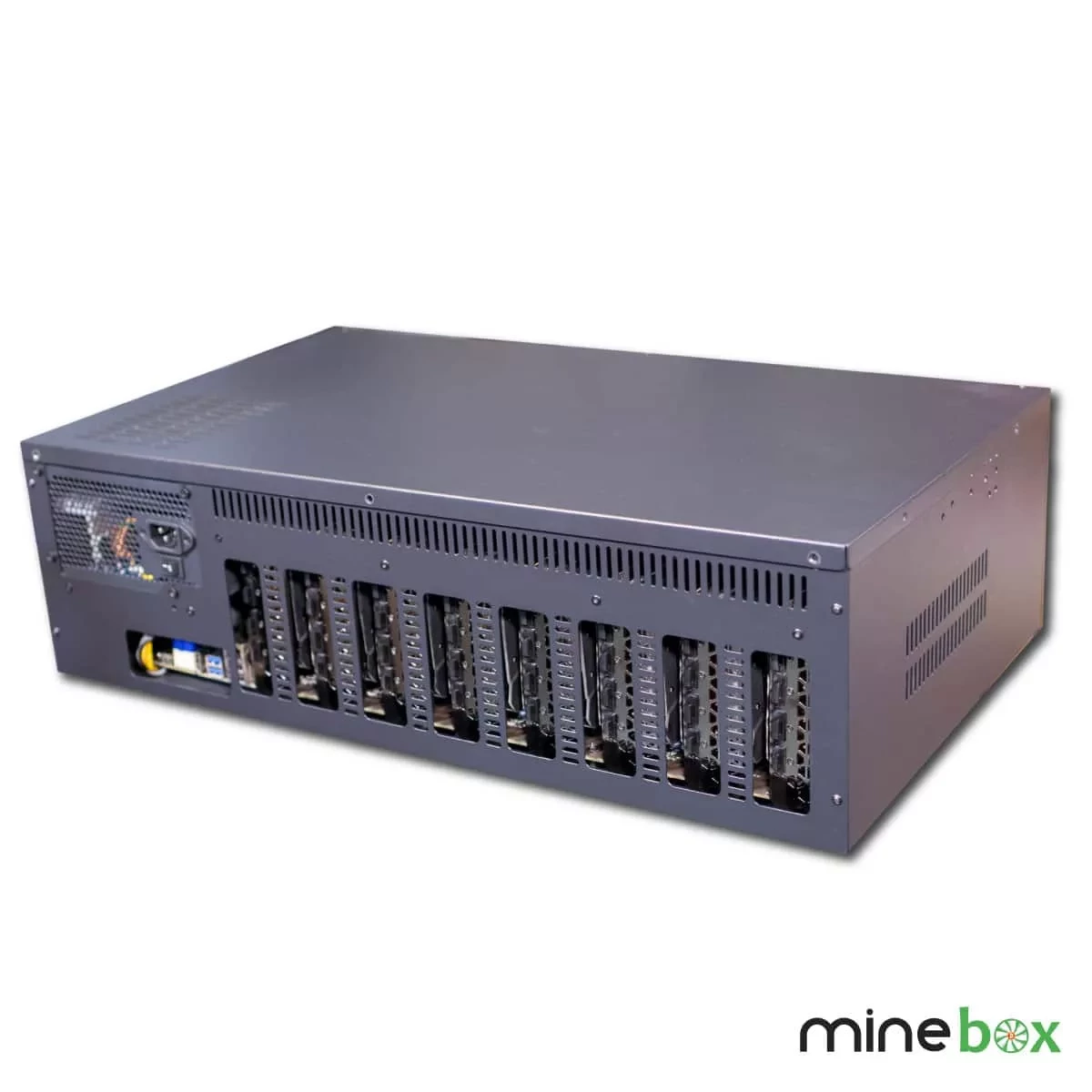
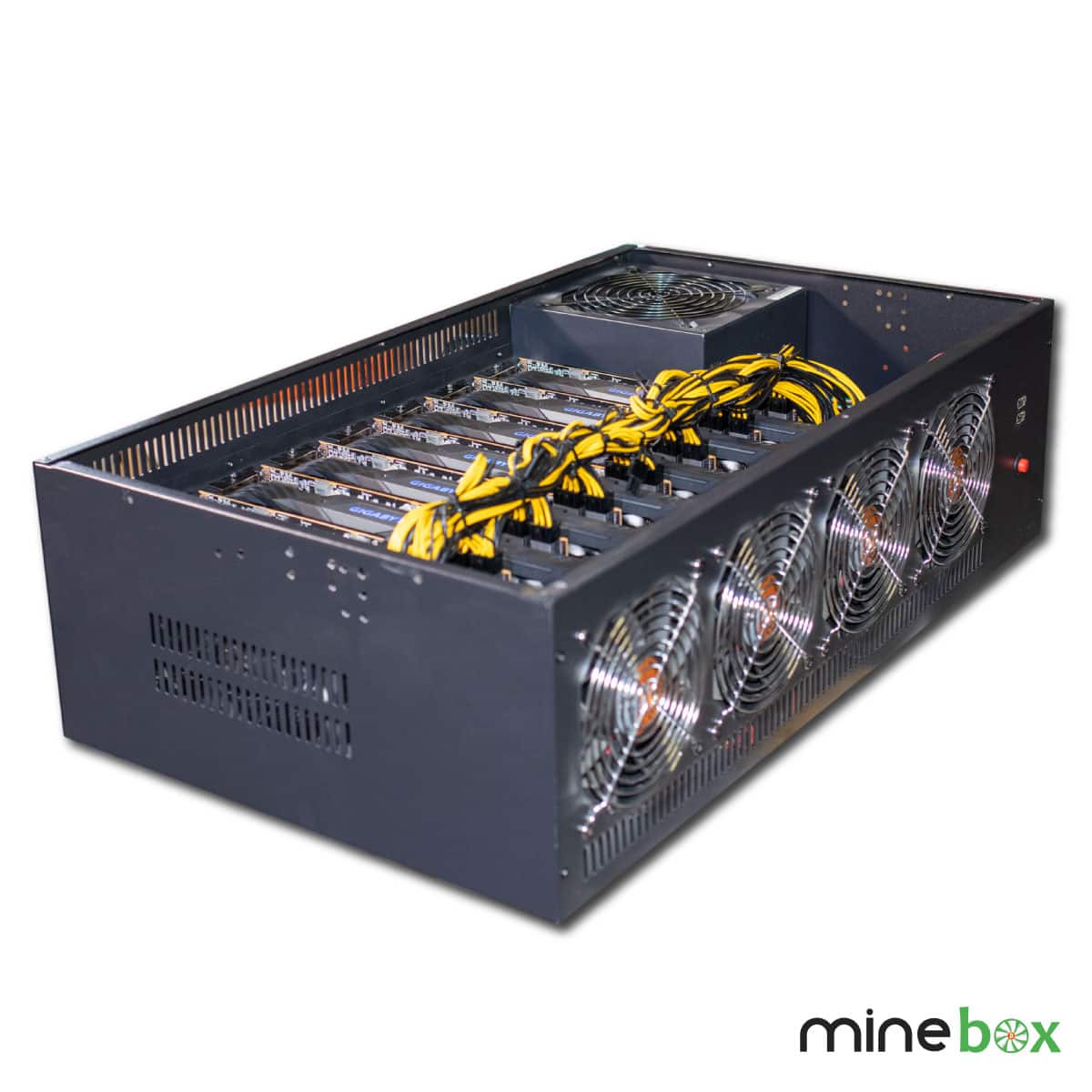
The used eight-card RX 5700 MineBox 8 system is named as an AMD RX 5700 configuration. The listing describes a MineBox 8 steel chassis and Dual-X dual-fan cooling per card. Its used condition is an important part of the comparison: ask about testing, fan wear, connectors and what is included. Do not infer a verified whole-system consumption figure from the card count.
The NETPEER B7s system lists an ONDA K15-D8P-D3 motherboard, Intel 3855U processor, DDR3 4GB memory and 64GB SSD. Confirm the exact card configuration and current workload suitability before relying on historical model-name performance language. Those supporting components identify the platform but do not demonstrate its current earnings or algorithm-specific output.
Complete system or component project?
Browse complete GPU systems and the wider hardware selection if you want to compare different formats. Check the supplied configuration against the workload you intend to run. Ask what operating system, drivers, mining software and accessories are included, and what remains to be configured. Confirm access to the machine and any credentials or licensing arrangements before assuming that remote operation will be straightforward.
If you are building or upgrading, compare individual graphics card options with the machine's motherboard, risers, connector requirements and physical clearances. Check BIOS support for the intended configuration. An available slot does not prove that a particular card count will work, and a supported driver does not prove that every algorithm is suitable.
Frame, cooling and maintenance
The frame needs enough space for the cards, their fans and safe cable routing. Compare rig frames and enclosures against the actual dimensions and installation location. Keep air intake and exhaust paths clear. An open design can still recirculate warm air when placed against a wall or beside another machine.
Plan how you will inspect fans and clean dust safely, and make sure the installation is accessible without disturbing live connections. Ask for noise information relevant to your intended operating load. A machine that works in a dedicated room may be unsuitable beside a desk or in a shared living space. More cooling airflow does not automatically mean a quieter installation.
Power and running-cost checks
Measure whole-system consumption at the wall when assessing operating costs. Card-only estimates omit the processor, fans and conversion losses. Check supply capacity, cable compatibility and the electrical circuit with appropriate qualified advice. Never substitute modular power cables purely because the connector looks similar, and avoid improvised adapters for sustained loads.
Before buying, compare expected electricity costs, maintenance, pool fees and downtime with a range of revenue scenarios. The ASIC versus GPU mining guide provides a starting point for comparing hardware approaches, not a promise of returns. Benchmark results need the algorithm, settings and power measurement attached; rates from different algorithms are not directly interchangeable.
Delivery from Ireland and Latvia, and warranty
Mineshop offers tracked delivery to all 27 EU countries from our warehouses in Ireland and Latvia. Check the specific listing and order information for fulfilment details. Neither this category nor a historical product name establishes present stock, a dispatch promise or an arrival date. For a bulky system, confirm access, packaging and any assembly needed on receipt.
Warranty terms must be checked for the exact product, particularly when it is used or refurbished. Ask about coverage, the claim procedure and included accessories before ordering. Keep the invoice and serial-number records. Do not assume every component has the same coverage or that a hardware warranty guarantees mining revenue, software compatibility for future releases or unrestricted modification.
Questions before you buy
Does a complete rig guarantee earnings?
No. Earnings change with electricity costs, network conditions, fees and downtime. Promotional language and historical benchmarks are not a promise of future profit.
What should I confirm before upgrading cards?
Check motherboard and BIOS support, driver compatibility, physical spacing, risers, power connectors and the full electrical load. Confirm the exact machine configuration first.
Can I use old Ethereum performance figures?
Not as evidence of current Ethereum ETH mining or present-day returns. Establish the current target algorithm and request relevant configuration-specific evidence.
What is different about buying used equipment?
Ask about testing, card and fan condition, included accessories and the exact warranty terms. Do not assume new-product coverage applies.