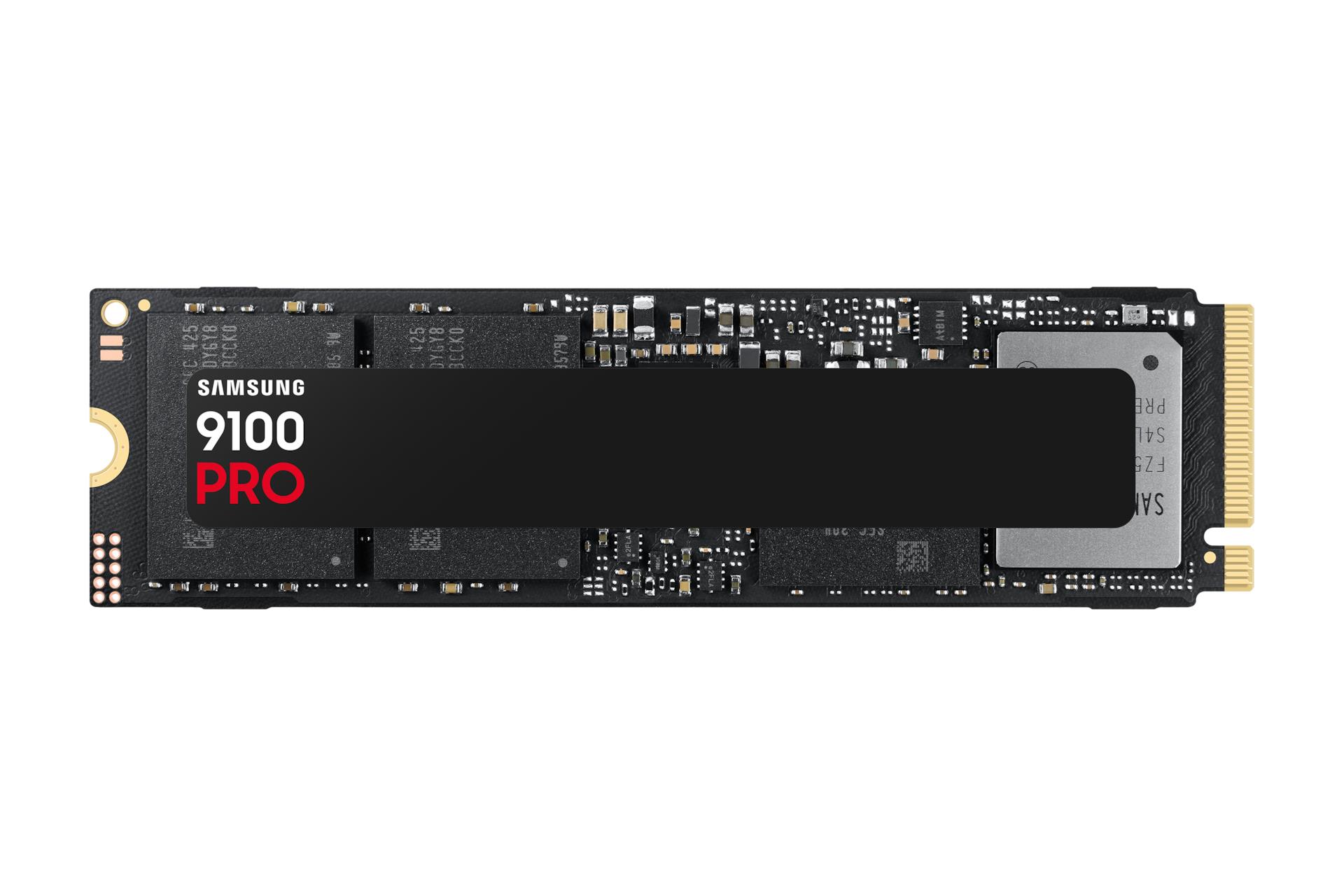
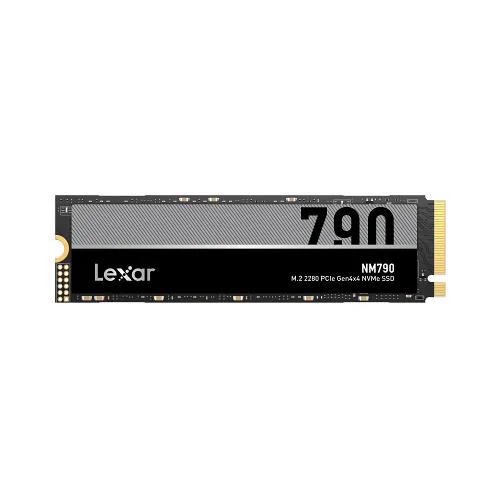
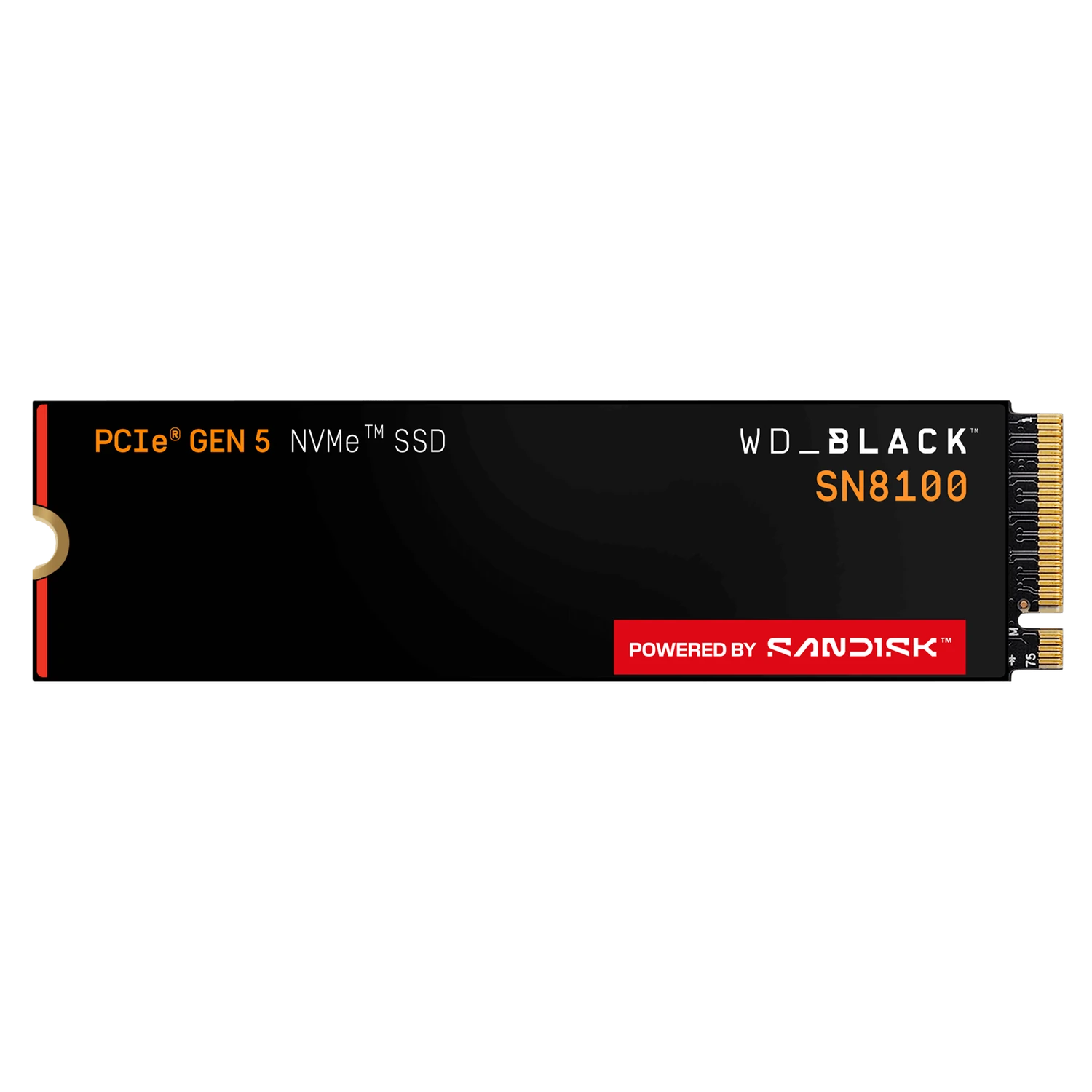
Choosing an NVMe SSD starts with the connection your computer supports, then the capacity and workload you need it to handle. This storage category includes different physical formats and interfaces, so not every drive is a drop-in replacement for another. Match the exact drive to your system before comparing headline speeds. A reliable storage plan also includes cooling, installation space and a backup strategy for files you cannot afford to lose.
How to choose an NVMe SSD
Identify the storage connections on your motherboard or existing system. Check the supported physical format, interface and mounting requirements in its manual. M.2 describes a physical format, not a guarantee of NVMe support. Likewise, an enterprise U.2 drive should not be assumed to connect directly to a desktop M.2 socket. Verify the complete connection path before ordering.
For an upgrade, inspect the current drive and record its model and connection type. Decide whether the new device will replace the operating-system drive, add working space or serve a specialized workload. Check available mounting positions and any lane-sharing notes in the board documentation. A visible socket alone does not establish every supported drive or operating mode.
High-capacity NVMe examples
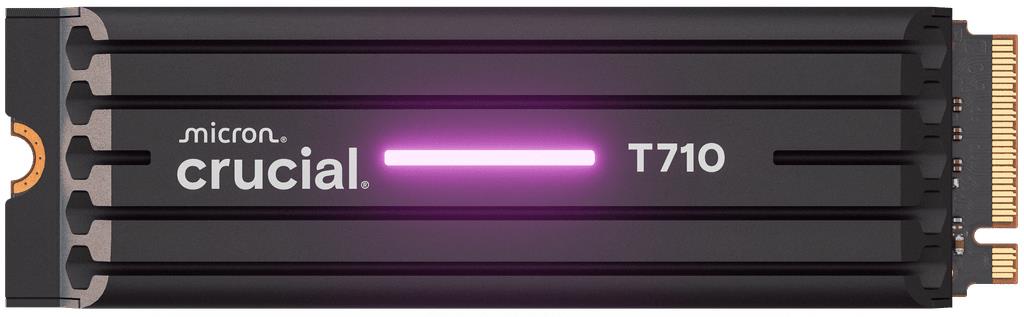
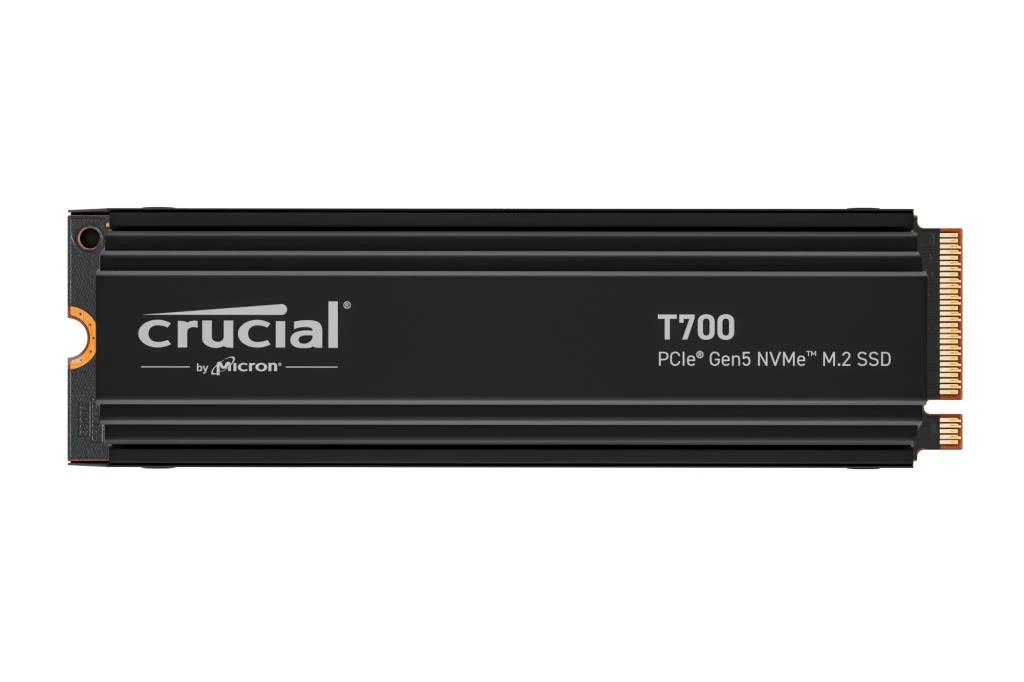
The Crucial T700 4TB with heatsink is an M.2 2280 drive specified with PCIe 5.0 x4 and NVMe 2.0. Its published sequential read and write figures are up to 12,400 and 11,800MB/s respectively. Those are maximum specification figures, not guaranteed results for every file transfer or host system.
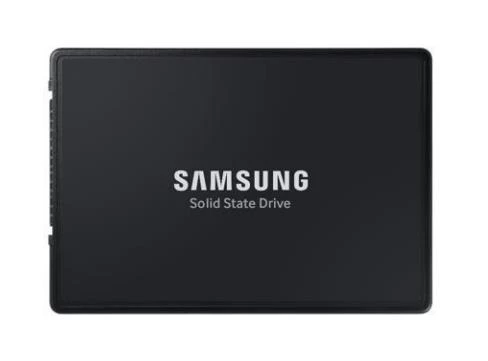
The Samsung PM9A3 7.68TB enterprise drive uses a U.2 form factor and NVMe interface. Its supplied specification lists sequential read and write speeds up to 6,700 and 4,000MB/s for the 7,680GB model. Compare its host connection and installation needs separately from an M.2 desktop drive; capacity alone does not establish compatibility.
SATA, mSATA and M.2 are not interchangeable
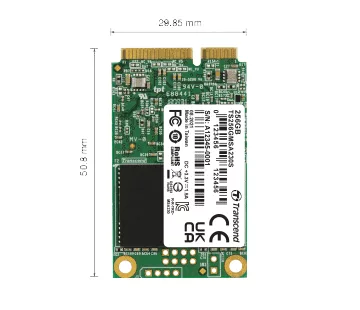
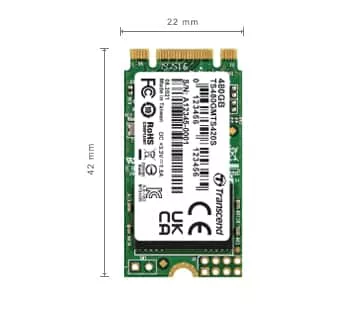
The Transcend 256GB 230S mSATA SSD uses SATA III 6Gb/s and 3D NAND flash. The Transcend 120GB M.2 420S is listed as M.2 2242 with SATA III 6Gb/s and 3D NAND flash. These examples illustrate why the connector, dimensions and actual interface must all be checked.
The latter product's URL contains a legacy model description that differs from its supplied current product name. Use the published product specification and verify the exact item rather than treating the URL as a specification. More generally, do not assume a drive supports NVMe because its listing says M.2, or that mSATA and M.2 devices share the same physical connection.
Capacity: leave room for your real workload
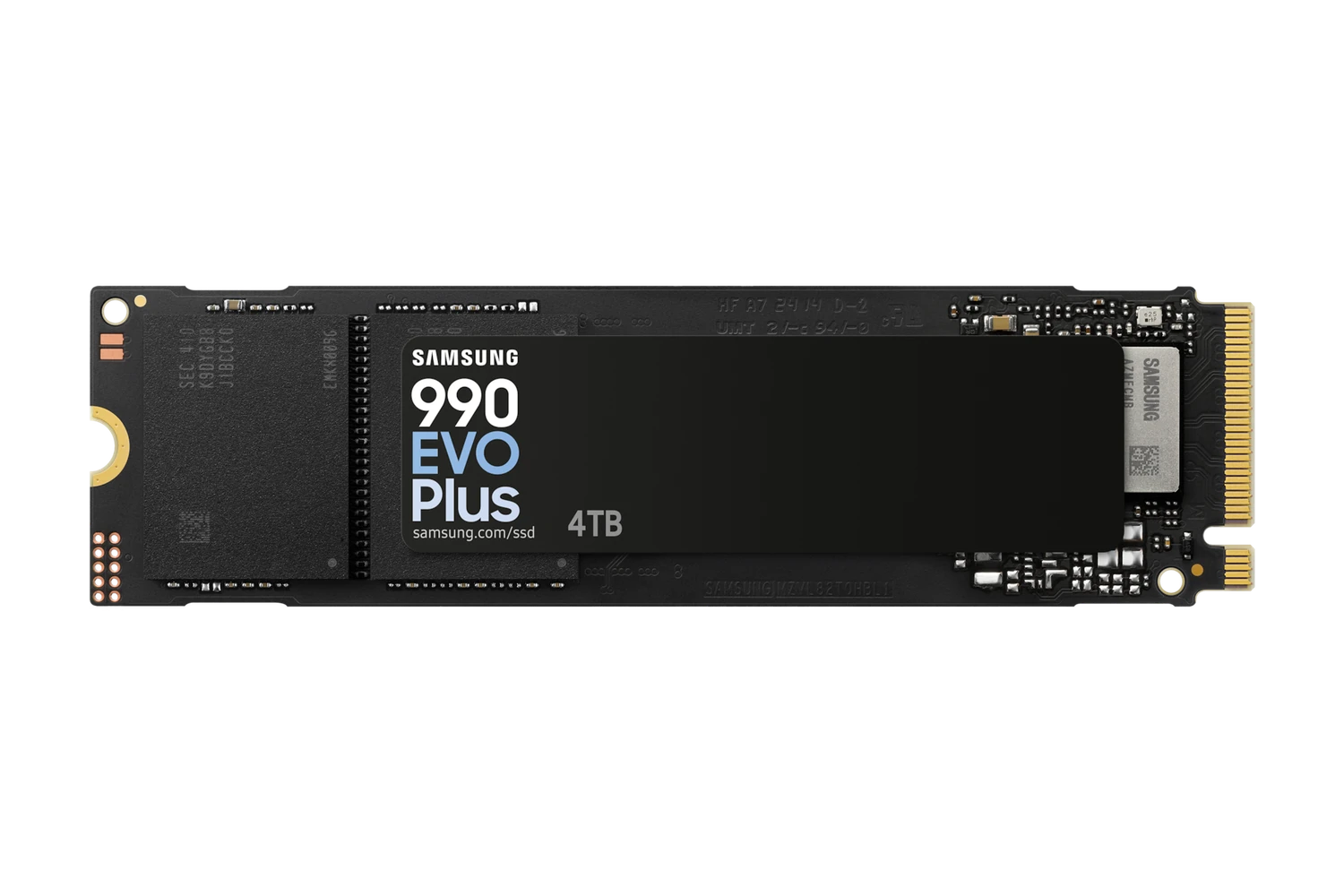
Estimate space for the operating system, applications, active projects and files that must remain local. Consider the size of working datasets, not just the installation size of the software. A 4TB SSD can be relevant to a large local library, but choosing capacity still requires a compatible interface and physical fit. Avoid buying storage solely because its capacity number is larger.
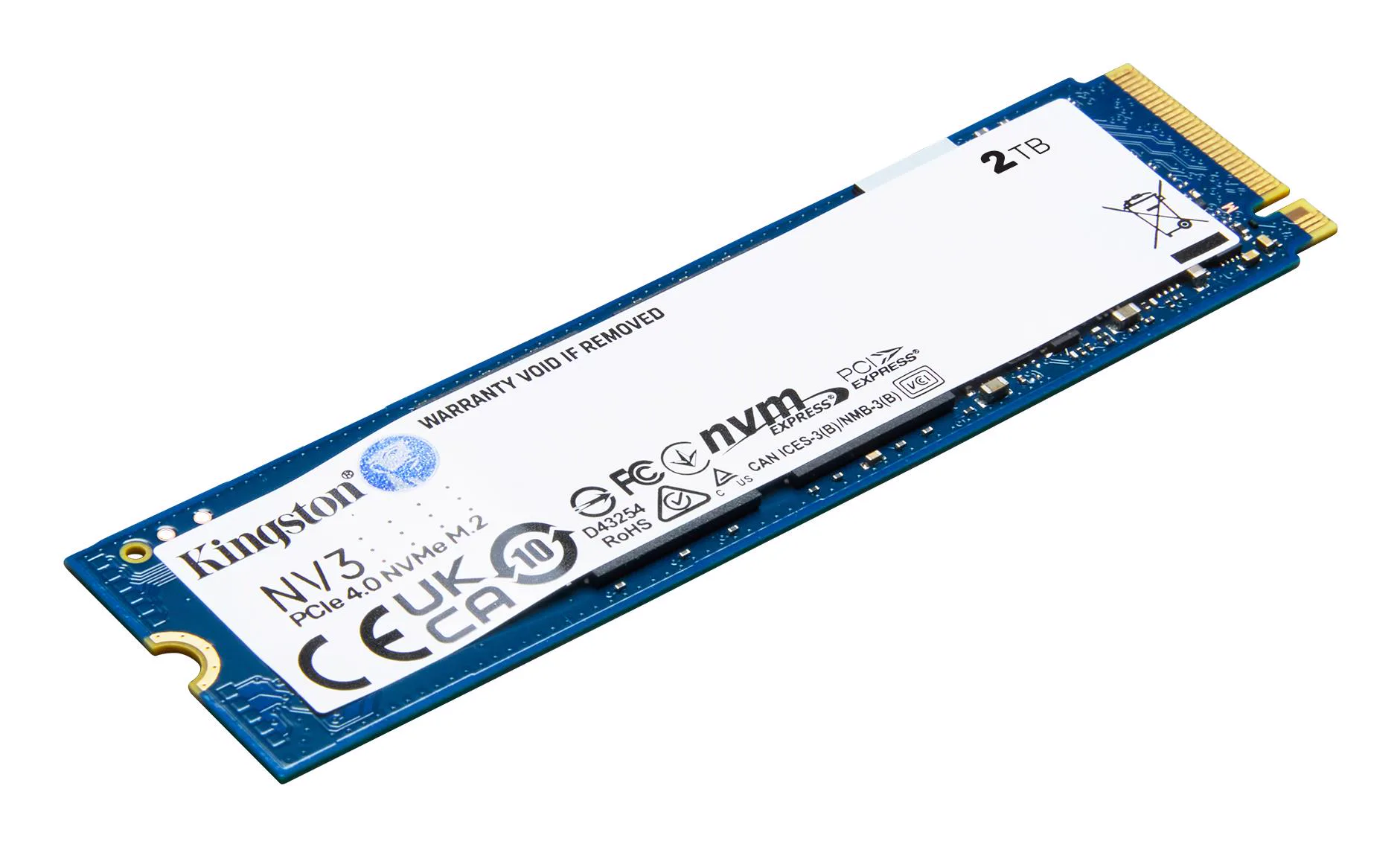
If a 2TB NVMe SSD is your research starting point, compare exact models and their connection requirements rather than assuming that capacity is represented by every range. If you are replacing an internal hard drive, establish whether the replacement will use the same connection and mounting position or require a different installation. This guide's examples are SSDs; the category label is not proof that every item is a mechanical drive.
The category also includes mining-related media or software, so read the product type carefully. A prepared software or media product is not automatically equivalent to a bare storage drive. Broader build choices can be reviewed in the PC components range without assuming every item serves the same storage purpose.
Performance figures, thermals and power
Sequential speeds describe one type of access pattern. Application responsiveness also depends on the workload, host configuration and other characteristics of the drive. Small-file activity and sustained transfers need not behave like a peak sequential specification. Compare relevant tests for your application rather than expecting every advertised maximum during normal use.
Check available cooling and clearance, particularly where a drive includes its own heatsink. Do not stack cooling hardware or remove supplied parts without consulting the manufacturer. Nearby graphics hardware can affect access and available space, so plan the final layout before installation. Follow the drive and board instructions for mounting and thermal pads.
Power and efficiency should be considered for the actual workload and installation. Do not assume that the fastest interface automatically reduces energy use or that a desktop arrangement is suitable for an enterprise drive. Use the PC configurator to organize the system, then verify the exact storage connection and thermal requirements.
Protect your files, then check delivery and warranty
Back up important files before replacing or migrating a drive. Plan how the operating system will be installed or transferred and verify the backup before changing hardware. A new drive is not itself a backup, and a warranty does not guarantee recovery of your data. Keep a separate copy of irreplaceable files according to their importance.
Mineshop offers tracked delivery to all 27 EU countries from our warehouses in Ireland and Latvia. Check the product's delivery details and shipping information for the applicable arrangement. This guide does not confirm stock or promise dispatch times. Confirm the exact drive's warranty terms and claim requirements, retain the invoice, and consult the return policy. No universal warranty duration is stated.
Storage buying FAQ
Does every M.2 drive use NVMe?
No. M.2 is a physical format; confirm the drive interface and the host's support.
Will a U.2 drive fit an M.2 socket?
Do not assume that. Verify the complete connection and mounting arrangement required by the exact drive.
Are advertised sequential speeds guaranteed?
No. They are stated maxima under relevant conditions, not a promise for every workload or system.
Does a drive warranty protect my files?
Do not rely on it for data recovery. Maintain separate backups and read the exact warranty terms.