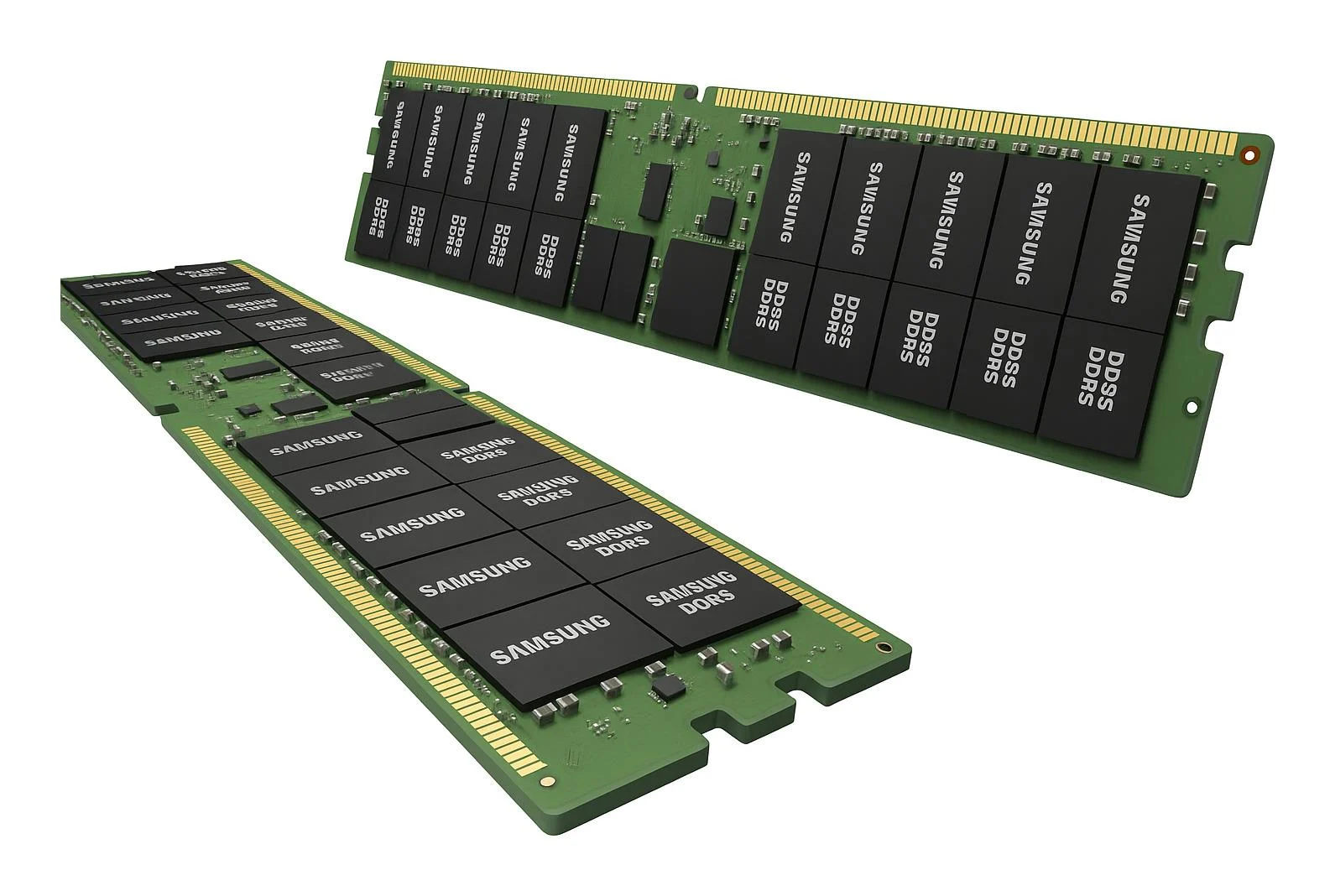
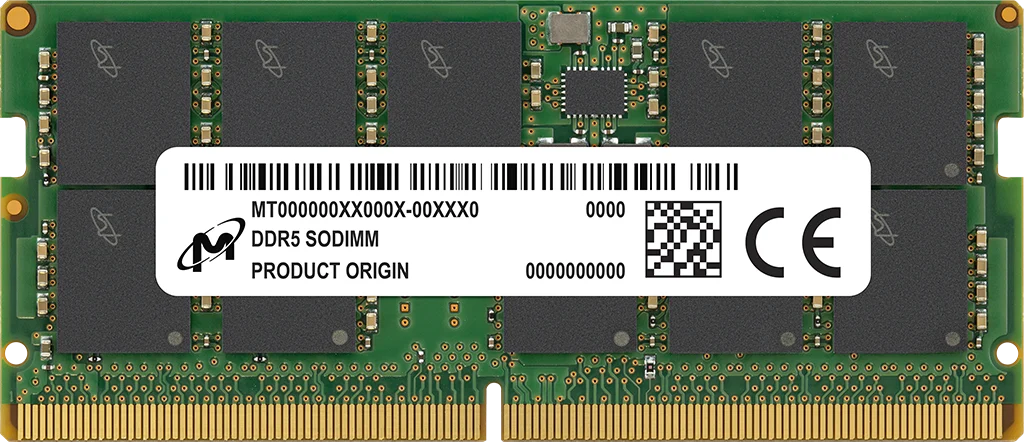
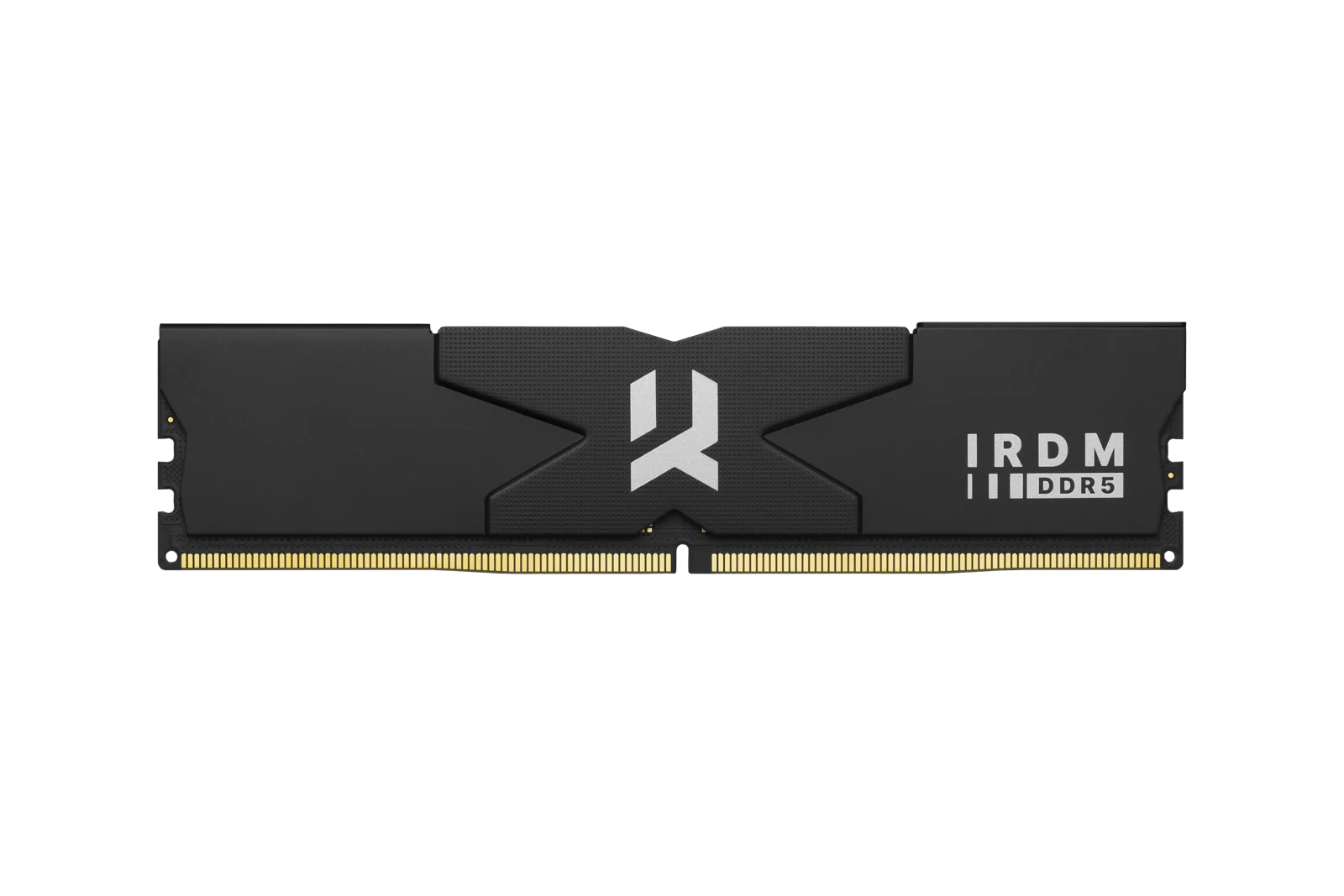
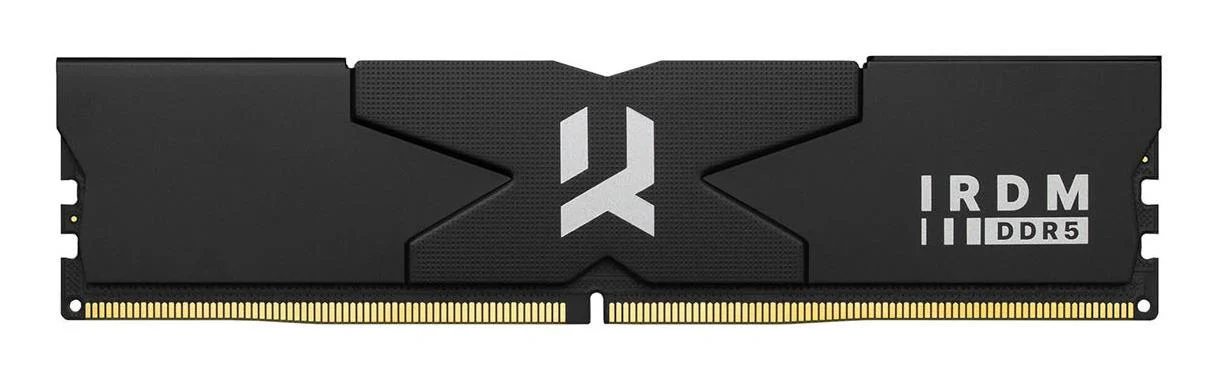
Choosing DDR5 RAM starts with compatibility, not the largest speed number. Your motherboard, processor and workload determine which memory makes sense, whether you are building a gaming PC, upgrading a workstation or assembling a server. This category includes desktop kits and registered server modules, so compare the exact module type before ordering. Capacity, the number of modules and supported profiles matter just as much as the advertised transfer rate.
How to choose DDR5 RAM for your system
Begin with the memory specification in your motherboard manual. Check the required generation, module format and supported capacities, then consult its memory compatibility list for your processor and BIOS version. DDR4 RAM is not a substitute for a board requiring DDR5. Likewise, a server module and a desktop module are not interchangeable simply because both descriptions contain the same memory generation.
Use the motherboard range to establish the platform, then match it with a suitable desktop processor. For an upgrade, identify the board already installed rather than assuming the computer's age reveals its requirements. Record the full part number of your existing modules and decide whether to replace the kit or add capacity according to the board manufacturer's guidance.
Desktop kits and server modules
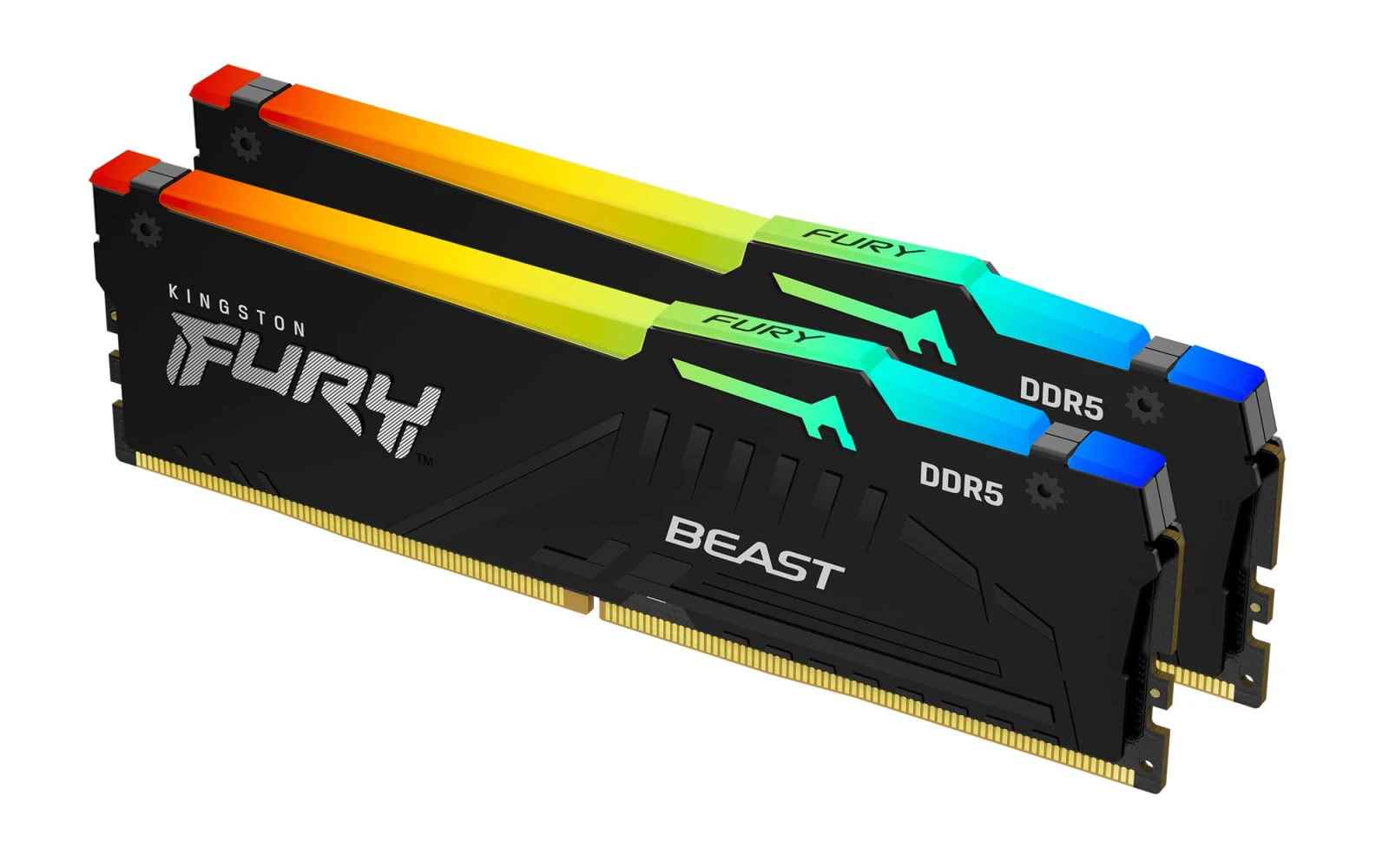
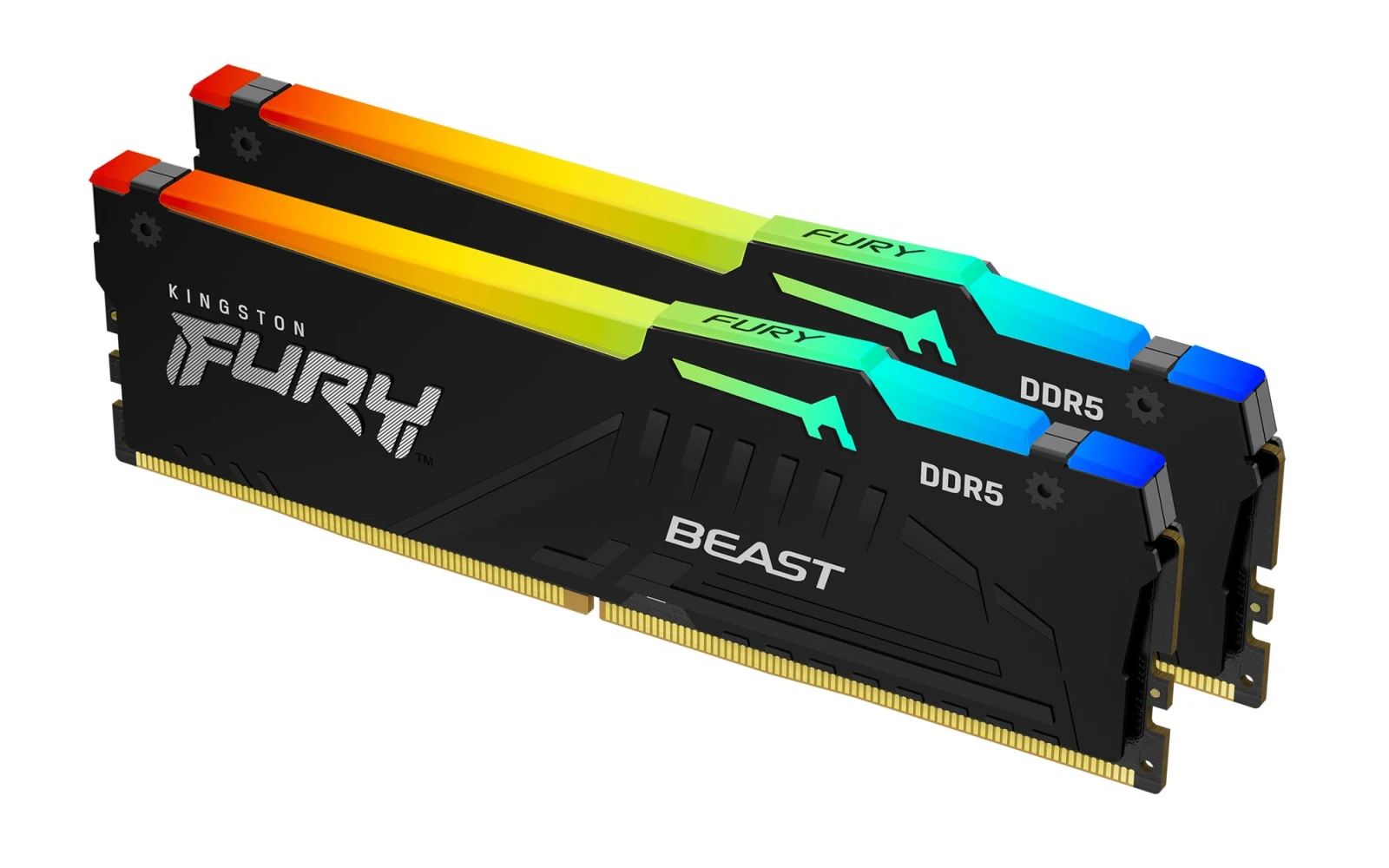
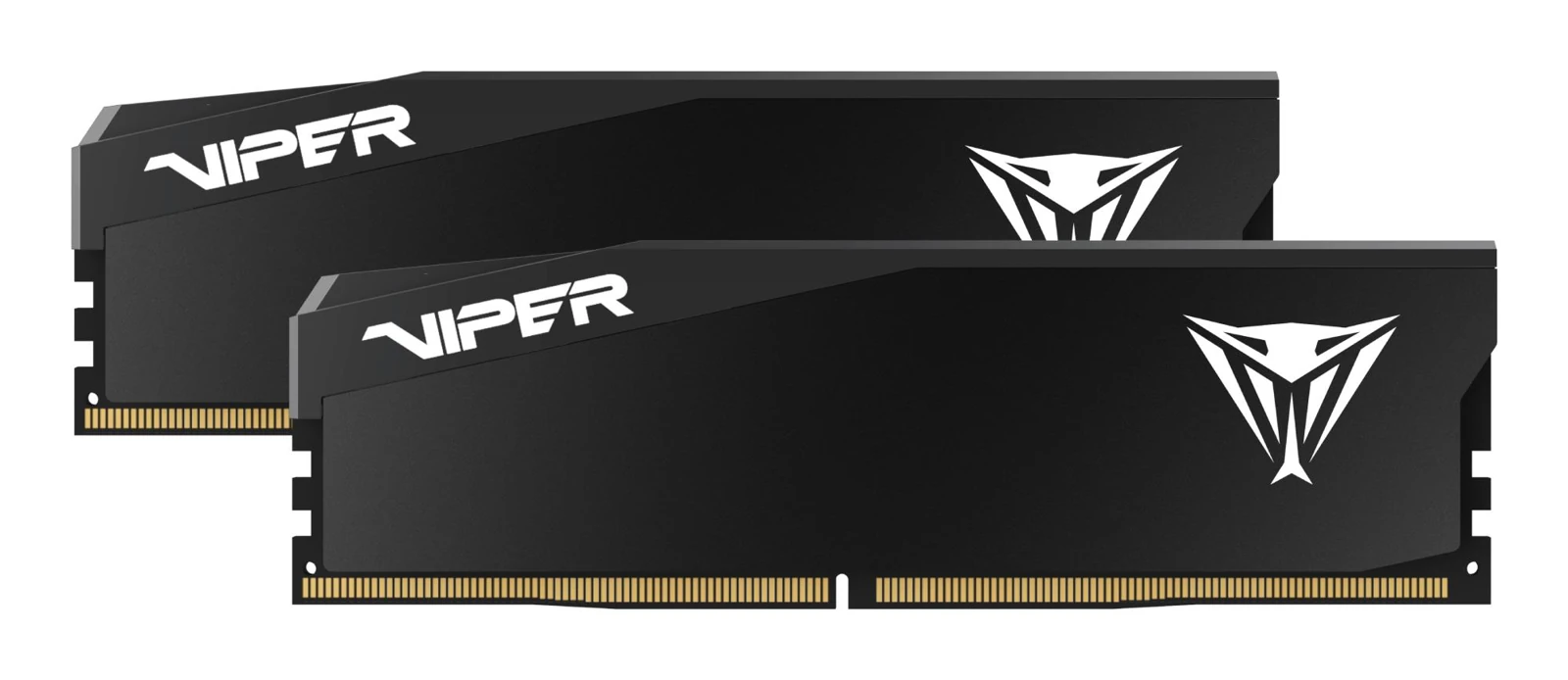
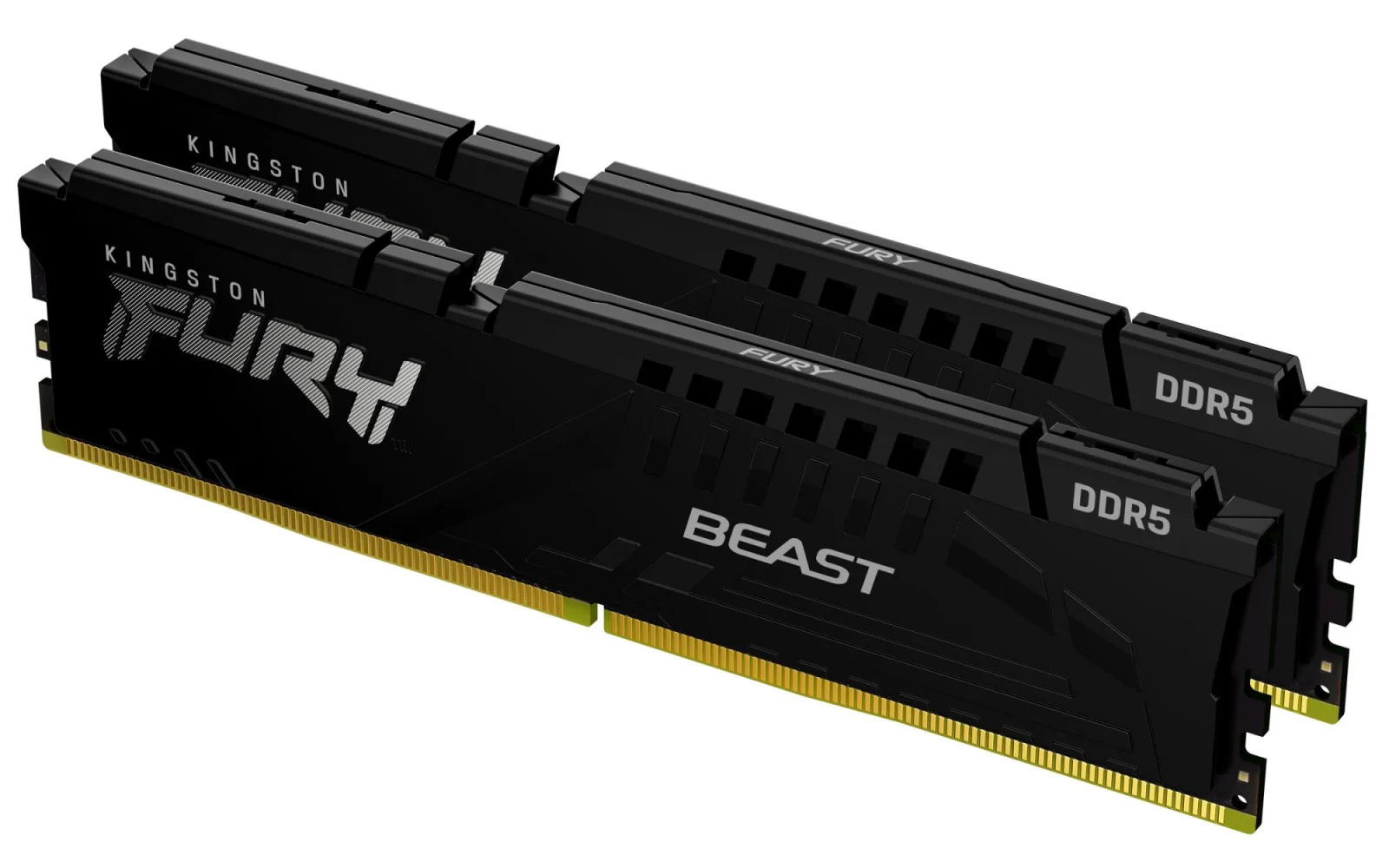
The Patriot Viper Venom 32GB kit contains two 16GB modules and uses unbuffered, non-ECC DDR5 UDIMMs. The Kingston FURY Beast DDR5 kit also provides 32GB as two 16GB modules. Its published EXPO and XMP profile specifies DDR5-6000 CL36-44-44 at 1.35V; this is a profile specification, not a promise that every system will run those settings.
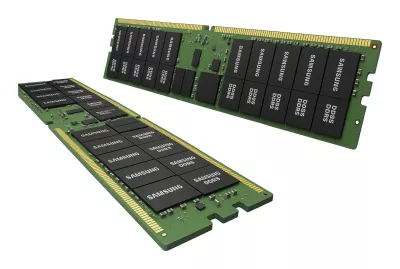
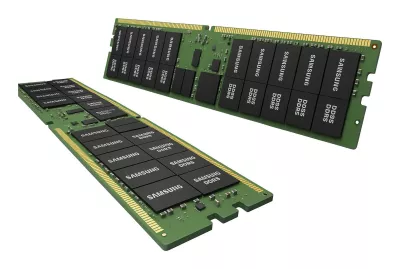
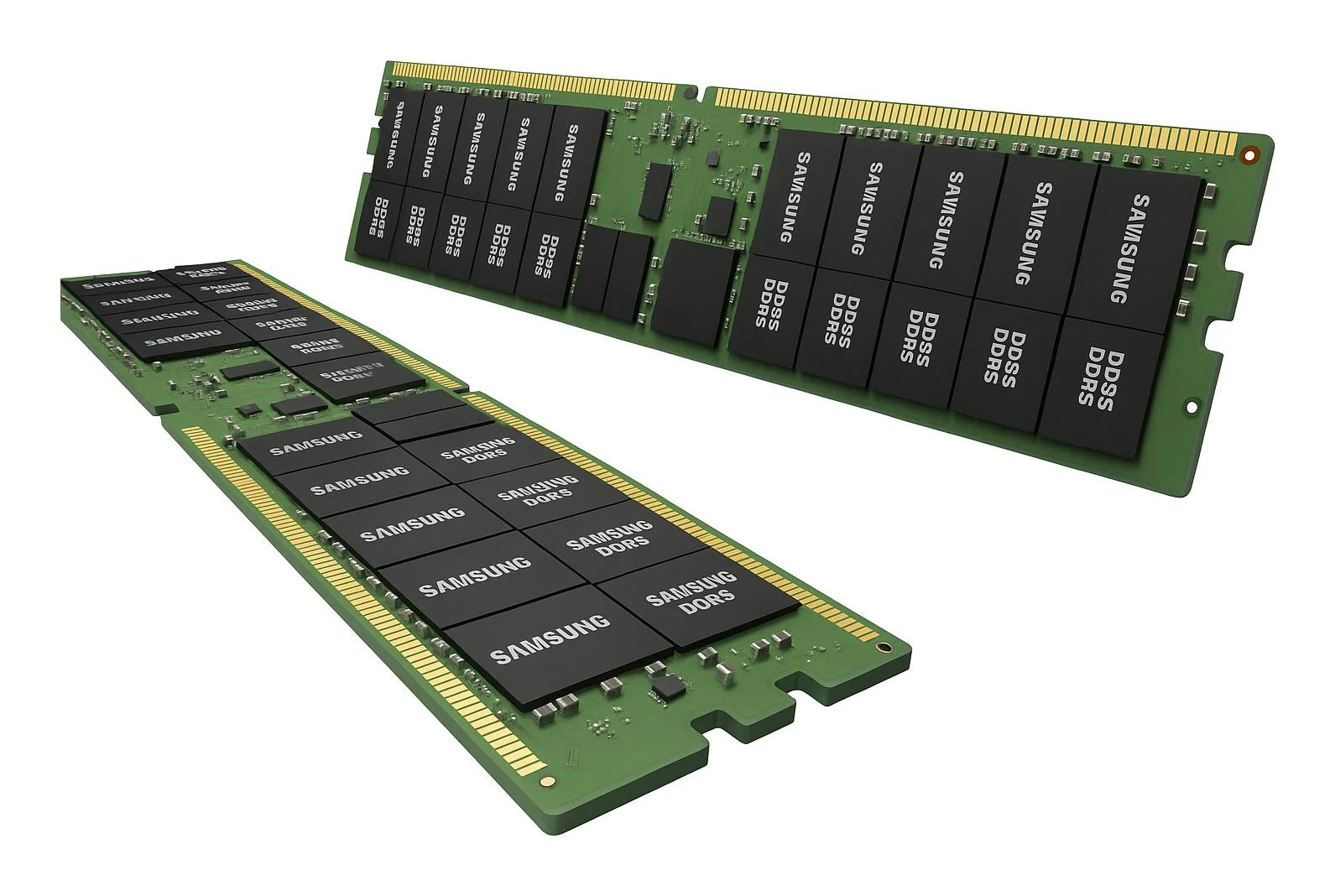
By contrast, the Kingston Server Premier 32GB DDR5-5600 ECC RDIMM is one registered module. Its listed voltage is 1.1V. Check explicit RDIMM support before choosing it: a desktop board requiring unbuffered memory is not a suitable destination. Do not interpret on-die ECC on a desktop module as confirmation of the same system-level error-correction support as an ECC server platform.
Capacity: choose for the work you actually do
A 32GB DDR5 search usually leads to a choice between a matched kit and an individual module. Read the total capacity and module count separately: two 16GB modules total 32GB, while a single 32GB module occupies one slot. That distinction affects channel configuration and your options for later expansion. Follow the motherboard's recommended installation slots rather than filling whichever positions are easiest to reach.
For heavier multitasking, content creation or virtual machines, assess the memory your applications use together. If you are considering 64GB DDR5 RAM, compare the board's supported module sizes and population rules before purchasing. Keep capacity headroom for your actual workload, but avoid buying solely for a hypothetical task that may need a different platform altogether. System memory also does not replace dedicated GPU memory; review your graphics options separately for GPU-based work.
Speed, timings and profiles explained
The transfer rate describes how quickly memory can transfer data under its stated settings. Timings describe delays associated with operations. Neither number alone predicts application performance, and comparing latency figures without considering transfer rate can be misleading. A supported, stable configuration is more useful than a headline specification that your processor or motherboard cannot sustain.
Performance profiles can simplify setup, but require compatible firmware and hardware. Confirm the exact kit is supported, use the manufacturer's installation instructions and test stability after changing settings. Mixing independently purchased kits can introduce differences even when their headline specifications look identical. A matched RAM kit gives you a clearly defined module combination to compare against the board's documentation.
Clearance, power and balanced upgrades
Check module height against the CPU cooling arrangement, especially where a tower cooler or its front fan extends over the memory slots. Leave room to release the slot latches and remove modules without forcing other components. Appearance is secondary to physical fit: RGB lighting does not tell you whether a module clears your cooler.
When comparing CORSAIR Vengeance DDR5 with other families, use the exact variant's capacity, timings and voltage, not the family name alone. Profile voltage may differ from default operating settings. Avoid assuming that faster profiles always deliver a worthwhile efficiency improvement; select a stable combination that suits your workload. Plan the whole build with the PC configurator, while checking each manufacturer's compatibility requirements.
EU delivery and warranty checks
Mineshop offers tracked delivery to all 27 EU countries from our warehouses in Ireland and Latvia. Consult the delivery information and the selected product's delivery details before ordering; this category guide does not promise a dispatch time or confirm stock. For a multi-component build, check each item rather than assuming every part follows the same delivery arrangement.
Read the product-specific warranty terms and keep the invoice, part number and original packaging. Coverage and claim requirements must be confirmed for the exact item; there is no blanket warranty duration stated here. The return policy explains the relevant process. If compatibility is uncertain, resolve the motherboard and module-type question before opening or installing the memory.
Memory buying FAQ
Can I install DDR5 in a DDR4 motherboard?
No. Choose the generation explicitly supported by your motherboard; the two standards are not interchangeable.
Does 32GB always mean one module?
No. Check the module count: a 32GB kit may contain two 16GB modules, while a server listing may specify one 32GB module.
Will a rated performance profile work automatically?
Not necessarily. Support depends on the processor, motherboard, BIOS and module configuration. Confirm compatibility and test your chosen settings.
Can I use registered server memory in a desktop PC?
Only if the platform explicitly supports that module type. Do not treat RDIMMs and desktop UDIMMs as interchangeable.