



Why Build Your Own AI Workstation in 2026?
Running large language models locally used to mean renting cloud GPUs forever. In 2026 it doesn't. With a single professional GPU like the NVIDIA RTX PRO 6000 Blackwell Workstation Edition you can run 70B-class models on your own desk, with zero per-token cost and full data privacy. In this guide from the Mineshop team, we walk through how to build your own AI workstation step by step — and compare the result honestly against NVIDIA's compact DGX Spark.
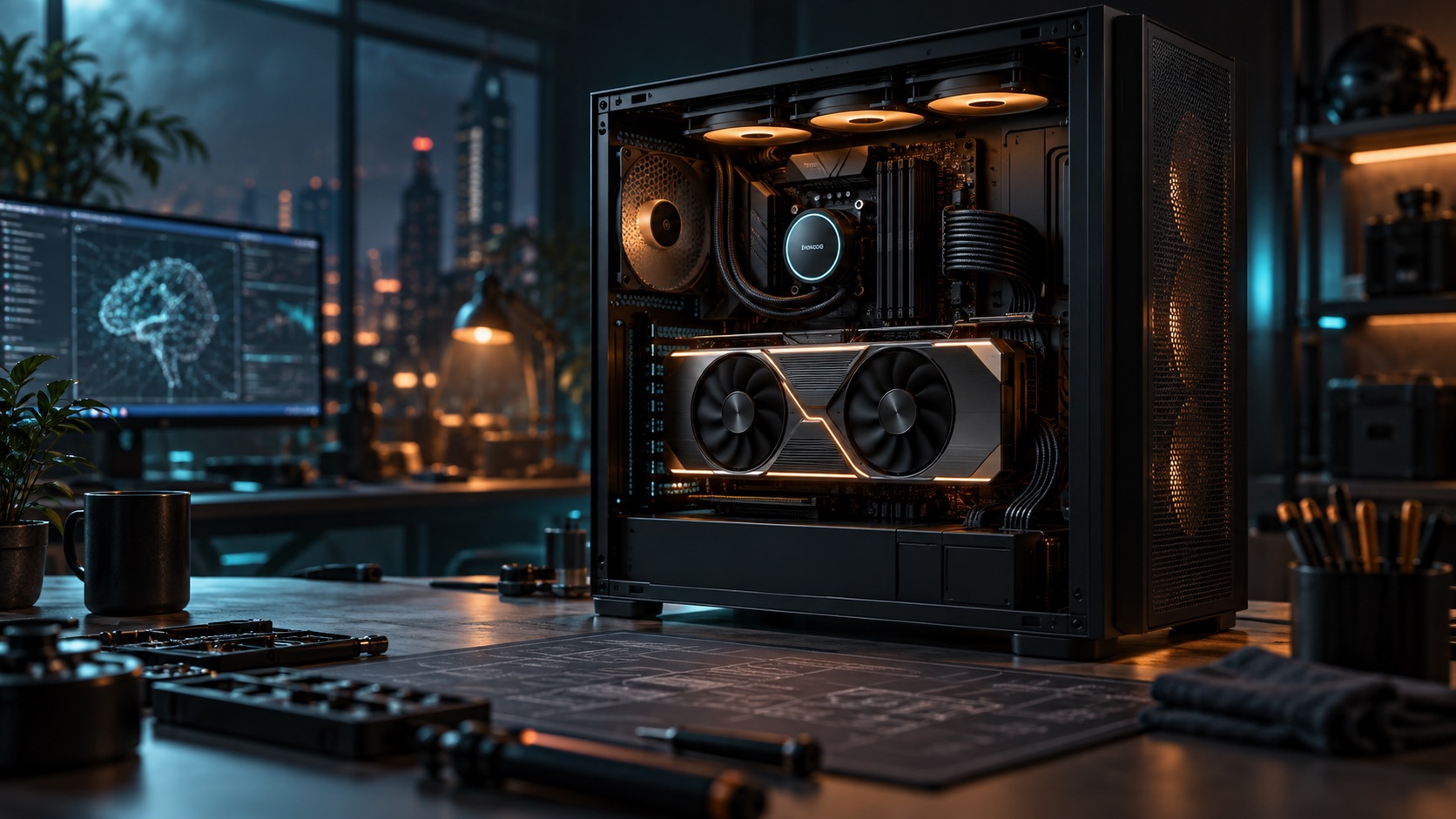
AI Workstation vs DGX Spark: The Short Answer
The NVIDIA DGX Spark is a lovely little box: 128 GB of unified LPDDR5X memory in a 1.2 kg desktop. But for raw local LLM speed, a DIY workstation around a 96 GB RTX PRO 6000 Blackwell is in a different league. The reason is simple: memory bandwidth. LLM token generation is memory-bound, and the Spark moves data at 273 GB/s while the RTX PRO 6000 moves it at 1,792 GB/s — a 6.57× bandwidth advantage that shows up almost one-to-one in real benchmarks.
| Spec | DGX Spark (GB10) | DIY RTX PRO 6000 Workstation |
|---|---|---|
| GPU memory | 128 GB LPDDR5X (unified) | 96 GB GDDR7 ECC (dedicated) |
| Memory bandwidth | 273 GB/s | 1,792 GB/s |
| Typical price | ~$4,000–4,700 | ~$14,000–18,000 complete build |
| Upgradable | No (sealed system) | Yes — second GPU, more storage |
| Best for | Quiet desk-side prototyping | Production inference, agentic AI, speed |
Step 1: Start With the GPU — VRAM Decides Everything
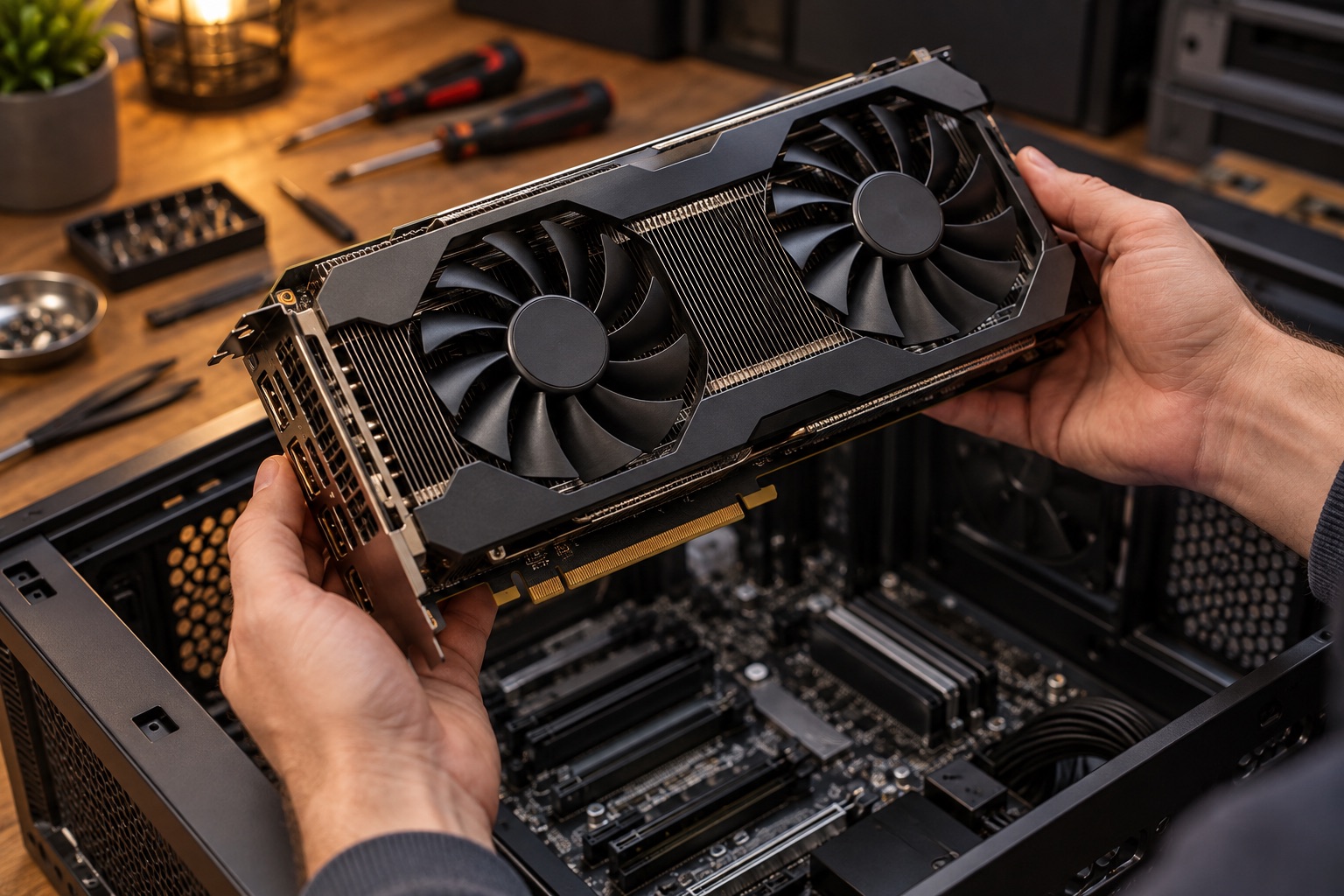
The graphics card is the heart of an AI workstation, and VRAM capacity decides which local models you can run at all. 24 GB runs 14B models comfortably; 32 GB reaches 32B at 4-bit; 96 GB — the class of the RTX PRO 6000 Blackwell — fits a quantized 70B model on a single card with room for long context. Buy the GPU first and build the rest of the system around it.
Step 2: Pick a Workstation-Class CPU and Platform
You don't need a flagship gaming CPU — you need PCIe lanes and memory headroom. An AMD Threadripper or Intel Xeon W platform gives you enough lanes for a full-width GPU plus NVMe drives, with a path to a second card later. If budget matters, a high-end consumer platform (Ryzen 9 / Core Ultra 9) drives one GPU perfectly well. Install the CPU, cooler, and board into the case before anything else.
Step 3: Memory and Fast NVMe Storage
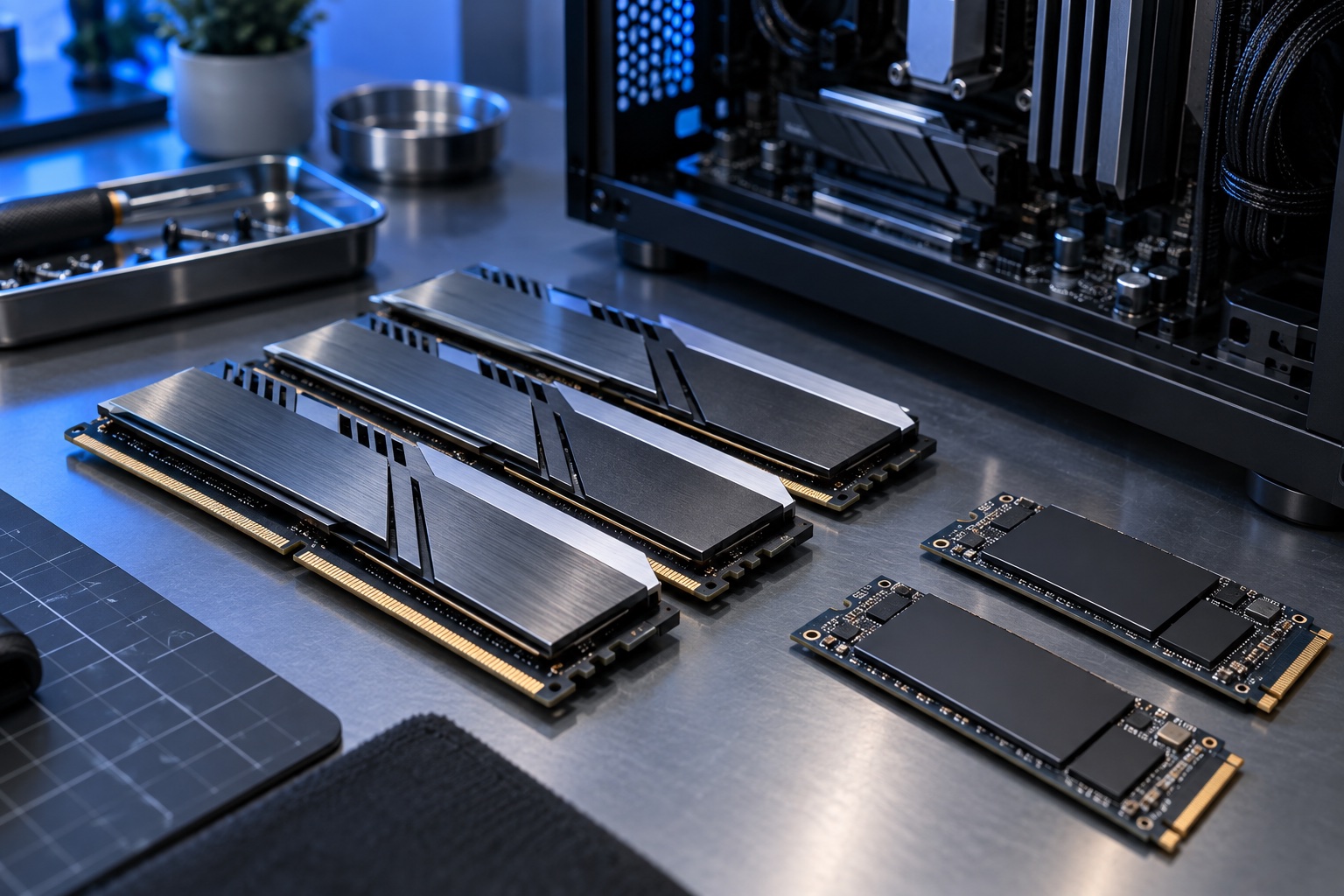
For local AI, match system RAM to at least 1–1.5× your GPU VRAM (128 GB is a sensible pairing with a 96 GB card) so model loading and CPU offload never stall. Storage matters more than people expect: model weights are huge, so use two fast PCIe 4.0/5.0 NVMe SSDs — one for the OS and one dedicated to models. Note that DDR5 prices have risen sharply since late 2025; buy the full kit now rather than planning to add sticks later.
Step 4: Power Supply and Cooling
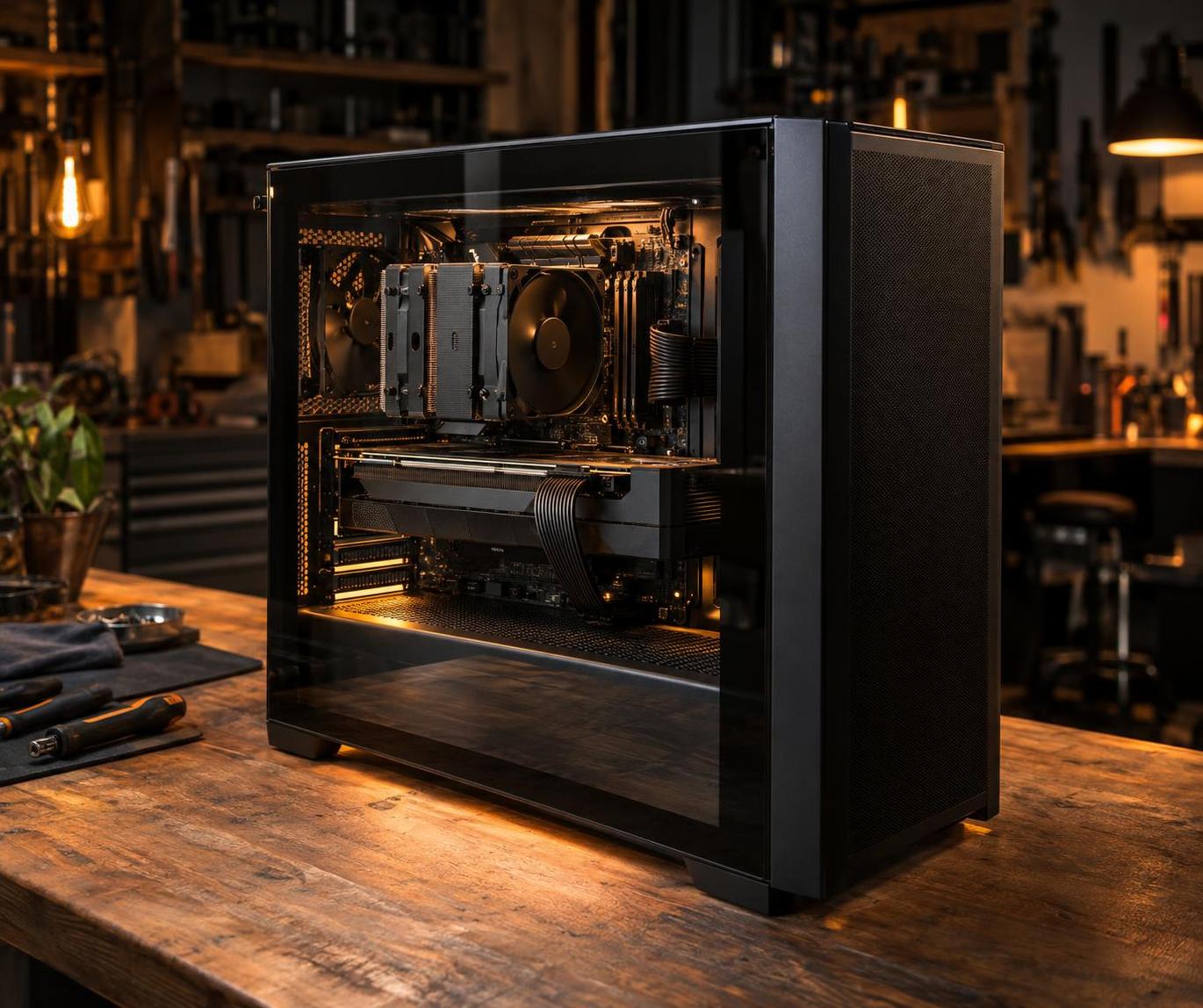
A 600 W-class pro GPU plus a workstation CPU wants a 1,600 W platinum-rated PSU for headroom and clean transient handling. Prioritize airflow over silence: sustained multi-hour inference heat-soaks cheap cases. Configure a straight-through front-to-back airflow path with high-static-pressure intake fans and a mesh front panel.
Step 5: Assembly
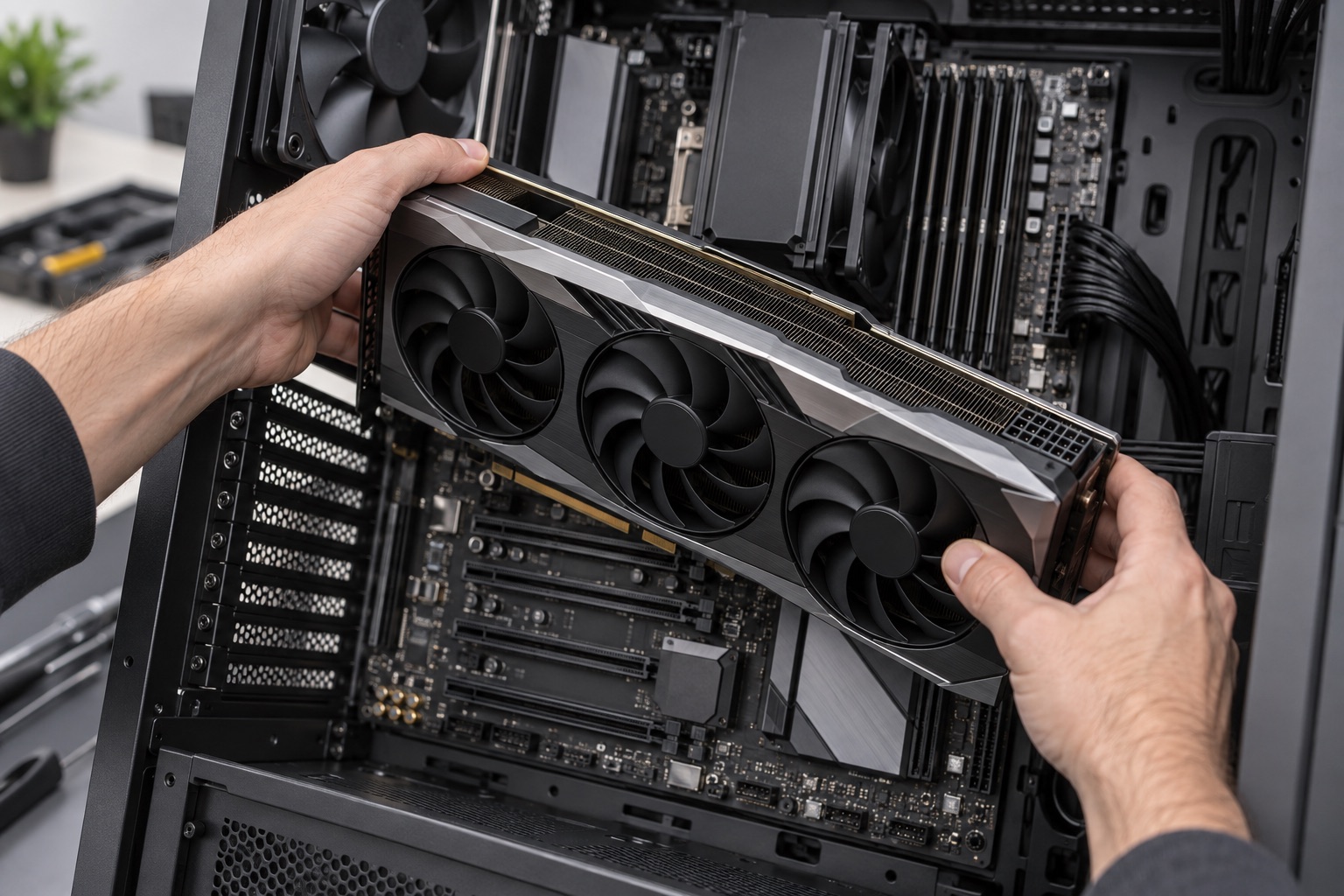
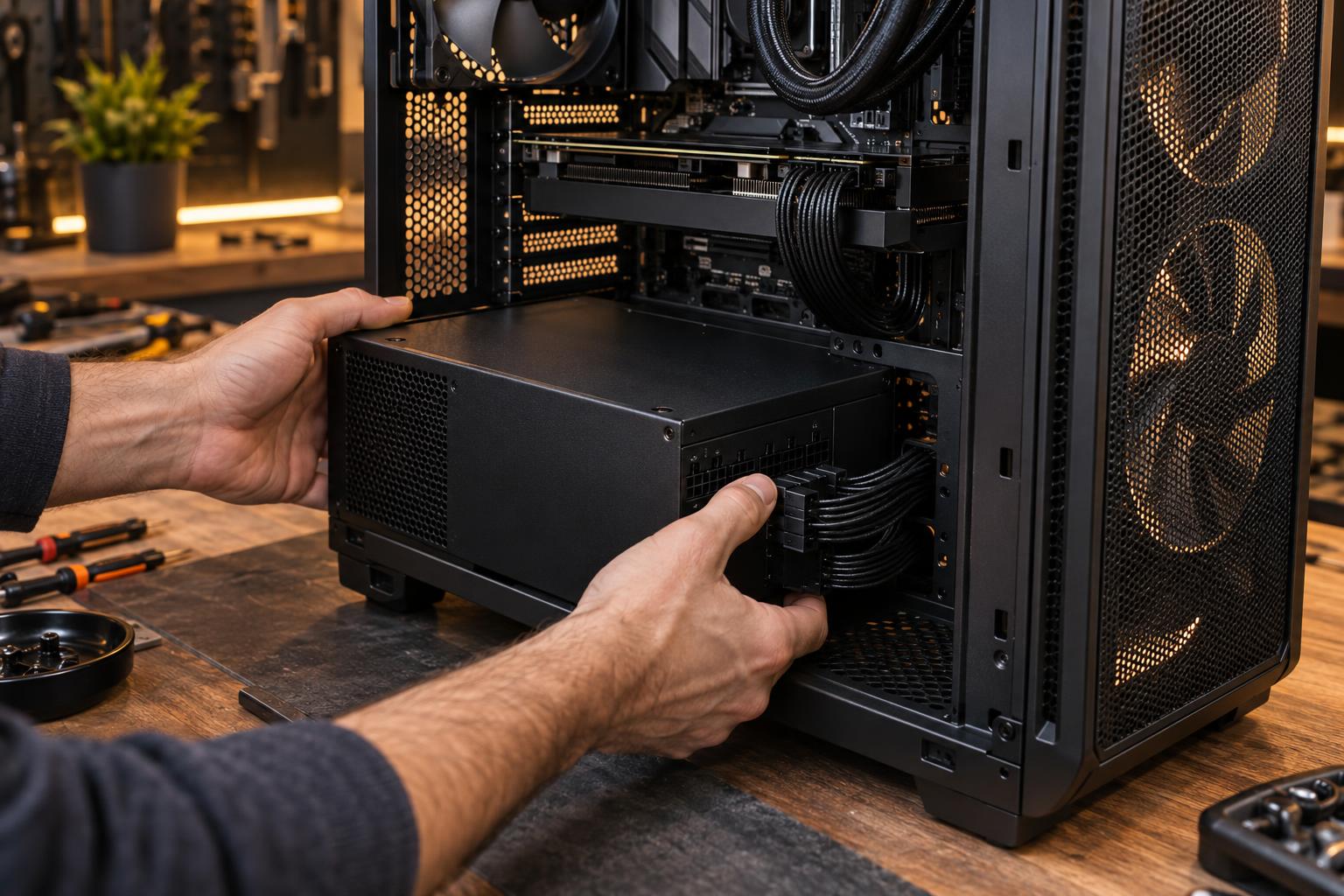
Assembly is a standard PC build with two AI-specific cautions: seat the GPU in the topmost PCIe x16 slot wired directly to the CPU, and connect every power connector on the card (pro Blackwell cards use the 12V-2x6/CESFF connectors — click them fully home). Double-check standoff screws and front-panel connectors before first boot.
Step 6: Software — Drivers, CUDA, Ollama
Install the NVIDIA driver and CUDA toolkit first (disable Secure Boot if the driver module refuses to load). Then the fastest path to local AI is Ollama: install it, run ollama run qwen3:32b, and you have an OpenAI-compatible local API in minutes. For maximum throughput, use vLLM or SGLang with FP8/FP4 quantized weights. Where do the models come from? Hugging Face is the canonical library of open-weight local AI models — Llama, Qwen, Gemma, DeepSeek and thousands more, downloadable as GGUF or safetensors.

Which Local Models Run — and How Fast (Tokens per Second)
Here's real single-user performance on both systems, from LMSYS SGLang FP8 benchmarks (2,048-token generation, batch size 1). Decode speed is the tokens-per-second you actually feel when chatting:
| Local model | DGX Spark (t/s) | RTX PRO 6000 build (t/s) |
|---|---|---|
| Llama 3.1 8B | ~20 | ~144 |
| DeepSeek R1 14B | ~12 | ~73 |
| Gemma 3 12B | ~7 | ~44 |
| Gemma 3 27B | ~4 | ~23 |
| Qwen 3 32B | ~6 | ~23 |
| Llama 3.1 70B (quantized) | ~2.7 | ~20 |
The pattern holds at every model size: the DIY workstation generates roughly 6–7× more tokens per second, and a 70B model that takes the Spark ~13 minutes to answer takes the RTX PRO 6000 build under 2 minutes. That's the difference between a demo machine and a daily driver.
Verdict: Build or Buy the Box?
If you want a silent, tiny desk companion for experimenting with 8B–14B models, the DGX Spark is a fine appliance. But if you're serious about local AI — 70B models, agentic workflows, multiple parallel models, or serving a small team — building your own workstation around a 96 GB RTX PRO 6000 is the better investment: dramatically faster, fully upgradable, and repairable with off-the-shelf parts. Explore our AI Workstation category for GPUs and complete builds, or start with the RTX PRO 6000 Blackwell Workstation Edition card that this whole guide is built around.
FAQ
Can I build an AI workstation with a consumer GPU?
Yes — an RTX 5090 with 32 GB runs 32B quantized models nicely. The jump to 96 GB pro cards is what unlocks 70B-class models and serious context lengths.
Is 96 GB VRAM enough for local LLMs?
For inference, absolutely: a 4-bit 70B model fits in ~40 GB, leaving over half the card for KV cache and long context. For fine-tuning larger models you'd want two cards.
Where do I download local AI models?
From Hugging Face — directly via Ollama, or as GGUF files for llama.cpp.
Comments (0)