



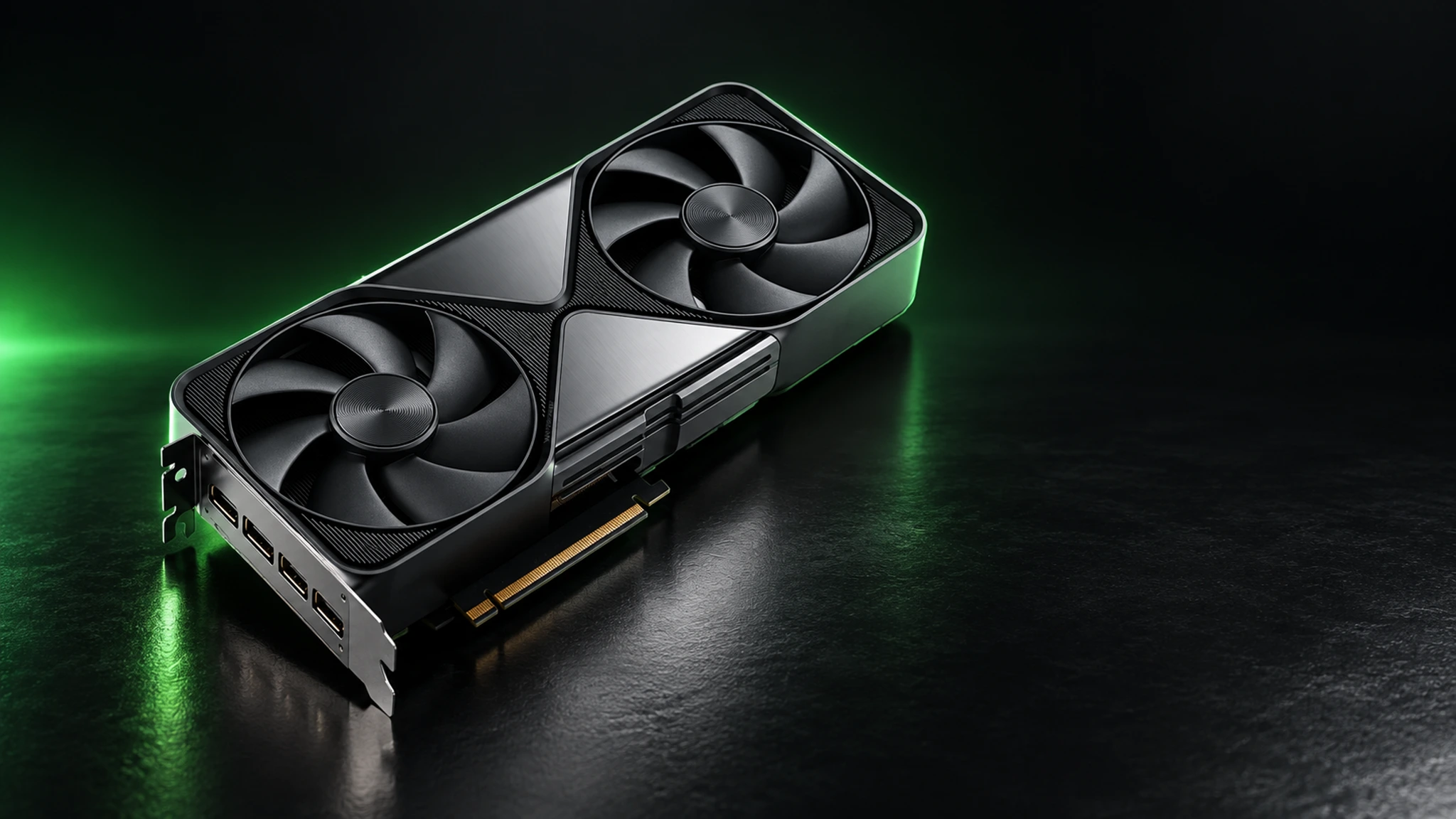
An AI workstation puts serious machine intelligence on your own desk: a quiet, power-efficient computer built around professional GPUs like the NVIDIA RTX PRO 6000 Blackwell, engineered to run large language models, diffusion models and vision workloads locally — without cloud bills, rate limits or data leaving your building. This section is MineShop's hands-on guide to choosing, building and running AI workstations in Europe, written by the team that actually stocks and tests the hardware.
Why run AI locally?
Cloud AI is convenient until it is not: per-token costs scale painfully, privacy policies get murky with client data, and availability depends on someone else's queue. A local AI workstation flips the model. You buy the hardware once, then run inference for the cost of electricity. For developers, agencies, researchers and privacy-conscious teams, the maths increasingly favours owning the GPUs — especially in Europe, where data residency requirements make on-premises AI a compliance feature, not just a preference.
What makes a good AI workstation in 2026?
Three components dominate the experience. First, VRAM: modern LLMs are memory-hungry, and the difference between 24 GB and 96 GB is the difference between compact models and full-fat frontier-class ones running comfortably. The RTX PRO 6000 Blackwell Workstation Edition with 96 GB of GDDR7 is currently the sweet spot for professionals — enough memory for 70B-class models with room for context, in a quiet dual-slot card that fits standard workstations. Second, memory bandwidth: GDDR7 on the Blackwell generation moves weights fast, which is what makes local chat feel instant. Third, the platform: PCIe lanes, adequate cooling and a PSU with headroom matter more than RGB.
Prefer a complete system? Our AI workstation category lists built and tested configurations with EU shipping. For server-class deployments — passive cooling, multi-GPU density, rack mounting — see the server GPU guides and the fanless RTX PRO 6000D Server Edition.
Workstation, server or mini PC?
The honest answer depends on your workload. A desk-side workstation (start with one RTX PRO 6000, scale to two or four) covers coding assistants, document analysis, fine-tuning experiments and image generation for a whole team. A GPU server — see our AI server guides — suits companies serving models around the clock. And if you are experimenting with smaller models, even compact hardware works: the "mini PC for local LLM" crowd runs 7B–14B models on modest machines, though serious work wants serious VRAM. Our local LLM guides break down the hardware ladder by model size and budget.
Software: the easy part now
The tooling has matured dramatically. LM Studio gives you a polished GUI for downloading and chatting with models on Windows and macOS. Ollama wraps everything in a single command and a local API that every major tool integrates with. NVIDIA's stack — drivers, CUDA and inference frameworks — ships with the card. What used to be a weekend of dependency hell is now genuinely a 15-minute setup, which is exactly why hardware choice became the interesting decision again.
The MineShop angle
We are a European hardware shop first: we stock the RTX PRO 6000 Workstation Edition and the 6000D Server Edition with fast EU delivery, real invoices and support from people who run the same cards. Whether you compare against the NVIDIA DGX Station appliances, a Corsair AI workstation, or a self-built rig, our guides in the tutorials hub use real numbers from our own test bench.
Three real builds, three budgets
The starter build pairs a single mid-range professional GPU with 64 GB of system memory and a fast NVMe drive — it runs compact models beautifully and leaves an upgrade path. The team build is where most European SMEs land: one or two RTX PRO 6000-class cards, a quiet rack or tower chassis, and enough PCIe headroom to add a third GPU next year. The flagship build is a multi-GPU inference server with passive-cooled cards like the RTX PRO 6000D, serving a whole office from one box. Each tier is documented with real part lists in the tutorials hub.
A note on future-proofing: AI hardware ages in VRAM, not in shaders. The card that feels oversized today is the one still running next year's models. Our customers rarely regret buying one memory tier up — they regret buying down.
Common mistakes to avoid
Five traps account for most disappointing builds: skimping on VRAM because the benchmark looked fine (benchmarks use short contexts; real work does not), choosing gaming cards with 8–16 GB for professional workloads, under-speccing the power supply so the system throttles under sustained inference, ignoring memory bandwidth when comparing used bargains, and forgetting the platform — PCIe lanes and CPU memory channels starve even great GPUs. We cover each in detail under this category, with measured numbers instead of forum folklore.
Support, warranty and the EU advantage
Hardware you buy from MineShop ships from Europe, with European invoicing, EU consumer protection and support from a team that runs the same cards daily. When a fan curves up or a driver misbehaves before a client demo, that difference matters. Browse the AI workstation category for current stock, and the RTX PRO 6000 tag for deep dives on the cards inside most of our builds.
Official resources
NVIDIA's own RTX PRO 6000 Blackwell page has full specifications, and the NVIDIA workstations hub covers certified platforms.