



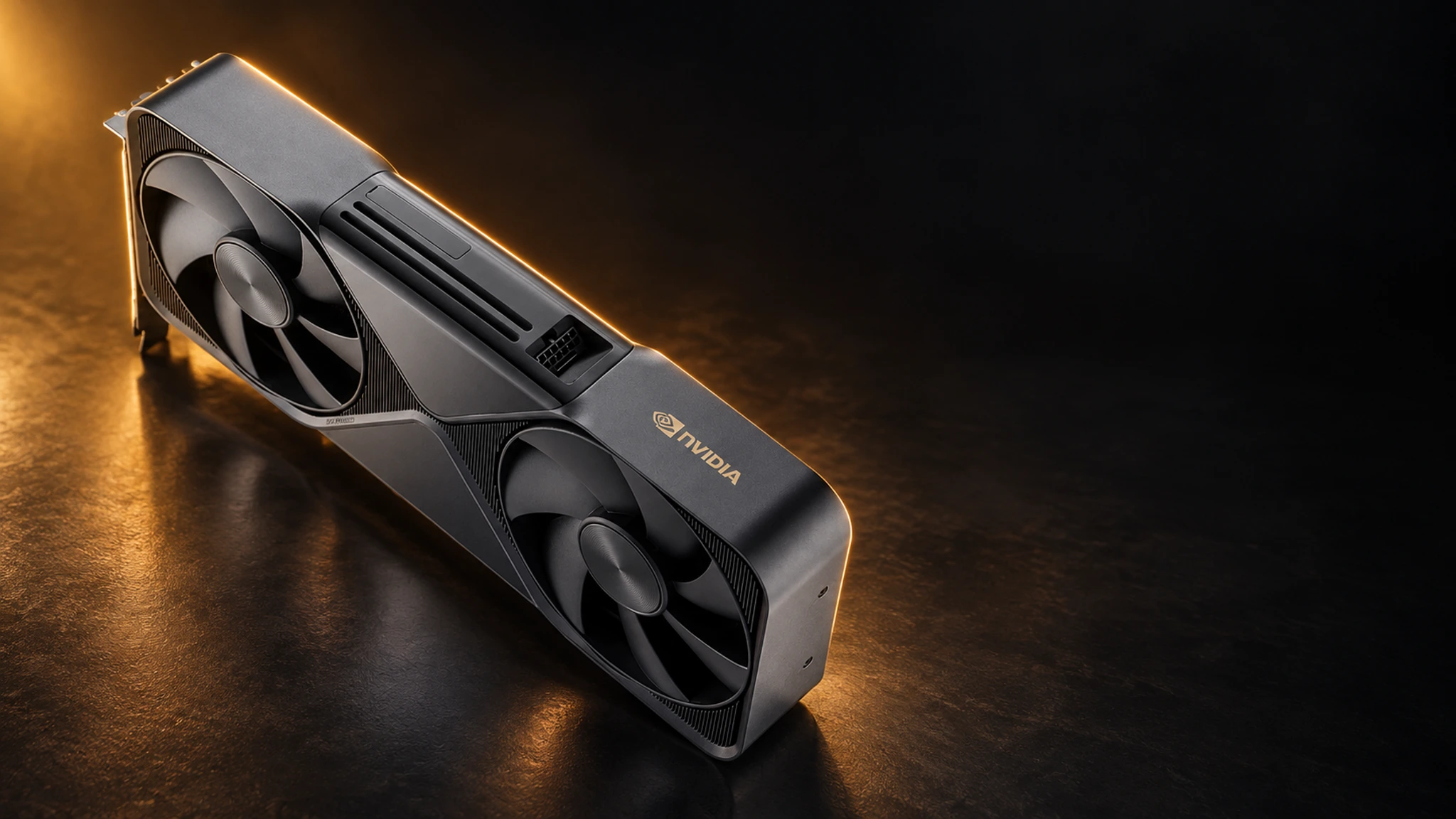
Running a local LLM means the model runs on hardware you own — your workstation, your server, your desk — instead of a rented cloud endpoint. No per-token bills, no data leaving the building, no rate limits at 2 AM when the idea finally compiles. This tag collects everything MineShop publishes about local LLM hardware: what to buy, how much VRAM you actually need, and how to get from zero to a running model.
Why local LLMs exploded
Two things changed. Models got small enough to be useful: modern 7B to 70B class models deliver genuinely strong coding, writing and analysis quality. And tooling got trivial: LM Studio offers a polished desktop app, while Ollama gets you running with one command. The result: the interesting decision moved from software to hardware — exactly where a hardware shop can help.
The honest VRAM ladder
Model size maps directly to GPU memory. Compact 7B–14B models run on 16–24 GB and are perfect for drafting and summarising. Mid-size 30B-class models want 32–48 GB and handle serious coding assistance. Frontier-class 70B+ models and long-context workloads want 96 GB — where the RTX PRO 6000 Blackwell with 96 GB GDDR7 earns its keep, running models that used to require a small cluster. If you are searching for the "best PC for local LLM" — the answer is: match the VRAM to the models you actually run, then buy one tier up for the versions coming next year.
Build or buy?
Self-building teaches you a lot and costs less; the trade-offs are compatibility research and support. A pre-built AI workstation from MineShop arrives tested, invoiced and supported, with EU delivery. For always-on multi-user deployments, the rack-mounted path through our server GPU guides and the RTX PRO 6000D Server Edition is the professional route. Solo developers: one 96 GB card in a quiet tower is a sweet spot many of our customers choose.
Beyond the GPU
A local AI rig is more than a graphics card: PCIe topology, CPU memory channels (for model loading), NVMe speed (for those first tokens) and case airflow all shape the experience. Our build guides cover the full platform. And once everything runs, the fun begins — private coding agents, document pipelines, fine-tuning experiments — all covered in the tutorials hub.
Model sizes, translated into hardware
A practical translation of the parameter zoo: 7B–8B models (excellent drafting, summarising and lightweight coding) run in 8–16 GB of VRAM at 4-bit quantisation — any modern GPU qualifies. 13B–14B models (solid all-rounders) want 16–24 GB. 30B–34B models (serious coding and analysis) want 32–48 GB, which is where professional cards start. 70B-class models (frontier quality in private) want 64–96 GB — the domain of the RTX PRO 6000 96 GB and multi-GPU AI workstations. Above that, you are serving models, and the AI server guides take over.
Running costs: the part nobody budgets
A local LLM rig costs electricity, and the maths is friendlier than cloud: an inference GPU sips tens of watts at idle and a few hundred under load — roughly a games console. Run 24/7 at European power prices, a single-GPU workstation lands in the tens of euros per month, against cloud API bills that scale with every token. Our cost-tracking guides (born from mining, repurposed for AI) show how to measure real draw. Winter bonus: the heat warms the room — the same trick our mining customers have used for years with the Avalon Nano heater-miners.
Privacy is the quiet killer feature
Contracts, source code, medical notes, legal drafts — the workloads people quietly paste into public AI tools are exactly the ones that should never leave the building. Local inference makes the privacy question disappear: the model runs on your own hardware, the data stays on your disk, and GDPR documentation becomes a sentence instead of a project. For many of our European customers, that alone justifies the hardware.
Fine-tuning on hardware you own
Running models is the gateway drug; adapting them is where local setups earn their keep. LoRA-style fine-tuning on your own documents, code style or product data turns a general model into a specialist — and it runs on the same AI workstation you chat with. The practical limits are VRAM and patience: smaller models tune beautifully on a single professional card, while larger experiments want the 96 GB of the RTX PRO 6000. Our walkthroughs cover dataset prep, training parameters and the classic mistakes that produce confident nonsense.
Hardening your local AI box
Local does not automatically mean safe: an inference endpoint on your LAN is still an endpoint. The basics that survive audits: bind services to localhost or a VPN interface, keep model files and chat logs on encrypted volumes, script backups of your Modelfiles and configurations, and patch the tooling (Ollama and LM Studio ship frequent updates). We keep a hardening checklist current in the tutorials hub — ten minutes of setup for a box that is private in practice, not just in theory.
The community is part of the hardware decision
One underrated reason the local LLM scene moves so fast: model authors publish what they ran it on, and buyers follow. Card families with big communities get faster tooling support, better quantisations and quicker bug fixes — a network effect our GPU selection guides factor into recommendations alongside raw specs.
