

ASIC Miner Overclocking Guide: Boost Hashrate Safely in 2026
ASIC Miner Overclocking Guide: Boost Hashrate Safely in 2026
Overclocking your ASIC miner without understanding the thermal limits first is how you turn a €3,000 machine into a €300 paperweight. Most guides skip straight to the fun part — the numbers — and gloss over the part where your hashboards start throttling at 95°C and your warranty quietly disappears. That is the part we are going to start with.
After the April 2024 halving dropped the block reward to 3.125 BTC and network hashrate climbed past 900 EH/s, squeezing extra performance from existing hardware stopped being a hobbyist experiment and started being a financial decision. At €0.25/kWh — which is close to the EU average (Eurostat, Q4 2025) — the difference between running a miner at stock settings and running it at a well-tuned overclock can be €40–€80 per month in additional revenue. That is not nothing.
This ASIC miner overclocking guide is written for European home miners who want honest, specific information. Not a sales pitch. Not vague advice about "pushing your limits." Real numbers, real risks, and a framework for deciding whether overclocking is even worth it for your setup.
What We Cover
- What ASIC overclocking actually does — and the citable definition
- Before you touch a single setting: heat, power, and warranty
- How to overclock your ASIC miner step by step
- Which miners respond best to overclocking in 2026
- The counterintuitive case for underclocking instead
- Frequently Asked Questions
- So, is overclocking worth it for you?
What ASIC Overclocking Actually Does
ASIC miner overclocking is a hardware tuning process that increases the clock frequency of mining chips beyond factory settings, raising hashrate output — typically by 10–30% — at the cost of proportionally higher power draw and heat generation.
Stock settings from manufacturers like Bitmain are deliberately conservative. They are calibrated to run reliably across a wide range of ambient temperatures, power supplies, and operators — including operators who have no idea what they are doing. That conservatism leaves headroom. Overclocking is the act of using that headroom deliberately, with full awareness of what you are trading away.
The core trade-off: more hashrate means more heat and more watts consumed. Heat degrades chips over time. More watts cost money. If your electricity rate in Germany runs €0.28/kWh, pushing a miner harder might cost you more in electricity than the extra hashrate earns you. The maths matters more than the excitement.
Before You Touch a Single Setting: Heat, Power, and Warranty
Thermal limits are non-negotiable
Most ASIC hashboards are designed to operate safely below 85°C chip temperature. Some newer units tolerate up to 90°C. Push past that consistently and you are not overclocking — you are slowly destroying the chip substrate. The machine will keep running for a while. Then it will not.
Before overclocking, check your ambient temperature. A miner running in a 35°C garage in August is already thermally stressed at stock settings. Adding an overclock on top of that is a fast route to hashboard failure. Aim for ambient temps below 25°C and ensure airflow is unrestricted on both intake and exhaust sides.
Power supply headroom
Overclocking increases power draw. If your PSU is already running near its rated maximum, you will trip protections — or worse, run the PSU in a sustained overload state. A good rule: your PSU should have at least 20% headroom above the miner's overclocked draw. Check the rated watts on your unit before changing anything.
Warranty implications
Honestly, that is not great news for buyers who want to overclock immediately: most manufacturers void the warranty the moment you modify frequency or voltage settings. Know this going in. If you are within the first three months of ownership and the machine develops a fault, stock settings give you recourse. Custom firmware at month one does not.
How to Overclock Your ASIC Miner Step by Step
Step 1: Establish your baseline
Run the miner at stock settings for 48–72 hours and log hashrate, power draw, and chip temperatures. You need a clean baseline to measure gains against. Most mining guides skip this part, which is maddening — without it, you cannot tell if your overclock is actually working or if you are just reading noise in the data.
Step 2: Access the miner's web interface
Connect to the miner's IP address on your local network. On most Bitmain and MicroBT units, the default interface gives you access to frequency settings per hashboard. Some miners — particularly those running custom firmware like BraiinsOS+ — expose more granular per-chip tuning. BraiinsOS+ is worth using if your miner supports it; it also enables autotuning, which is the safest way to push performance without manually guessing chip-by-chip limits.
Step 3: Increase frequency incrementally
Do not jump to maximum. Raise frequency by 5–10% and run the miner for 24 hours. Log temperature, hashrate, and rejected shares. Rejected shares above 1–2% of total shares indicate instability — the chips are running too fast for the voltage supplied and producing errors. Back off slightly.
Step 4: Watch chip temperatures obsessively for the first week
Set alerts if your monitoring software supports it. 85°C should be your hard ceiling during the tuning phase. Once you find a stable frequency with temps below 85°C and rejected shares under 1%, hold that setting for a full week before declaring success.
Step 5: Account for seasonal variation
A setting that runs perfectly in January in Poland will cook your hashboards in July. Either plan to dial back the overclock in summer months or invest in supplemental cooling. This is not optional advice.
Which Miners Respond Best to Overclocking in 2026
Not every ASIC miner is equally tunable. Chip binning — the process of sorting chips by quality during manufacture — means that two physically identical machines can have meaningfully different overclocking ceilings. That said, some architectures are more overclock-friendly than others.
| Miner | Stock Hashrate | Stock Power | Efficiency | OC Headroom (est.) | Custom Firmware Support |
|---|---|---|---|---|---|
| Antminer S21 XP | 270 TH/s | 3,645 W | 13.5 J/TH | ~10–15% | BraiinsOS+ (limited) |
| Whatsminer M66S | 298 TH/s | 3,922 W | 13.2 J/TH | ~8–12% | VNish / stock web UI |
| IceRiver KS5 Pro | 21 TH/s (KAS) | 3,500 W | 167 W/TH | ~5–10% | Stock UI only |
Specs sourced from manufacturer datasheets (Bitmain.com, MicroBT.com, IceRiver.io, 2026). OC headroom estimates are based on community results — your specific unit may vary.
In our experience shipping to customers across 27 EU countries, the biggest mistake beginners make is overclocking a machine they have only owned for two weeks, before they have any sense of how that specific unit behaves thermally. Every miner has its own personality. A month of baseline data is worth more than any guide.
The Counterintuitive Case for Underclocking Instead
Here is the advice most overclocking guides will not give you: for many European home miners at €0.25–0.30/kWh, underclocking is more profitable than overclocking.
Say you live in Latvia and pay €0.18/kWh — underclocking is probably not your priority. But if your electricity rate in the Netherlands is €0.29/kWh, running an Antminer S21 XP at 80% frequency reduces power draw by roughly 25%, cuts your monthly electricity cost by €60–€80, extends chip lifespan significantly, and — critically — keeps the machine within warranty conditions. The hashrate loss of 15–20% hurts, but the margin improvement at high electricity rates is real.
Underclocking also drastically reduces noise. An S21 XP at stock settings runs at around 75 dB. Dial it back to 75–80% and you drop 8–10 dB — the difference between a machine that dominates a room and one you can tolerate in a utility space. Worth knowing before you buy, especially for home setups.
For miners interested in lower-power alternatives that are already tuned for efficiency, the home miner category on Mineshop has options worth comparing before you commit to overclocking a full-size industrial unit.
Frequently Asked Questions
Does overclocking an ASIC miner void the warranty?
A: Yes, in almost every case. Bitmain, MicroBT, and IceRiver all specify that modifying frequency or voltage settings beyond factory defaults voids the manufacturer warranty. Some third-party extended warranties through resellers are similarly voided. If your machine is under warranty and develops a fault, stock settings are your only protection.
How much extra hashrate can I realistically expect from overclocking?
A: For most modern ASIC miners in 2026, a safe overclock yields 10–20% additional hashrate. Pushing beyond 20% above stock risks chip instability, elevated reject rates, and thermal damage. The Antminer S21 XP, for example, can realistically reach 300–310 TH/s from its stock 270 TH/s with careful tuning — but power draw rises proportionally, from 3,645 W to roughly 4,200 W or more.
What is the safest way to overclock an ASIC miner?
A: Use autotuning firmware where available — BraiinsOS+ is the most established option for compatible Antminer units. Autotuning profiles each chip individually and finds the highest stable frequency without manual guessing. Always raise frequency in small increments (5–10% at a time), monitor chip temperatures carefully, and keep chip temps below 85°C. Run each setting for at least 24 hours before making further adjustments. (Source: Braiins.com, 2026)
Is overclocking profitable at European electricity rates?
A: It depends heavily on your rate. At €0.20/kWh or below, overclocking a high-efficiency miner like the Antminer S21 XP can add €30–€60/month in net revenue after the additional electricity cost. At €0.28/kWh or above, the extra power draw from overclocking often erases the revenue gain entirely. Run the numbers for your specific rate before touching settings. (Source: asicminersprofitability.com, 2026)
Can I overclock any ASIC miner?
A: Most ASIC miners allow some degree of frequency adjustment via their web interface. However, the degree of control varies significantly. Older models with proprietary firmware may have very limited tuning options. Miners running on open-source or third-party firmware like BraiinsOS+ offer the most control. Always verify firmware compatibility with your specific miner model before attempting to flash anything — incompatible firmware can brick a hashboard.
What happens if I push my ASIC miner too hard?
A: At moderate over-stress, you will see elevated rejected shares and possible thermal throttling — the miner reduces frequency automatically to protect itself. At sustained high stress above thermal limits (consistently above 90°C chip temperature), you risk permanent chip degradation, hashboard failure, or, in rare cases, PSU damage. Chip damage is not always immediately visible; you may see gradual hashrate decline over weeks before a board fails entirely.
So, Is Overclocking Worth It for You?
If your electricity rate is below €0.22/kWh, you have solid cooling, and you have run your miner at stock for at least four weeks — yes, a careful 10–15% overclock is probably worth exploring. The revenue upside is real, the process is manageable, and modern firmware makes it safer than it was even two years ago.
If your rate is above €0.25/kWh, run the underclocking maths first. Seriously. The efficiency gain from pulling back frequency often beats the hashrate gain from pushing it — especially post-halving, with network difficulty sitting above 110 trillion (as of Q1 2026, mempool.space).
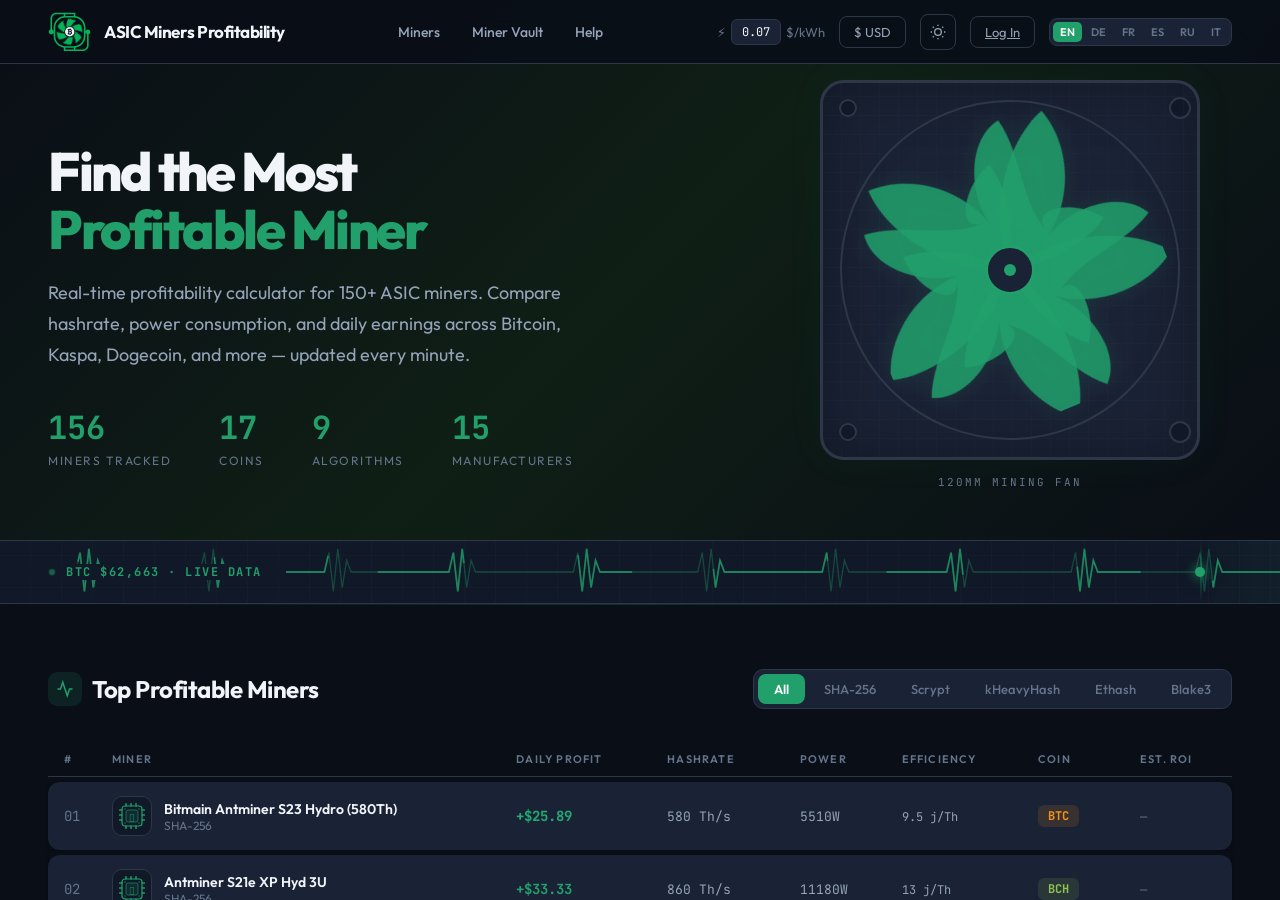
And if you are still figuring out which machine to buy before any of this becomes relevant, browse the full ASIC miner catalogue at Mineshop.eu. Mineshop.eu has been supplying European miners with genuine ASIC hardware since 2016; most orders ship from Ireland and Latvia, both in the EU, with fast DHL/FedEx delivery across all EU countries. If you want to talk through whether a specific unit suits your power setup before you buy, the contact page gets you to someone who actually knows the hardware.
Related Blog
Low-Power Bitcoin Miners for Winter 2026: BC01, Thor P2 and Bitaxe Gamma
Aug 31, 2026 by Guntis Vitolins
Mineshop mini bitcoin miner Asic miner
How Can I Mine for Bitcoins? Complete Mining Methods Guide
Aug 29, 2026 by Guntis Vitolins
Mineshop Asic miner Bitcoin mining machine