



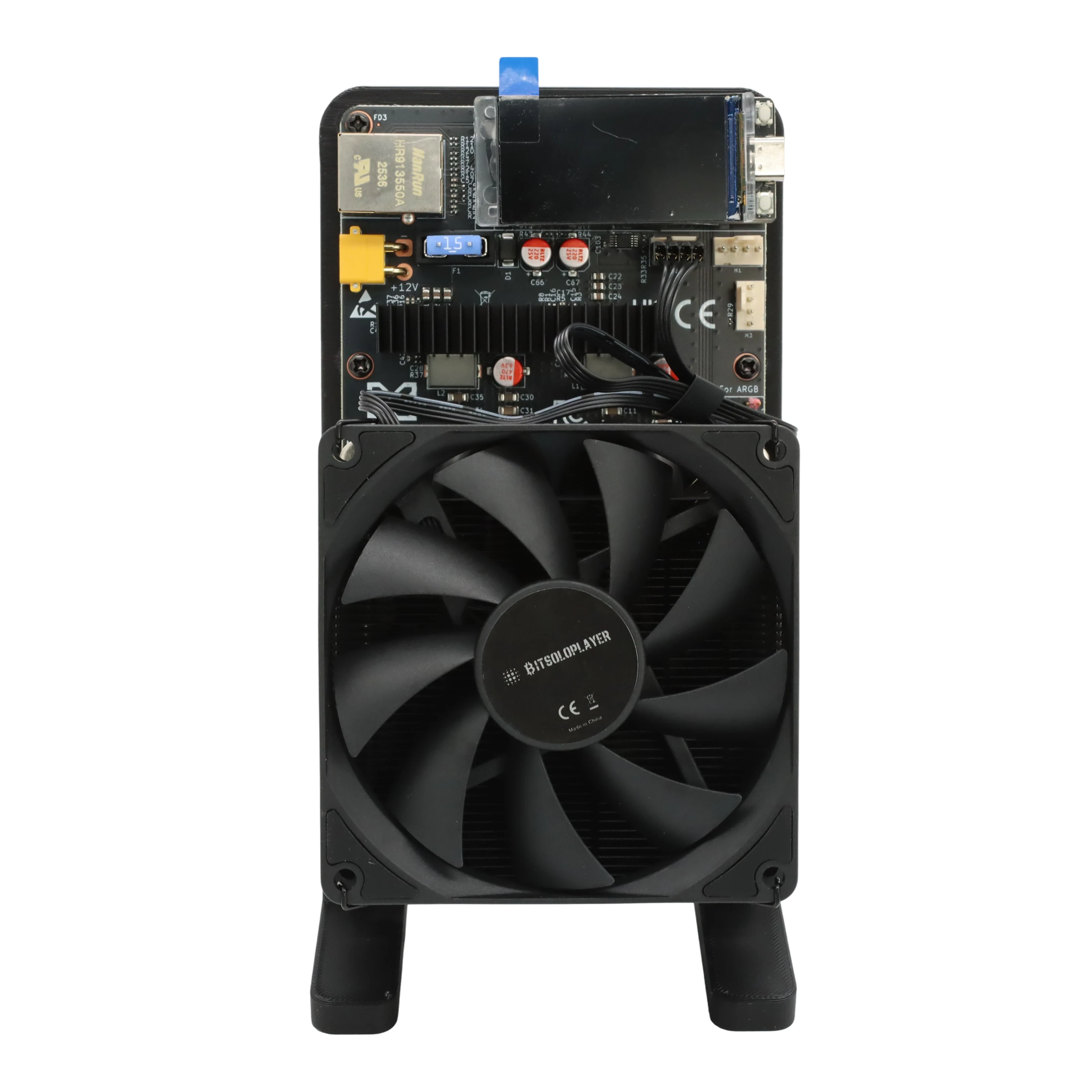
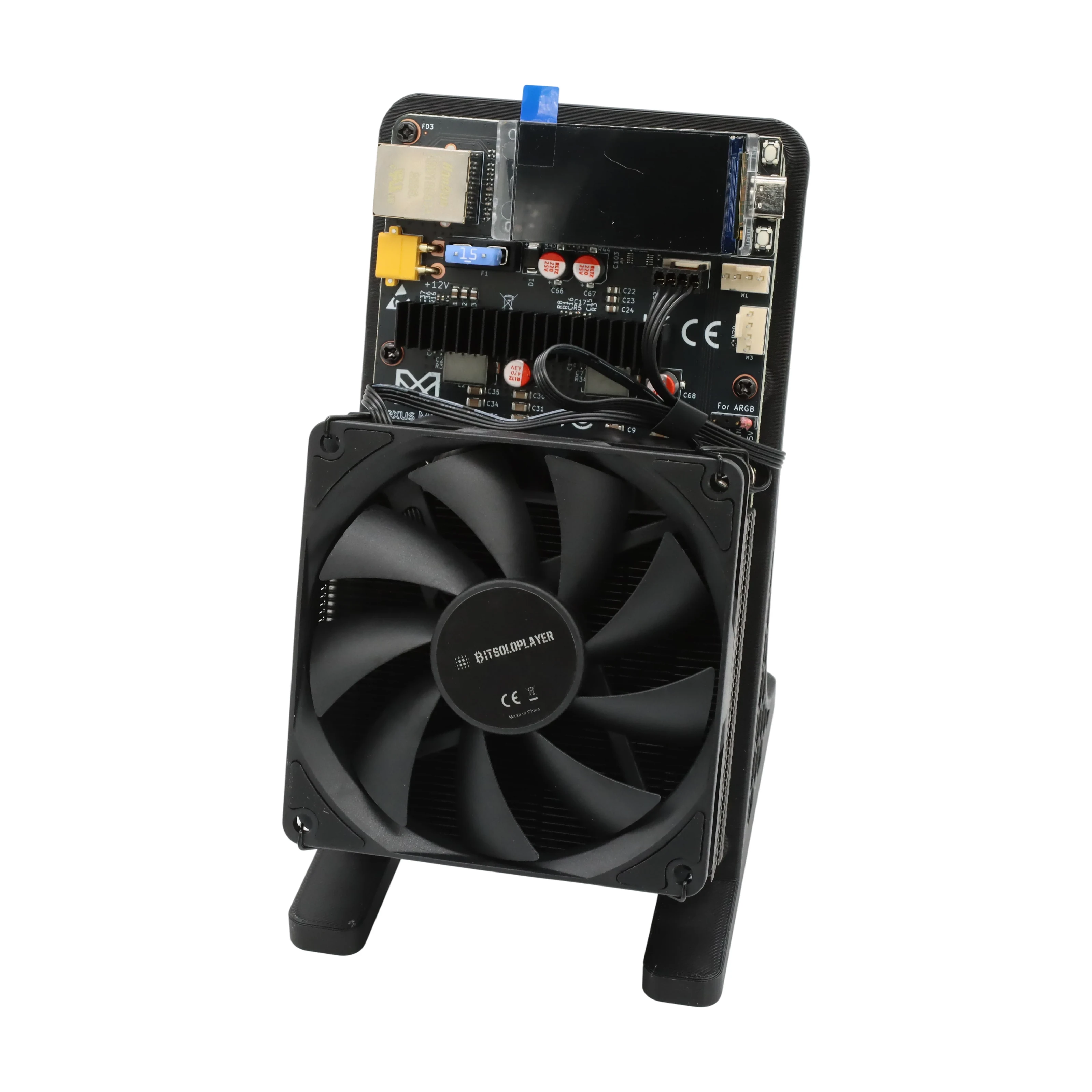
Nexus S1 5 TH/s BM1373 Bitcoin Solo Miner - 75 W
SKU: NEXUS-S1-5TH-BM1373
5 TH/s · approximately 75 W · 15 J/TH
Black BM1373 Bitcoin solo miner; power adapter included. 180-day warranty.
- Hashrate5 TH/s
- Power75 W
- Efficiency15 J/TH
- AlgorithmSHA-256
- CoinBTC
€239.87
(excl.VAT)Guaranteed Safe Checkout


Ships in 24h
Order confirmed within 24hShips from Ireland & LatviaNo customs in the EU
Tracked deliveryTo all 27 EU countries
Warranty & supportAfter-sales help
Card, bank, cryptoSecure checkout


Calculate profitability
EstimateMiner revenue varies with coin mining difficulty
- Profit / day
- +€0.0578
- Profit over 200 days
- Break-even electricity price
- €0.082/kWh
- Pays for itself in
- ≈ 11 years≈ 14 years
Live daily miner revenue €0.148 Power cost / day €0.09
Revenue and profit per day
- Revenue
- Profit at €0.05/kWh
Estimate for 5 TH/s at today’s Bitcoin difficulty, block reward and BTC price (mempool.space, CoinGecko; updated 2026-11-03 18:55 UTC), before pool fees. Power cost = watts × 24 h × your price per kWh.
Solo lottery
Solo mining odds: your chance to hit a Bitcoin block
Mining solo, this miner’s 5 TH/s buys a ticket in every block draw. A block is found about every 10 minutes, and the miner who finds it keeps the whole reward.
The prize: one block
3.125 BTC + fees
≈ €217,300
Within 1 year 0.0257% Within 5 years 0.128%
≈ 40 of these miners together would give a 1 in 100 chance a year.
- This miner1 in 3,890
- Struck by lightning in a year (US)1 in 1,222,000
- EuroMillions jackpot, one ticket1 in 139,838,160
Every 10 minutes is a fresh draw; luck does not build up. Solo mining is a lottery, not an income: most solo miners never find a block.
Network hashrate 1,023 EH/s (mempool.space, 2026-11-03 21:11 UTC) · BTC €69,546 (CoinGecko) Everyday odds: euro-millions.com (EuroMillions jackpot); US National Weather Service (lightning, 2009–2018 average).
Specifications: Nexus S1 5 TH/s BM1373 Bitcoin Solo Miner - 75 W
Coin
BTC
Consumption
Hashrate
Efficiency
ModelNexus S1
Also Known AsNexus S1 BM1373 Bitcoin Solo Miner
CoinBitcoin (BTC)
Hashrate5 TH/s
Consume, kWh75 W
Energy Efficiency15 J/TH
Fans1
Warranty180 days
Description for: Nexus S1 5 TH/s BM1373 Bitcoin Solo Miner - 75 W
Nexus S1: small miner, serious hashpower.
Meet a BM1373-powered home Bitcoin miner rated at up to 5 TH/s and approximately 75 W. Explore our mini Bitcoin miners or learn the fundamentals in our Bitcoin mining guide.
Bring Bitcoin mining to your desk
The Nexus S1 is a compact SHA-256 ASIC miner for Bitcoin enthusiasts who want to take part in mining at home. Its BM1373 chip delivers a rated 5 TH/s in a small, fan-cooled setup. Use a compatible solo pool for a chance to find a block, or choose a compatible conventional pool if you prefer its payout model.
BM1373 technology dedicated to Bitcoin's SHA-256 algorithm.
A rated 15 J/TH from 5 TH/s at approximately 75 W.
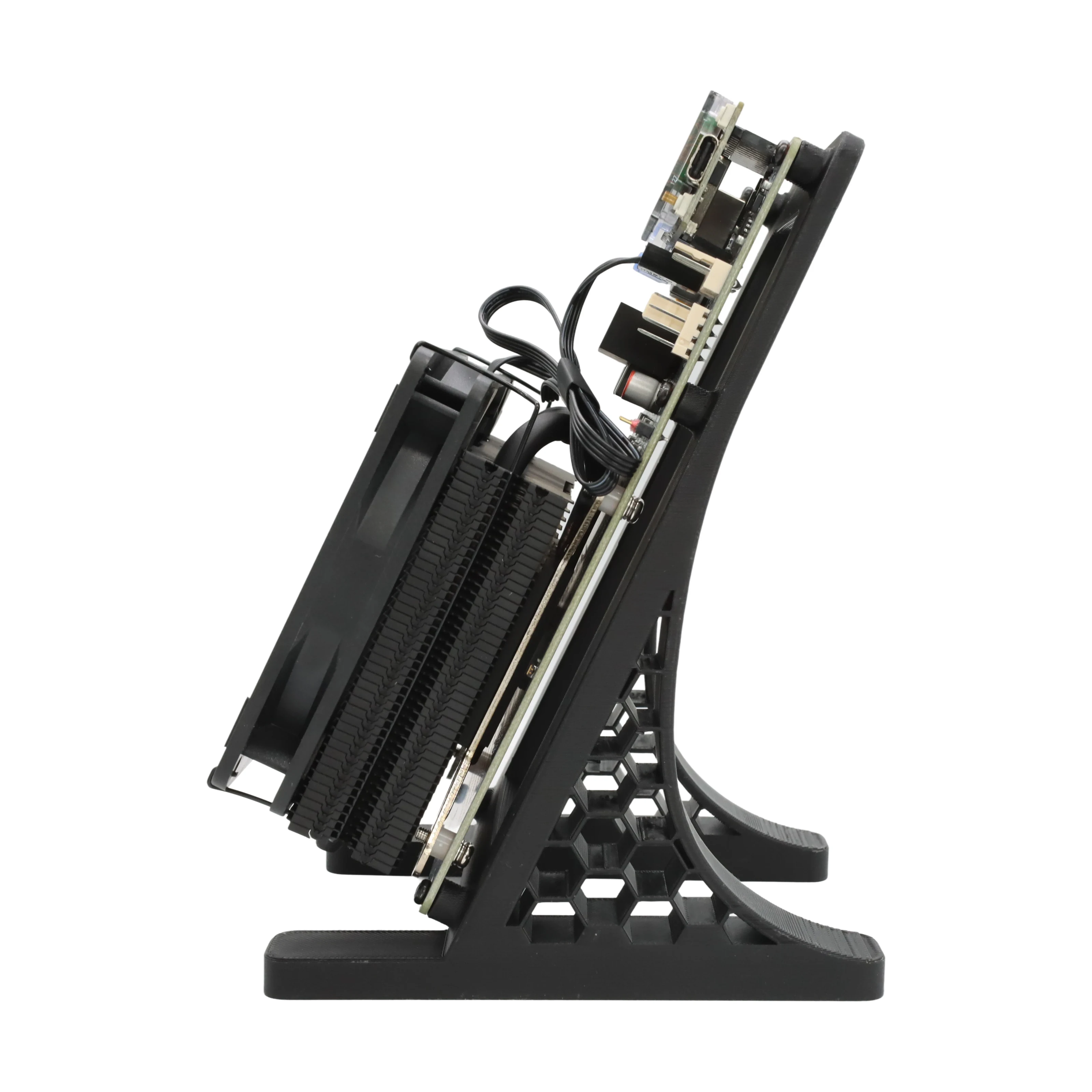
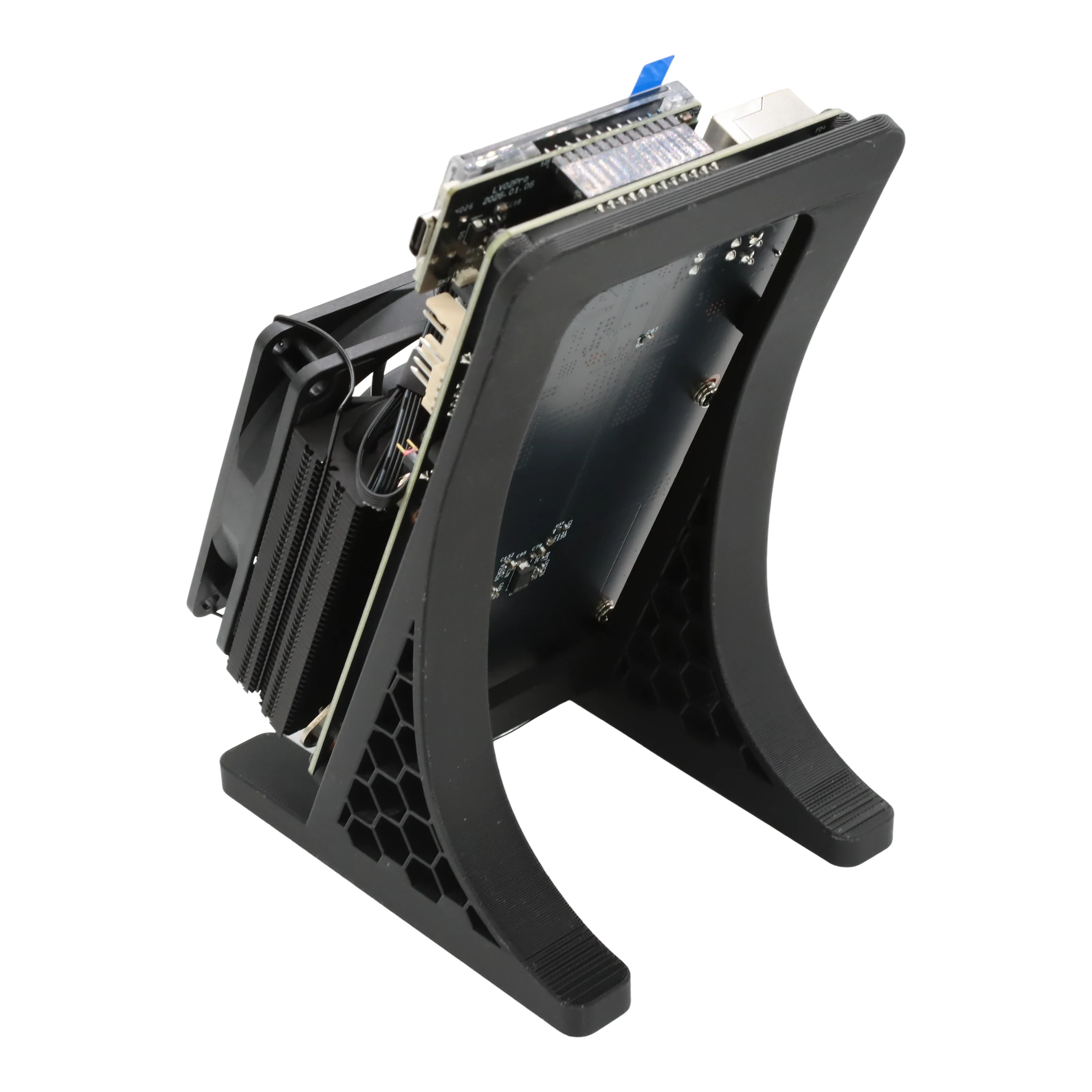
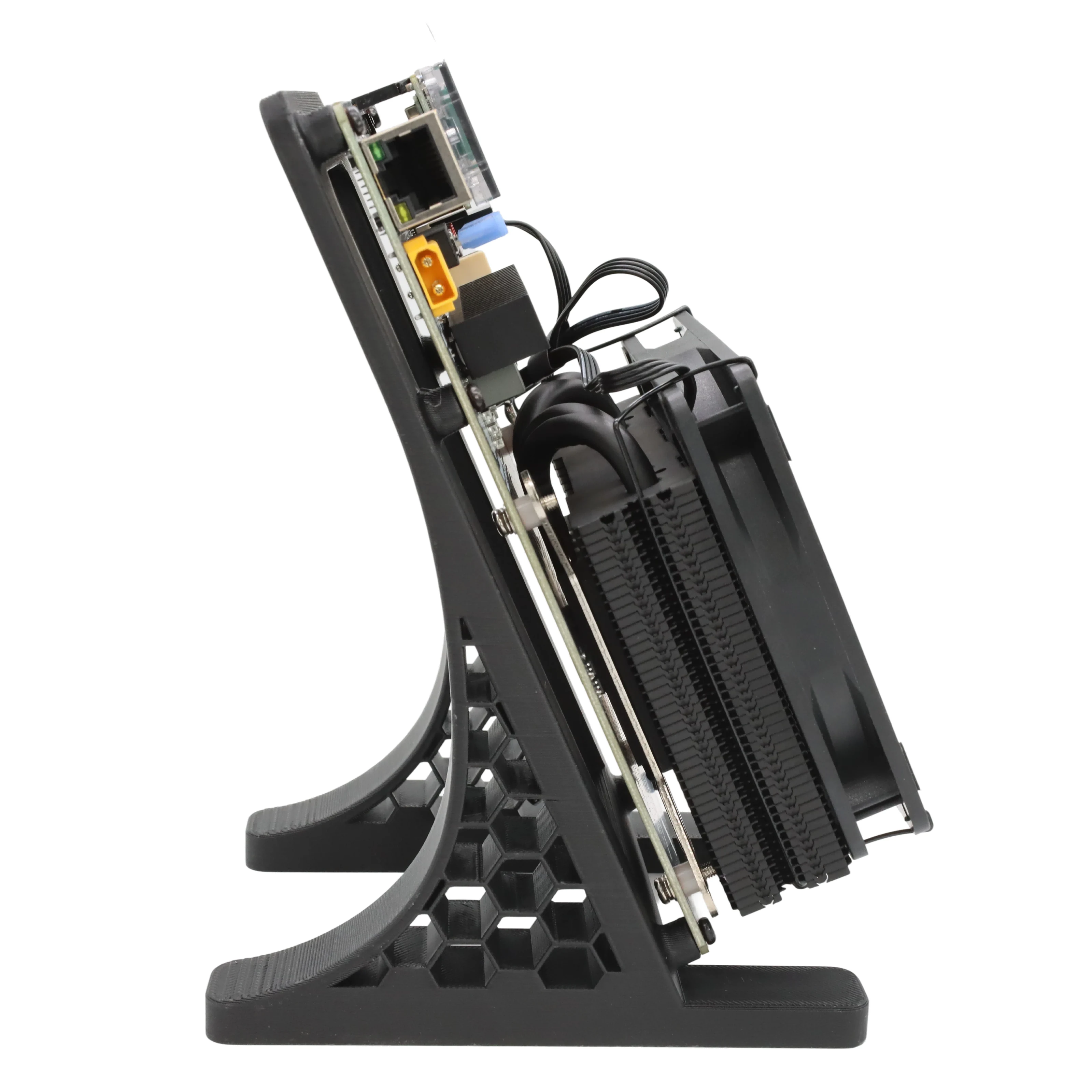
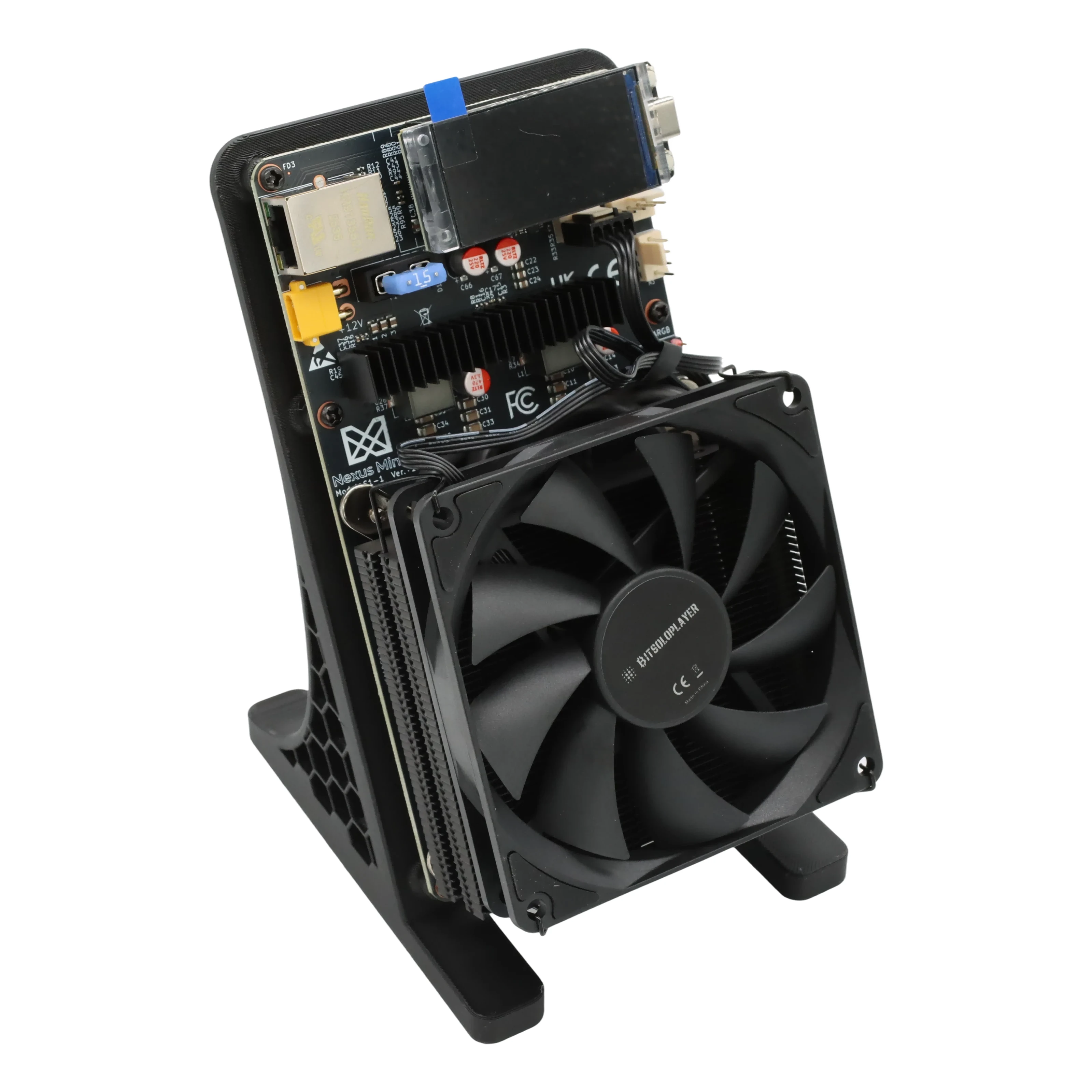
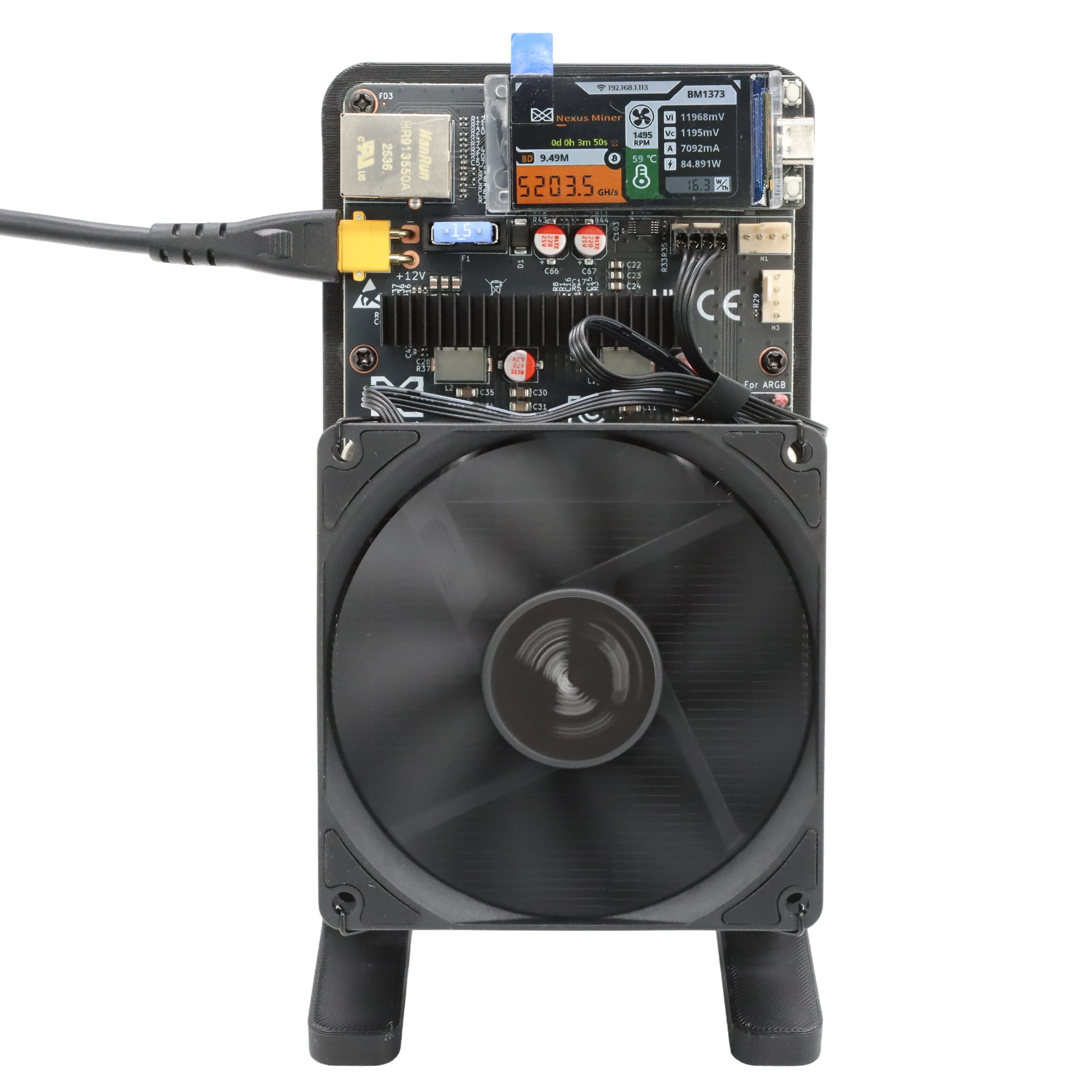
A compact open-air design with a fan, stand and information display.
Use a compatible Bitcoin solo or pool-mining service.
Nexus S1 technical specifications
| Model | Nexus S1 |
|---|---|
| ASIC chip | BM1373 |
| Algorithm | SHA-256 |
| Rated hashrate | Up to 5 TH/s |
| Power consumption | Approximately 75 W |
| Rated efficiency | Approximately 15 J/TH (75 W ÷ 5 TH/s) |
| Coin / mining mode | Bitcoin (BTC); compatible solo or conventional pool |
| Cooling and display | Fan-cooled design with a status display and black stand |
| Colour and weight | Black; 2 kg per unit |
| Power and connections | 12 V / 10 A power adapter included; Ethernet connector pictured |
| Warranty | 180 days; statutory consumer rights remain unaffected |
Hashrate, power draw and efficiency vary with settings, power supply, cooling, ambient temperature and operating conditions. Dimensions, sound level and supported Wi-Fi details have not been confirmed for this unit.
What is in the box?
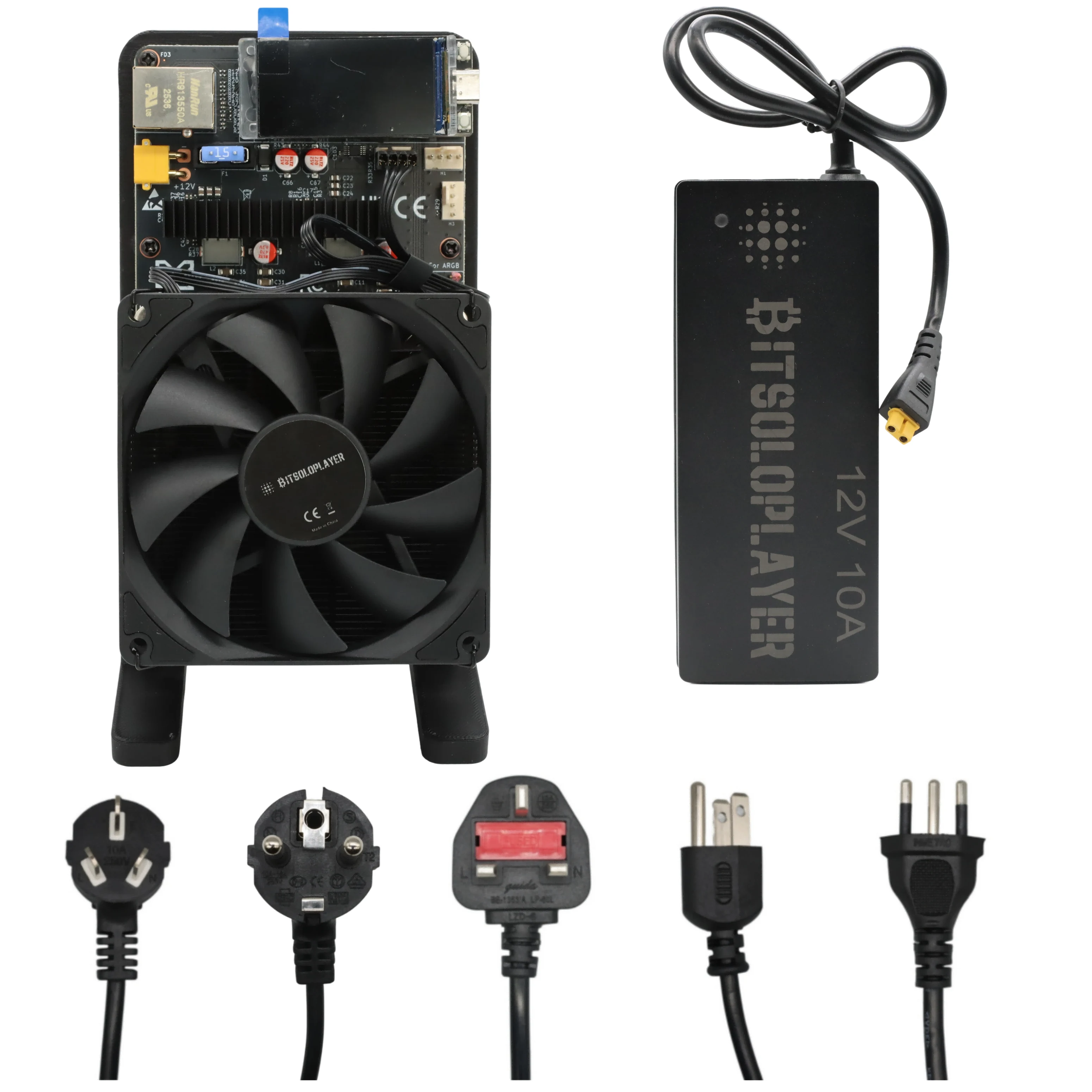
Included: 1 × black Nexus S1 miner with cooling fan, display and stand; 1 × 12 V / 10 A power adapter.
The bundle image shows examples of alternative regional mains plugs, not a promise that every plug is included. Check mains-lead and plug requirements with Mineshop if needed. A Bitcoin wallet, network connection and pool account or configuration are supplied by the user.
Getting started: installation guide
- Choose a safe location. Place the miner upright on a stable, dry surface with clear airflow around the fan and heatsink. Keep it away from fabrics and do not cover the cooling system.
- Connect compatible power. With the supply disconnected from the wall, attach the correct power connector and check its voltage and polarity against the unit's instructions. Connect the mains lead and turn it on. Never force a connector.
- Connect to your network. Follow the instructions supplied with your specific unit. The photographs show an Ethernet connector; available Wi-Fi and setup steps depend on the firmware and configuration.
- Find the miner on your network. Use the address shown on its display or your router's connected-device list. From a device on the same local network, open its management interface if provided by the firmware.
- Configure a pool and payout address. Enter your chosen pool's server and port, Bitcoin wallet address or worker name, and any password exactly as that pool instructs. Save the settings and restart if requested. Explore Mineshop Solo Pool and check its current configuration and fee terms before connecting.
- Verify operation. Check that the fan spins, the pool accepts shares and the displayed hashrate stabilises. Monitor temperature, errors and power draw; short-term hashrate readings can fluctuate.
Overclocking and performance settings
Recommended starting profile: factory defaults. The product's rated baseline is up to 5 TH/s at approximately 75 W, not a guaranteed overclock. Exact frequency, voltage, thermal limits and supported profiles have not been supplied for this model, so there is no verified universal OC preset to recommend.
For experienced users: adjust only settings supported by your unit's firmware and documentation. Record your original settings, change one parameter at a time, ensure the power supply and cooling are adequate, and monitor temperature, stability, rejected shares and power draw. Restore defaults if errors rise or the unit overheats. Higher hashrate may mean higher power and heat; check warranty terms before modifications.
Electricity use and realistic expectations
At a steady 75 W, consumption is approximately 1.8 kWh per day or 54 kWh over 30 days. Multiply by your electricity price per kWh to estimate running cost. Actual wall consumption can differ, including power-adapter losses and changes in settings.
Solo mining is probabilistic: there is no guaranteed payout or timeframe, and a small miner may run for a very long time without finding a block. A successful reward depends on the block, applicable pool fees and payout rules. Pool mining spreads rewards according to the pool's terms. Hardware cost, electricity, network difficulty and Bitcoin's price all affect outcomes.
Frequently asked questions
What is the Nexus S1 hashrate and power consumption?
The Nexus S1 is rated at up to 5 TH/s while using approximately 75 W, equivalent to about 15 J/TH. Actual results depend on setup and conditions.
Can the Nexus S1 mine Bitcoin solo?
Yes. Connect it to a compatible Bitcoin solo pool and configure your own payout address. Finding a block is random and no payout or timeframe is guaranteed.
Can I use a regular mining pool instead?
Yes, when the service supports the miner and Bitcoin SHA-256 mining. Check its connection details, fees and payout rules before configuring the device.
Is a power adapter included with the Nexus S1?
Yes. A 12 V / 10 A power adapter is included. Contact Mineshop if you need to confirm the mains lead or plug type for your region.
How much electricity does it use per day?
At a constant 75 W it uses around 1.8 kWh per day. Actual wall power and cost vary with your setup, settings and electricity tariff.
What warranty comes with the Nexus S1?
The Nexus S1 comes with a 180-day warranty. Contact Mineshop if you need assistance; applicable statutory consumer rights remain unaffected.
Can I overclock the Nexus S1?
Use factory settings first. Overclocking depends on the supplied firmware, power supply and cooling; exact safe frequency and voltage settings have not been verified for this unit.
Does the Nexus S1 guarantee Bitcoin income?
No. Mining returns are uncertain and depend on luck, pool terms, network difficulty, Bitcoin price and electricity costs. A solo miner may never find a block.
Need help choosing or setting up your miner? Contact Mineshop support or browse our mini Bitcoin miner collection.
Warranty
Terms of Sale
Shipping Information