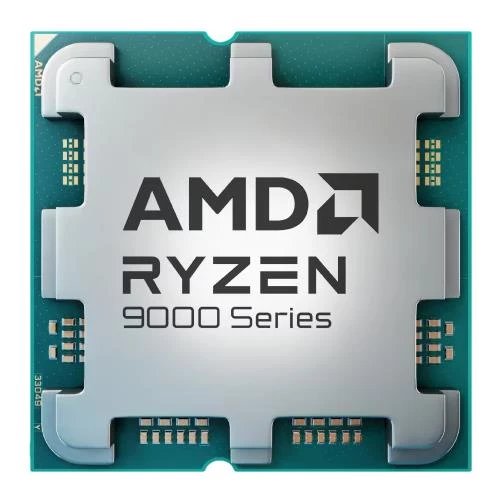
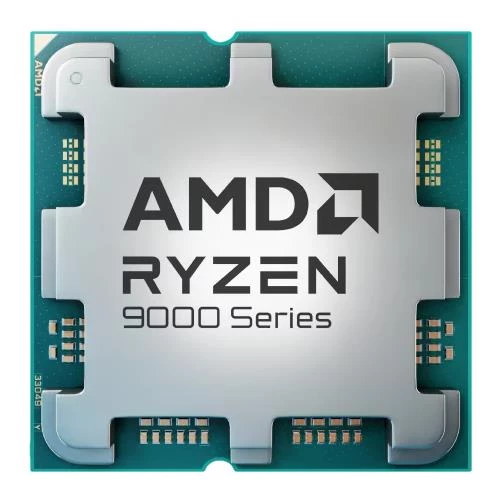
A desktop processor should suit the jobs your computer performs and the platform you intend to build. Core count, clock specifications and thermal requirements are useful comparison points, but none replaces checking motherboard support. Whether you are assembling a gaming system, an everyday desktop or a workstation, start with your applications and upgrade plans. Then select a compatible board, memory arrangement and cooling solution around the exact CPU.
Choosing a desktop processor: workload before headlines
List your most demanding applications and consider whether they benefit from more cores, stronger performance in a smaller number of threads, or GPU acceleration. A computer used for office work and occasional gaming has different priorities from one that runs long rendering jobs. Avoid choosing solely by the highest core count or clock figure; compare evidence for the tasks you actually perform.
For an upgrade, identify the installed motherboard and consult its CPU support list. For a new build, review the motherboard range alongside your shortlist. Socket compatibility is necessary, but the supported processor list and required BIOS version are also important. Verify these before ordering rather than assuming that all processors sharing a socket are supported by every board.
AM5 examples with different specifications
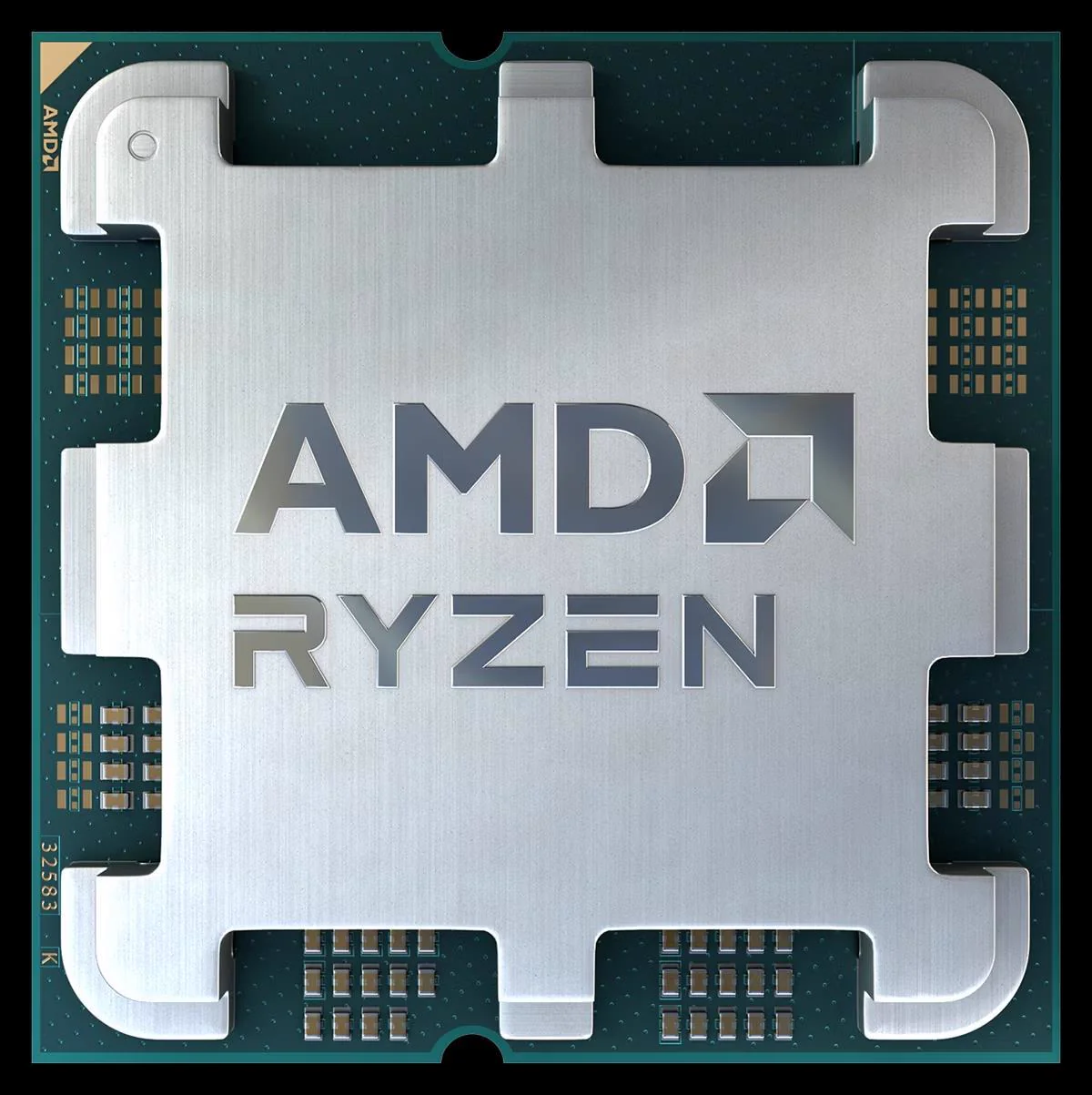
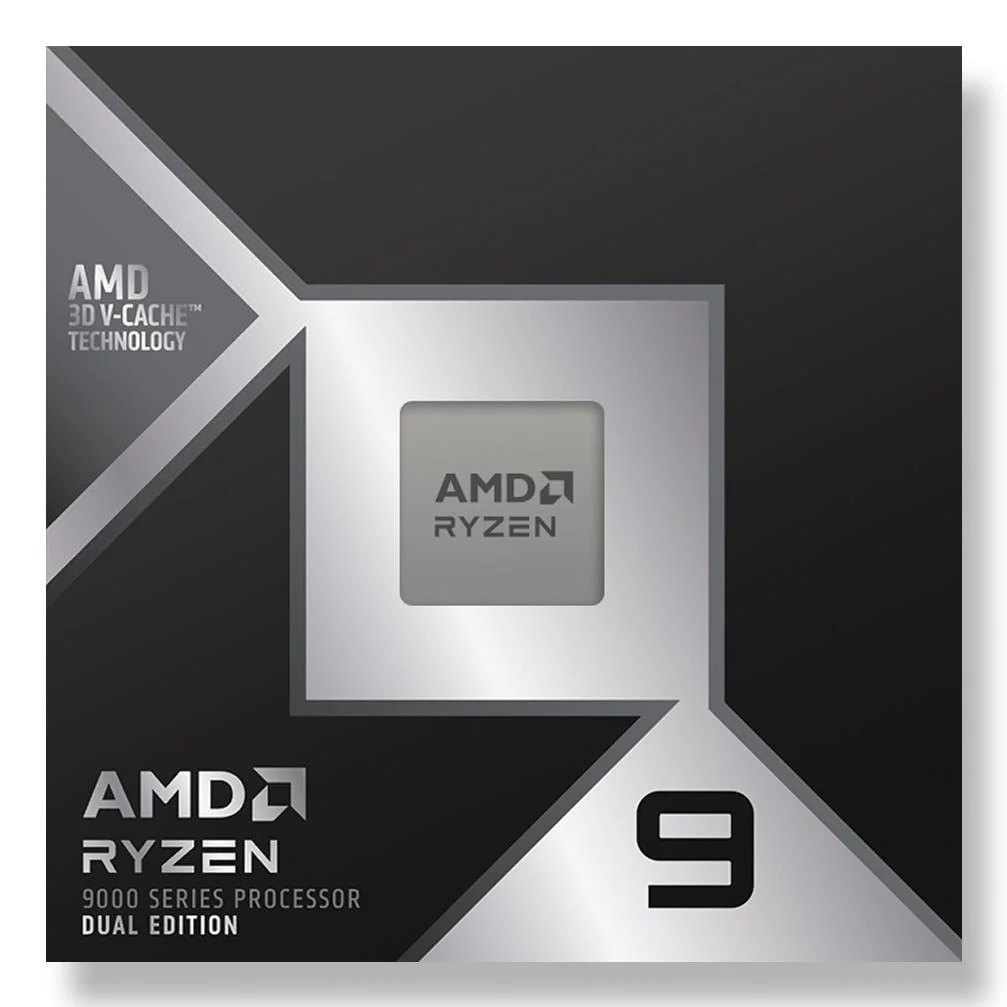
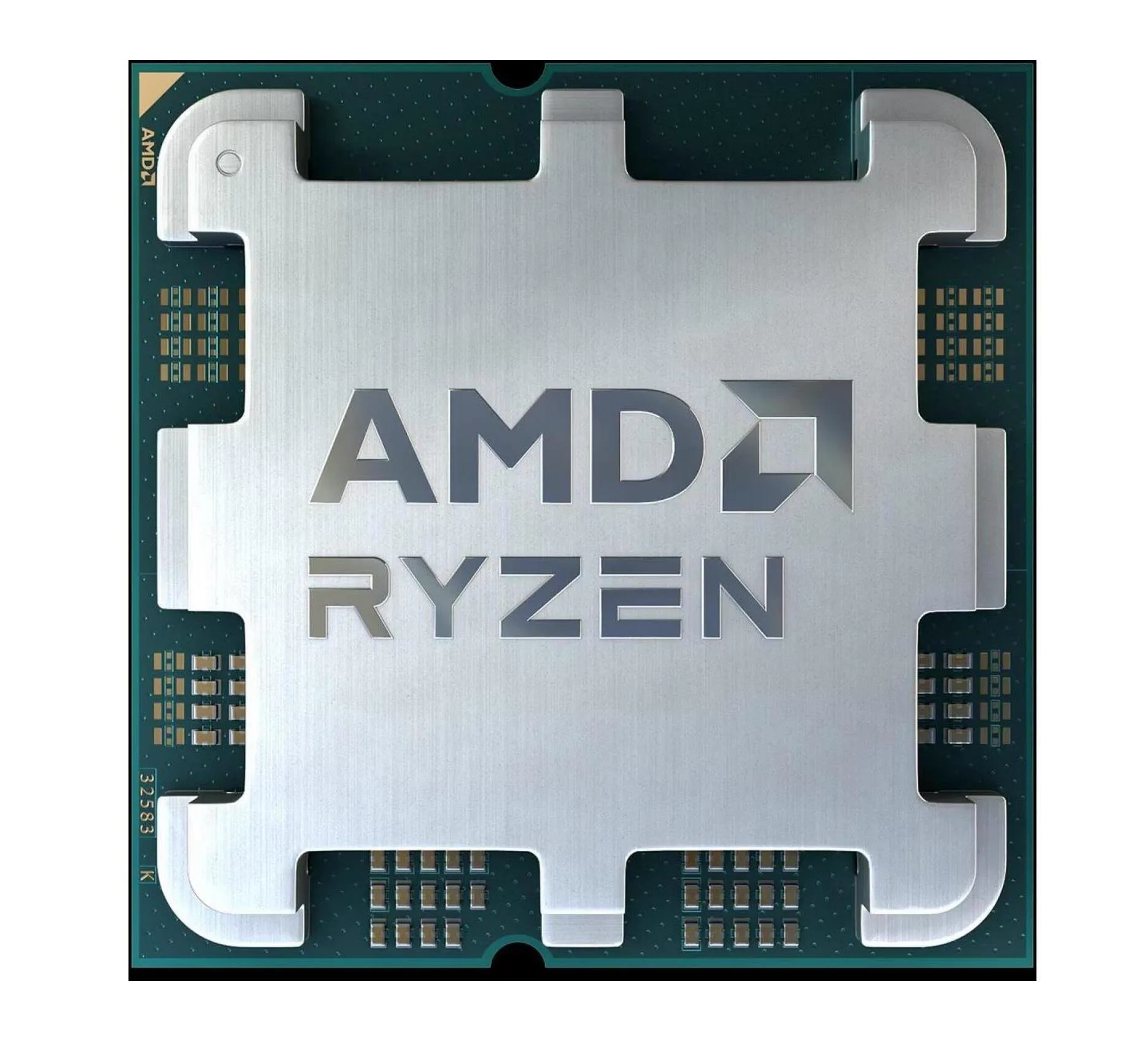
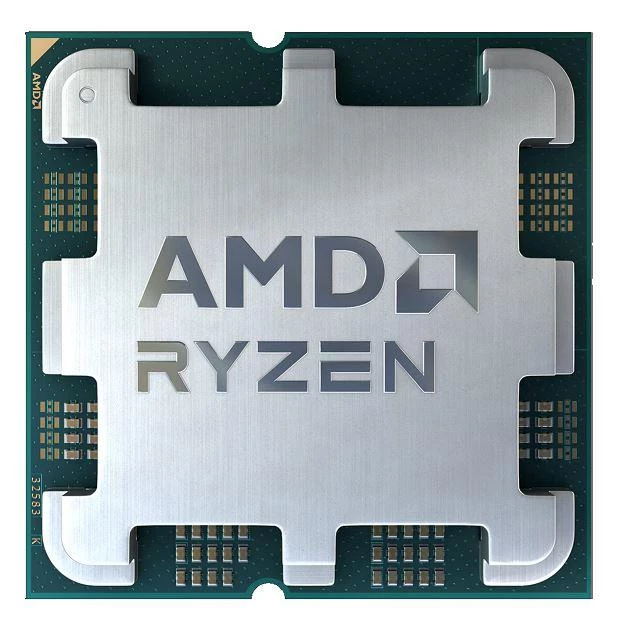
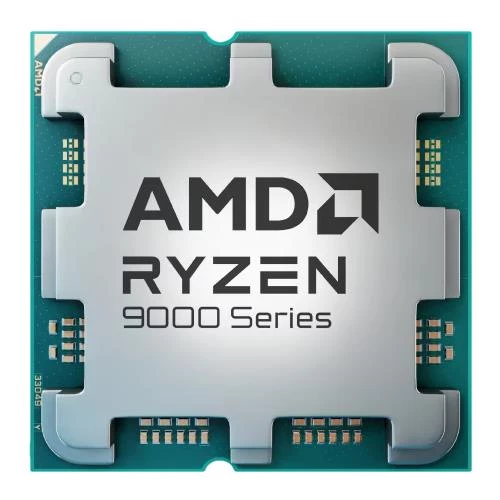
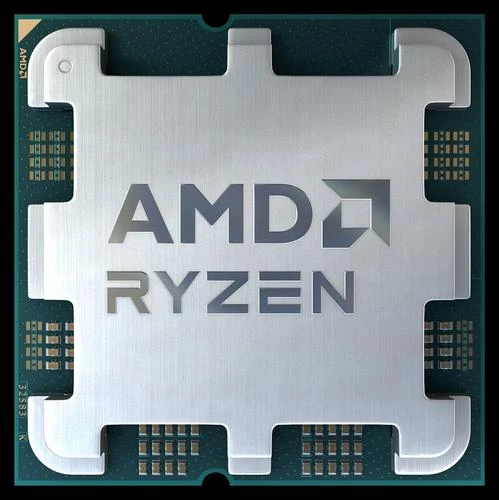
The AMD Ryzen 5 7600 OEM is an AM5 processor with six cores, twelve threads, a 3.8GHz base clock and a default TDP of 65W. The AMD Ryzen 5 9600X OEM also has six cores and twelve threads on AM5, with a 3.9GHz base clock and a default TDP of 65W. Those headline figures do not establish identical performance.
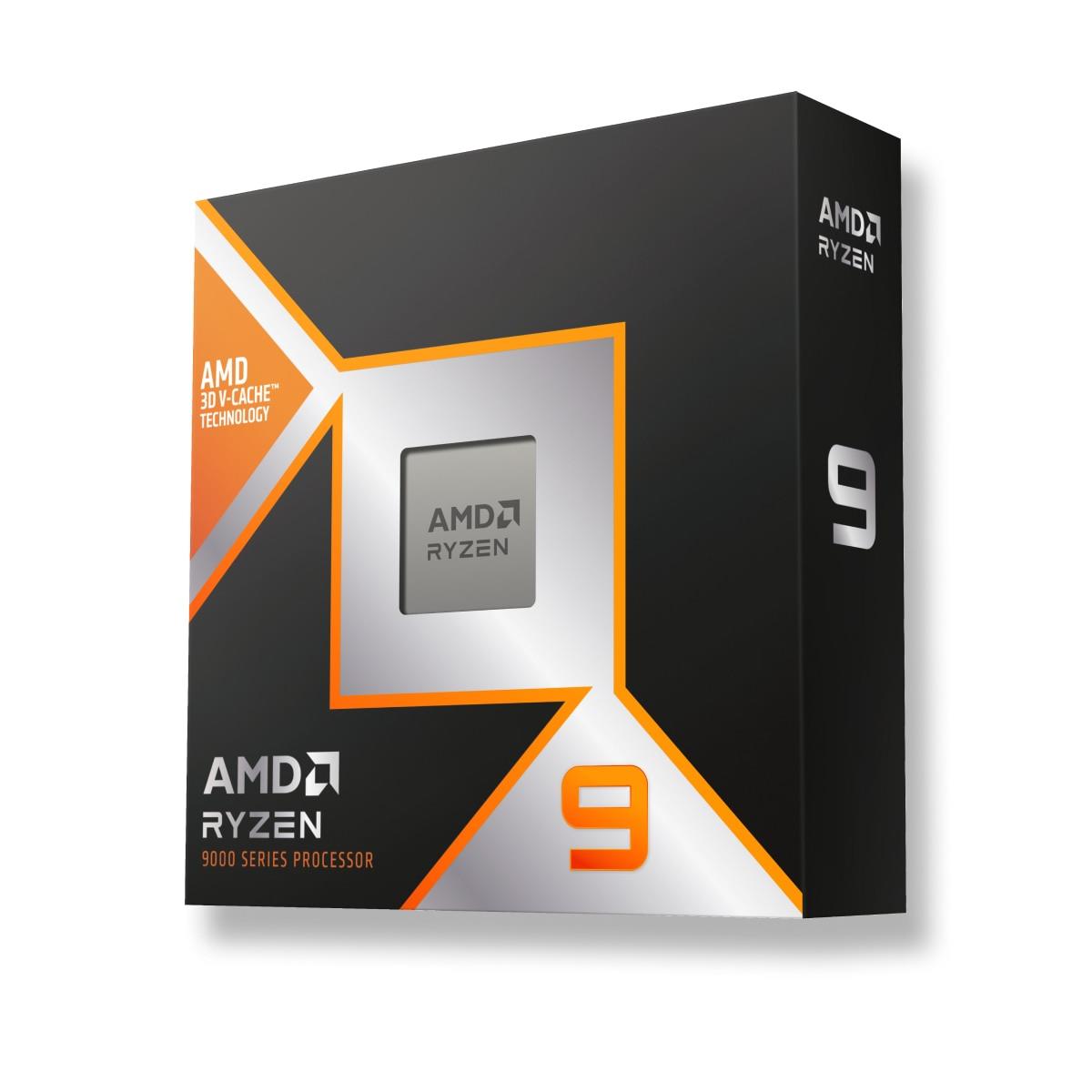
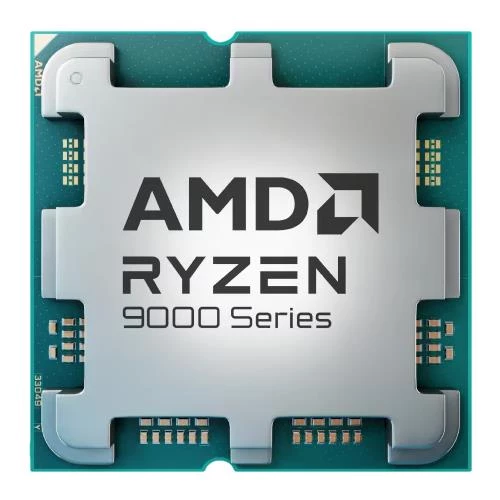
The AMD Ryzen 7 9700X OEM provides eight cores and sixteen threads, a 3.8GHz base clock and a default TDP of 65W. The AMD Ryzen 7 9800X3D OEM is another eight-core, sixteen-thread AM5 option, with a 4.7GHz base clock and a default TDP of 120W. Compare the exact workload rather than ranking these products by one number.
Cores, threads and clock specifications explained
Core and thread counts describe the processor's execution resources, but software determines how effectively those resources are used. More threads are not a universal promise of proportionally faster work. Consider whether your application scales across many cores and whether another component, such as storage or graphics hardware, is the limiting factor.
A base clock is a published specification, not a guarantee of the speed maintained in every task. Operating behavior depends on workload, firmware settings, cooling and platform limits. Do not compare different processor designs by clock frequency alone. Application-specific tests and a realistic view of your working day are better guides to value than an isolated GHz figure.
The Ryzen 9 9950X OEM listing in this category specifies sixteen cores and thirty-two threads on AM5, with a default TDP of 170W and a dual-channel DDR5 memory platform. That TDP is not a measurement of whole-system power. Board and BIOS support, together with module population, determine usable memory capacity and speed. Keep those qualifications when comparing it with other workstation options.
Memory, graphics and platform balance
Select memory kits using the requirements of the chosen CPU and motherboard together. Confirm generation, module type, capacity and supported profiles. Buying a processor does not by itself establish the maximum memory configuration your complete system can use. Check the board's documentation and compatibility guidance for the intended module arrangement.
For GPU-heavy work, balance the processor with your graphics hardware. A larger CPU cannot compensate for unsupported GPU software or insufficient dedicated video memory. The AI workstation building guide can help frame a complete-system decision without turning any individual component into a universal recommendation.
Before changing platforms, compare the required socket, board, memory and cooling as a complete purchase. Reusing existing parts may or may not be appropriate; consult their exact specifications rather than assuming they transfer to the new build. This guide's concrete product examples are the AM5 models described above, and their specifications should not be generalized to every item in the category.
Cooling, power and OEM packaging
Check the selected processor's cooling requirements against the exact cooler and mounting kit. The CPU's thermal specification is not a universal cooler-compatibility certificate, and cooler ratings from different manufacturers should not be treated as directly equivalent test results. Case airflow, sustained workload and firmware settings all affect thermal behavior.
Plan electrical capacity using the full component list and review the power supply options. Include graphics hardware, storage and peripherals rather than using CPU TDP as the complete power budget. Stable operation and an appropriate thermal arrangement matter more than chasing a configuration your case cannot cool comfortably.
The example products are labeled OEM. Read the exact packaging, included-accessory and warranty information rather than assuming retail-box contents or an included cooler. Organize the planned combination with the PC configurator, then verify the board support list and installation instructions before assembling the system.
EU delivery and warranty
Mineshop offers tracked delivery to all 27 EU countries from our warehouses in Ireland and Latvia. Check the product's delivery details and shipping information for the applicable arrangement. This guide does not confirm stock or promise a dispatch time. For a complete build, review the delivery details of the other components as well.
Confirm warranty coverage for the exact processor and packaging type. Keep the invoice and product identification, and follow the installation guidance carefully. No blanket warranty duration is stated here. Consult the return policy for the relevant process and resolve uncertain compatibility before installation.
Processor buying FAQ
Is the socket name enough to confirm support?
No. Check the motherboard's exact CPU support list and required BIOS version.
Does TDP equal the computer's power consumption?
No. It is a processor specification, not a measurement of the complete system at the wall.
Does an OEM processor always include a cooler?
Do not assume that. Check the listing's packaging and included accessories for the exact item.
Are more cores always better?
Not for every task. Choose using your software's behavior and the balance of the whole system.