



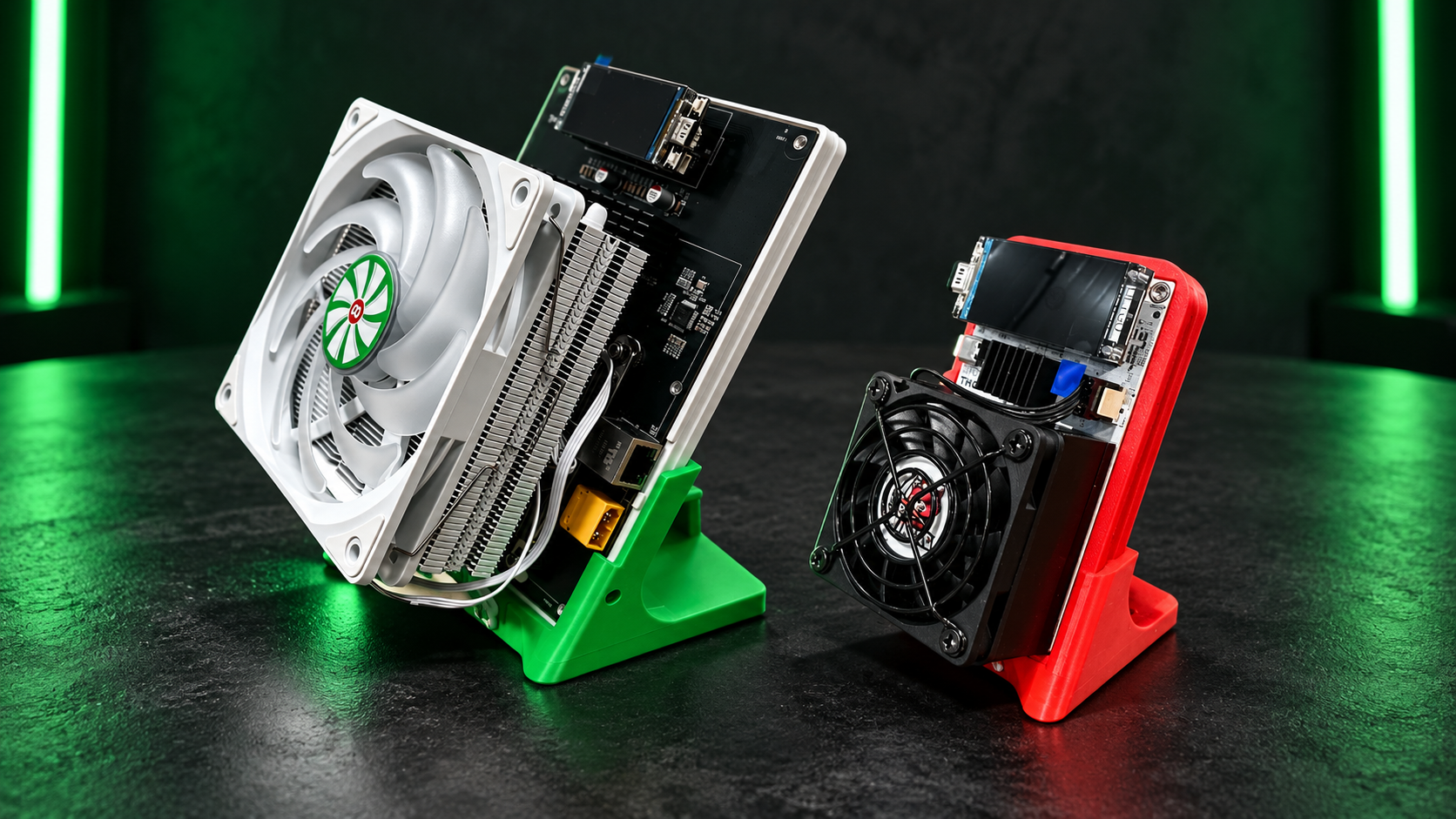
Hammer's Thor X1 and Thor P2 both use BM1373 chips, but they serve different home-mining setups. Hammer lists the X1 with one chip and up to 3.2 TH/s at 38.4 W in overclock mode; it labels that power figure ASIC-only. The larger P2 has two chips and is listed at 10 TH/s and 120–140 W. Choose the X1 for a smaller power budget; consider the P2 if you want more hashrate and can accommodate the extra electricity and heat.
This guide compares the manufacturer's published figures, not our own laboratory measurements. Actual hashrate, consumption and fan noise depend on the exact unit, settings and room. Mineshop's Red Panda X1 listing uses a slightly different advertised rating, so check the exact version before ordering.
Hammer Miner BM1373: Thor X1 vs Thor P2
| Manufacturer specification | Thor X1 | Thor P2 |
|---|---|---|
| ASIC chips | 1 × BM1373 | 2 × BM1373 |
| Listed overclock hashrate | Up to 3.2 TH/s | 10 TH/s |
| Listed overclock power | 38.4 W, ASIC-only | 120–140 W |
| Listed overclock efficiency | 12 J/TH | 12–14 J/TH |
| Mining modes | Solo or pool | Solo or pool |
Source: Hammer Miner product data, checked 29 October 2026. The manufacturer also lists lower-power normal settings. Its X1 launch information labels the quoted power as ASIC-only; neither model's rating is a guarantee of wall-socket consumption.
The same chip name does not make two miners identical. Chip count, frequency, cooling and power settings all affect the finished machine. At the figures above, the P2 provides just over three times the listed overclock-mode hashrate of the X1, while drawing substantially more rated power. Neither figure tells you whether a particular room or tariff makes sense for you.
Thor X1: a smaller step into home mining
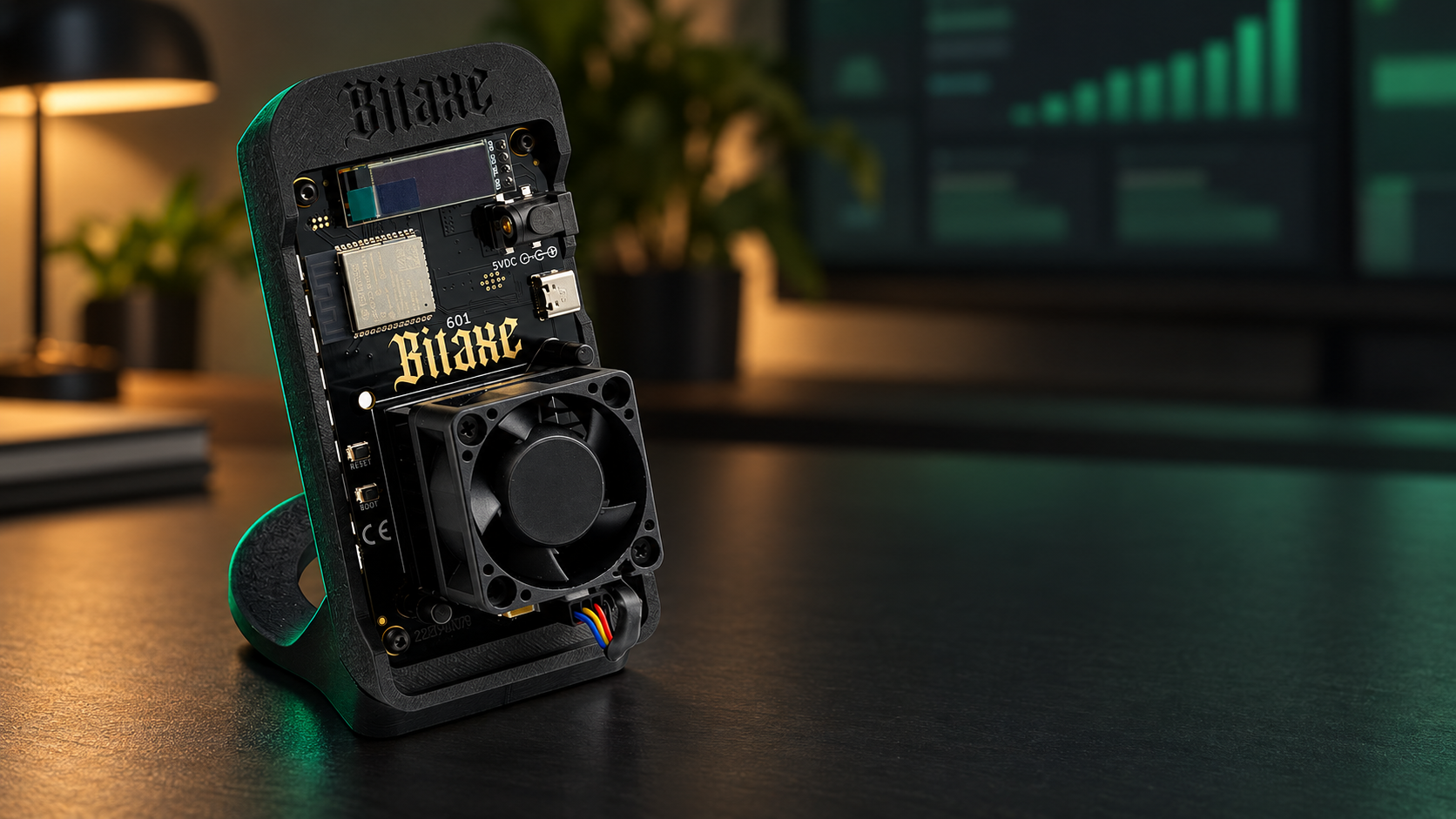
Hammer's X1 is the lighter-power choice in this comparison. Its published normal setting is 2.5 TH/s at 26 W; its overclock setting is up to 3.2 TH/s at 38.4 W. The manufacturer labels those power figures ASIC-only, so they are not wall-socket consumption. Lower settings can be useful when the goal is learning how a miner behaves without committing to the P2's higher power level. They are published settings, not measurements of every retail variant.
Mineshop's Red Panda Mining Thor X1 listing advertises 3.1 TH/s and 38 W. That differs slightly from Hammer's 3.2 TH/s and 38.4 W product data; another promotional description on Hammer's site says 34 W. Treat these as separate, inconsistent published figures: confirm the precise version, operating mode, adapter and included accessories before buying rather than assuming every X1 ships identically.
The X1 is worth considering if desk space, a modest continuous load and hands-on learning matter more than maximum hashrate. Like any fan-cooled miner, it still needs clear airflow and a suitable location; a compact enclosure is not the same as a silent device.
Thor P2: more hashrate, more heat to manage
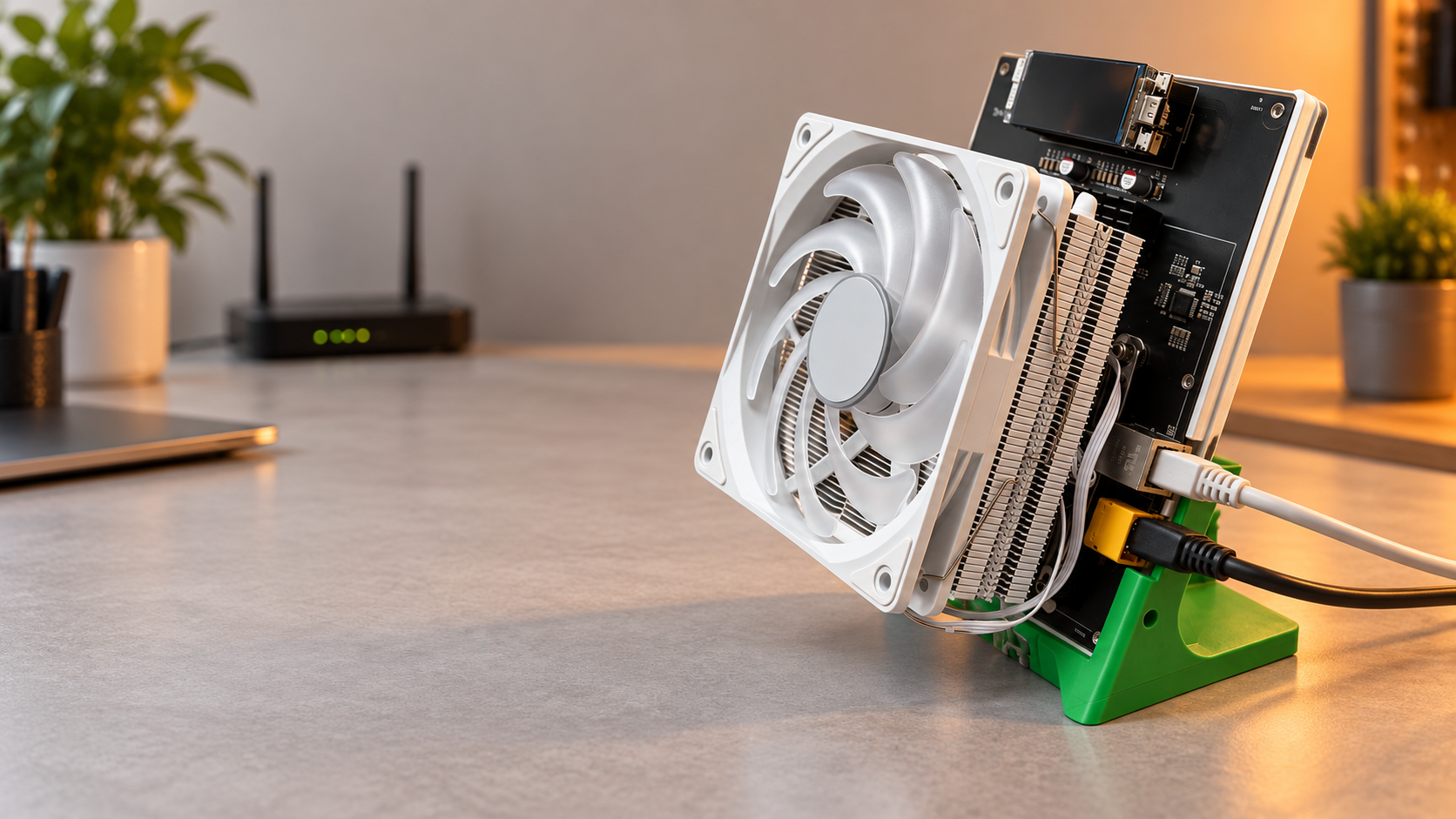
Hammer lists the P2 with two BM1373 chips, 10 TH/s and 120–140 W in its higher setting. Its published normal setting is 6.6 TH/s at 70 W. The Mineshop Thor P2 product page lists the exact offer; our dedicated Thor P2 guide covers that model in more detail.
The P2 suits someone who wants a larger share of hashrate than a single-chip unit and has planned for the additional running cost. Its extra electrical input ends up mostly as heat in the room. Do not treat a published decibel figure as a guarantee for a bedroom: fan speed, ambient temperature, surfaces and measurement distance all matter. If noise is important, ask for the testing conditions and assess the miner in its intended location.
What will the electricity cost?
Use your measured wall power when it is available. To estimate the cost, multiply power in kilowatts by daily hours, then by your all-in electricity price per kilowatt-hour:
Daily cost = (watts ÷ 1,000) × hours per day × price per kWh.
For illustration only, at €0.25/kWh and 24 hours per day, applying Hammer's ASIC-only 38.4 W X1 figure gives 0.9216 kWh per day, or approximately €0.23 daily. At the P2's published 120–140 W rating, the same calculation gives 2.88–3.36 kWh, or €0.72–€0.84 per day. Over a 30-day month that is roughly €6.91 for the X1 and €21.60–€25.20 for the P2. These are not complete wall-power estimates.
These examples use manufacturer ratings, not measured wall readings; adapter losses and real operating conditions can change the bill. Use your actual tariff and operating schedule. The calculation covers electricity only: it says nothing about Bitcoin revenue or whether the miner will pay for itself.
Solo or pool mining: what changes?
Both models are listed for solo and pool mining. In solo mining, your miner searches for a block without receiving regular proportional pool payouts. A successful block is a rare, variable event; a higher hashrate improves the chance over the same period but does not guarantee a block, a payment or a return. Network conditions change too.
In a conventional pool, miners combine work and the pool's payment method distributes rewards according to its rules, fees and accepted shares. Before choosing, compare the pool's payout threshold, fee, minimum payout and wallet requirements. The solo mining calculator can help illustrate probability, but its output is an estimate rather than a promise.
Before you plug in a BM1373 miner
- Identify the exact model and contents. Check the listing, included power supply and current availability. X1, X1 variants and P2 are not interchangeable bundles.
- Use the specified power equipment. Follow the documentation supplied for your exact unit. Do not guess at adapter, connector or voltage compatibility from another miner.
- Plan the placement. Allow unobstructed airflow, keep the device on a stable surface and account for fan noise and warm exhaust.
- Set up the pool and wallet carefully. Use the pool's own instructions for the address, worker details and payout method; verify the information before leaving the device unattended.
- Check real operation. After startup, review temperature, reported hashrate and accepted shares. Measure wall power if electricity cost matters, and investigate errors instead of assuming a running fan means productive mining.
To explore different sizes and configurations, browse the mini Bitcoin miner category. The model name and chip are useful starting points; the complete unit, support and operating conditions are what you actually live with.
Frequently asked questions
Do the Thor X1 and P2 both use BM1373 chips?
Yes. Hammer's published product data identifies one BM1373 in the X1 and two in the P2. That does not mean every Hammer-branded miner uses this chip.
Is the P2 three times as likely to find a block?
At the manufacturer's stated 10 TH/s versus up to 3.2 TH/s overclock settings, it supplies just over three times the hashrate. At the same network conditions and operating time, the expected block-finding rate scales with hashrate; for very small chances, the chance of at least one block is approximately proportional too. Finding a block remains uncertain.
Is the X1 or P2 the better buy?
Start with your electricity rate, acceptable noise, space and preferred mining style. The X1 has a lower listed power requirement; the P2 offers more listed hashrate. Check the exact current offer and confirm any version-specific figures before deciding.
Comments (0)