




How to Setup HiveOS ASIC Hub: A Step-by-Step Guide for Miners

Managing hundreds of ASIC mining devices manually takes hours or days of tedious work. HiveOS ASIC Hub solves this problem by allowing you to manage hundreds or thousands of devices in just minutes.
The ASIC Hub integration delivers significant benefits for miners at any experience level. The installation requires no technical skills and preserves your devices' warranty status. It works with Windows 10, 8/8.1, 7, and Linux systems including Ubuntu 18+ and Debian stretch or above.
This guide covers the complete setup process for your preferred operating system. You'll learn how to install the software, register with your farm hash, and optimize performance for large-scale operations. Everything you need to get started with ASIC Hub is included in the following sections.
Why Use ASIC Hub with HiveOS?
ASIC Hub connects your mining devices to the Hiveon OS platform, simplifying management while boosting efficiency. This integration provides clear advantages for both small operations and large-scale mining farms.
Centralized control from anywhere 📊
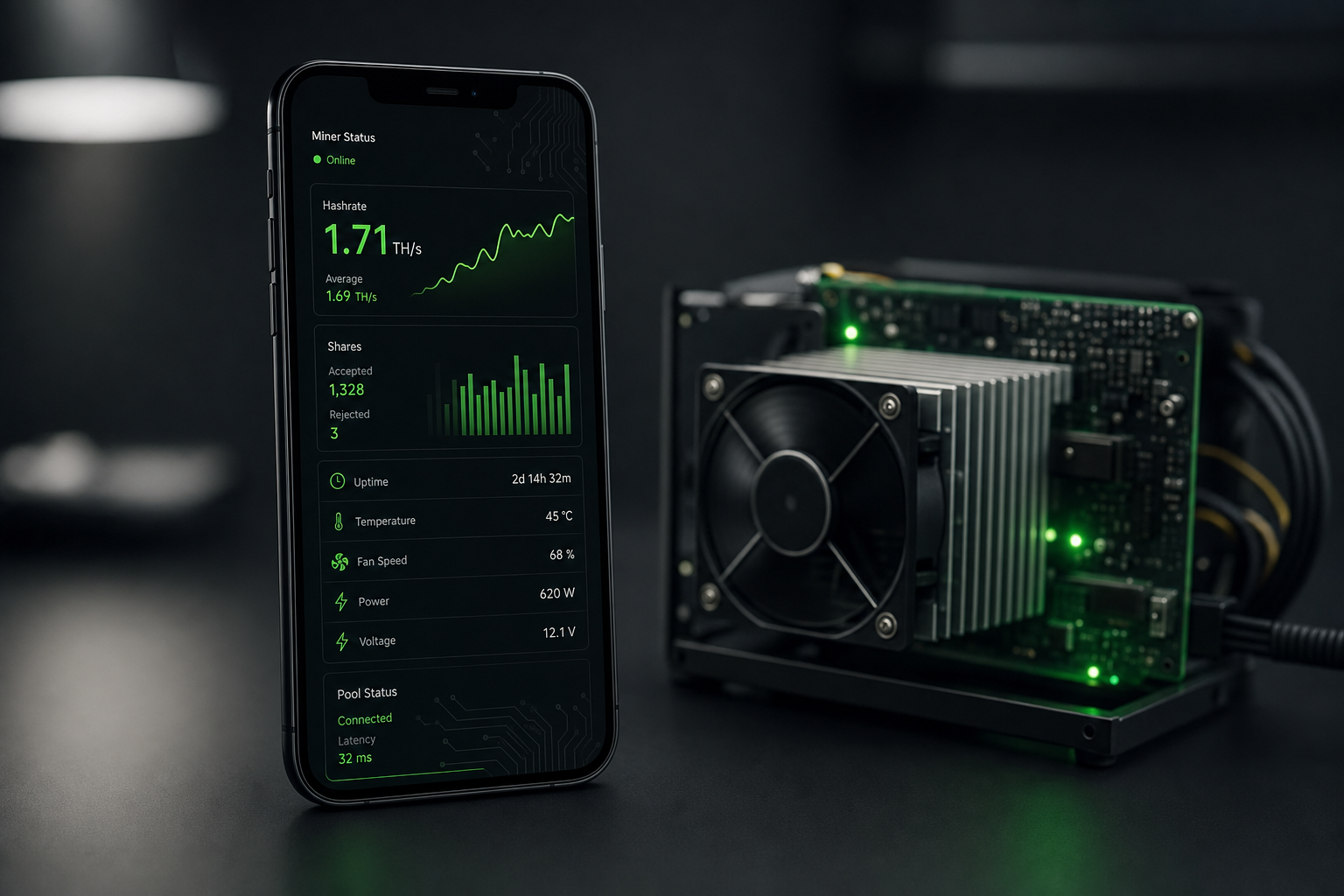
HiveOS ASIC Hub creates a monitoring system that collects statistics from each ASIC and sends them to your Hiveon OS dashboard. You can manage all devices through your Hiveon OS account from any location worldwide.
The integration provides these monitoring capabilities:
-
Hashrate tracking
-
Power consumption metrics
-
Temperature monitoring
-
Online/offline status alerts
-
Miner error notifications
-
Invalid shares detection
You can also apply configurations from Hiveon OS to your ASICs, including flight sheets—combinations of coins, pools, wallets, and miners that improve mining effectiveness. This centralized system reduces management time significantly.
No impact on device warranty ✅
ASIC Hub protects your warranty status. Unlike custom firmware solutions, ASIC Hub doesn't interfere with your devices' original software.
"ASIC HUB does not influence or interfere with the work of devices' software. Therefore, the installation of ASIC HUB would not affect their warranty," states official documentation. Your warranty remains fully active.
Hardware issues with your ASICs can still be serviced at warranty centers without complications. This protects miners who have invested heavily in their equipment.
No technical skills required 🔧
The HiveOS ASIC Hub setup requires no specialized technical knowledge. The design prioritizes simplicity, allowing miners to focus on productivity instead of complex configurations.
Maxim Brashchenko, developer of Hiveon ASIC Client, explains: "This product is absolutely fantastic because it targets the main hurdle for the average user—the need to dive deeply into an ASIC device and into the world of custom firmware (or spend an arm and a leg on hiring highly qualified technicians)".
Adding hundreds or thousands of devices takes minutes instead of hours or days. This rapid deployment cuts farm start-up times to tens of minutes, letting owners focus on other aspects of their mining operations.
No additional software installation is needed on the devices themselves, reducing error probability to nearly zero. You connect your ASICs to the HUB and begin mining immediately—a plug-and-play solution for all experience levels.
The system supports more ASIC models than custom firmware solutions and enables faster deployment speeds. This compatibility makes it suitable for miners with diverse equipment.
Supported Devices and System Requirements
HiveOS ASIC Hub supports an extensive range of mining hardware, making it a versatile solution for miners with diverse equipment. Understanding compatibility and system requirements ensures smooth implementation of your mining infrastructure.
Compatible ASIC models
HiveOS ASIC Hub offers compatibility with most major ASIC manufacturers and models currently available. The supported devices span multiple generations and manufacturers, allowing integration of almost any mining hardware into your farm.
The system provides full support for:
-
Bitmain Antminer Series: From older S9, S9i, S9j models to newer S19, S19j Pro, S19 XP, plus specialty miners like the L3+, L3++, T17, and Z9 series
-
WhatsMiner: Models including M20S, M21, M30S, M30S+, M31S, M31S+, and M32
-
Avalon (Canaan): Complete support for 10xx, 11xx, and 12xx series
-
Innosilicon: A-series (A10, A11, etc.), T-series, and specialty miners
-
Goldshell: Including KD series, HS series, and MiniDOGE variants
-
Other manufacturers: Ebang, Cheetah, iPollo, IceRiver, and Jasminer devices
The system continuously expands its compatibility list through regular updates that add support for newer models. Some very new models might have limited functionality until fully integrated into the system.
What are the minimum OS and hardware specs?
Your host machine needs to meet specific requirements for optimal ASIC Hub performance:
-
Windows: Compatible with Windows 7, 8/8.1, and 10
-
Linux: Works with Ubuntu 18 or above (latest LTS release recommended), Debian stretch or above, or any Linux distribution with systemd and glibc 2.24+
Hardware Requirements:
-
Processor: Machine with 2+ cores CPU
-
Memory: 2-4GB RAM
-
Alternative: Raspberry Pi can also be used as a host device
These specifications ensure ASIC Hub operates efficiently without consuming excessive resources on your management system. The modest requirements allow flexible deployment options, from dedicated mining management computers to repurposed hardware.
Network requirements for smooth operation
Your network setup must meet certain criteria for proper ASIC Hub operation:
-
Internet Connection: A stable internet connection is essential as ASIC Hub communicates with both your devices and HiveOS servers
-
Local Network Access: Your host machine must access the local network where your ASICs are connected
-
Ping Performance: While bandwidth isn't critical (ASICs use minimal data), lower ping to mining pools improves overall performance
-
Remote Accessibility: Once configured, ASICs can connect from anywhere with internet access - they don't need to be on the same internal network
No special network configuration is necessary beyond these basics. Even in large-scale operations with hundreds of devices, the system handles communication traffic efficiently.
Positioning your ASIC Hub host machine in close network proximity to your mining devices can reduce latency and improve responsiveness for management operations. The system is built to be resilient even with minimal connectivity requirements.
How to Install and Launch ASIC Hub 📦

Image Source: Medium
Setting up ASIC Hub takes just a few simple steps on any supported operating system. Once installed, the tool connects your mining devices to your HiveOS dashboard for remote management.
Download and install on Linux
Linux installation offers two options:
Simple installation method:
-
Open your terminal
-
Run this command to download and install automatically:
curl -f https://download.hiveos.farm/hub/install.sh | sh
Manual installation process:
-
Download the Hub installation tarball from the official website
-
Extract using:
tar -xf hub-linux-amd64.tar.gz -
Navigate to the folder:
cd hub-linux-amd64 -
Run with admin privileges:
sudo ./install.sh
The installation configures ASIC Hub as a system service automatically. Check successful installation with: systemctl status asic-hub
Download and install on Windows
Windows installation is straightforward:
-
Download the latest ASIC Hub release from the official HiveOS website
-
Extract the installer from the downloaded archive
-
Run the installer and follow the on-screen instructions
-
ASIC Hub runs as a Windows service in the background
Manage the ASIC Hub service on Windows using the net command with administrator privileges:
-
Stop service:
net stop asic-hub -
Start service:
net start asic-hub
Accessing the local web interface
After installation, access the ASIC Hub web interface to complete setup:
-
Open your web browser
-
Navigate to
http://localhost:8800 -
Enter your Hiveon OS farm hash when prompted
-
Click Continue to complete registration
For command line registration, use the hubctl tool via SSH:
-
Connect to the server running ASIC Hub
-
Run:
hubctl register YOUR_FARM_HASH
Example: hubctl register acbd18db4cc2f85cedef654fccc4a4d8
The web interface becomes your control center after registration. You can scan your network for compatible ASICs and add them to your farm. All devices become visible and manageable through your HiveOS dashboard.
How to Register and Connect to Your Farm
After installing ASIC Hub, connecting it to your mining farm creates the essential link between your mining devices and the HiveOS management platform.
How do I locate my Hiveon OS farm hash?
Every HiveOS farm has a unique identifier called a Farm Hash. To find yours:
-
Log into your HiveOS account (create one first if you haven't already)
-
Navigate to your farm's Settings tab
-
Locate the Farm Hash section - this string of characters uniquely identifies your farm
-
Copy this hash to your clipboard - you'll need it for the next step
The Farm Hash allows your ASIC Hub to connect to your specific mining operation without requiring individual rig creation for each device.
Registering via browser or CLI
Once you have your Farm Hash, you can register ASIC Hub through either the web interface or command line:
Via Web Browser:
-
Open your browser and navigate to
http://localhost:8800 -
When prompted, paste your Farm Hash into the field
-
Click Continue to complete registration
Via Command Line: For remote servers, you may prefer using the command line:
-
Connect to your ASIC Hub server via SSH
-
Execute:
hubctl register YOUR_FARM_HASH -
Example:
hubctl register acbd18db4cc2f85cedef654fccc4a4d8
After registration, you can add ASICs to your farm. The ASIC Hub provides several methods for device discovery:
-
Adding by IP address
-
Scanning CIDR (subnet)
-
Searching by IP range
-
Importing from CSV file
What should I do if registration fails?
If you encounter problems during registration:
-
Connection errors: Verify internet connectivity on your ASIC Hub host
-
Persistence issues: If the hub hangs after entering the farm hash, try deleting the database file at
/var/lib/asic-hub/data.dband restart the service -
IP address concerns: Check if your ASICs have static or dynamic IP addresses. For dynamic IPs, enable the ARP scanner in the configuration file
-
MAC address problems: Some older Antminers and WhatsMiners have dynamic MAC addresses by default, which can cause tracking issues - ensure your ASICs have persistent MAC addresses
The registration process takes only minutes and provides access to centralized control that works with virtually any ASIC model on the market.
Advanced Configuration and Monitoring Tips
ASIC Hub's default settings work well for smaller setups. Advanced miners can customize parameters to optimize performance for larger mining operations.
Customizing config.toml settings
The configuration file location depends on your operating system:
-
Linux:
/etc/asic-hub/config.toml -
Windows:
C:\Program Files\Hiveon\ASIC Hub\config.toml
After making changes to the configuration file, restart ASIC Hub:
-
On Linux:
sudo systemctl restart asic-hub -
On Windows:
net stop asic-hub && net start asic-hub(run as Administrator)
Enabling ARP scanner and monitoring
The ARP scanner tracks devices when their IP addresses change. This feature proves valuable for environments with dynamic IP assignments.
To enable the ARP scanner, add this setting to your config file:
[ARP]
EnableScanner = true
ScanInterval = "30s"
For larger farms, adjust the MaxGroupSize parameter under the [Monitoring] section. This controls how many devices each monitoring thread handles. The default value of 30 works for small operations. Larger farms benefit from increasing this number to distribute the monitoring load.
Log management and performance tuning
Proper log management helps troubleshoot issues and optimize performance. The default log location is /var/log/asic-hub/hub.json on Linux systems.
Performance optimization adjustments include:
-
Decrease
DefaultPingIntervalfor more frequent device checks -
Reduce
ConnectTimeout(default: 10s) if you experience frequent timeouts -
Adjust
MaxGroupSizebased on your CPU core count and total devices
For connection issues, try these troubleshooting steps:
-
Change the API mirror in your config file
-
Run
hubctl stats arpto verify ARP scanner functionality -
Temporarily disable the ARP scanner for persistent problems
These configurations help optimize your setup for maximum efficiency when managing hundreds or thousands of mining devices.
Conclusion
HiveOS ASIC Hub enables centralized control of hundreds or thousands of mining devices from any location. This guide covered the complete setup process, from installation on Windows and Linux systems to registration with your farm hash and advanced configuration options.
The platform supports major ASIC manufacturers including Bitmain, WhatsMiner, Avalon, Innosilicon, and Goldshell. Most importantly, ASIC Hub preserves your device warranty and requires no technical expertise to operate. The installation process takes minutes, and registration needs only your farm hash to connect devices to the HiveOS dashboard.
Large mining operations benefit from advanced features like the ARP scanner for dynamic IP environments and customizable monitoring parameters. These settings help distribute workload efficiently across system resources while maintaining reliable device tracking.
Start using HiveOS ASIC Hub now to reduce management time while maintaining full control over your mining operation. The system simplifies complex tasks, allowing you to focus on operating a profitable mining business.
HiveOS ASIC Hub provides the necessary tools for mining management at any scale, from small operations to enterprise-level deployments. The solution addresses the core challenge of efficient device management in modern mining operations.
FAQs
Q1. How do I connect my ASIC miner to HiveOS? To connect your ASIC to HiveOS, locate your Farm Hash in the farm's Settings tab. After flashing your ASIC, go to the HiveOS tab in the System window, paste your Farm Hash, and click Save & Apply. Your ASIC will then be added to your HiveOS farm.
Q2. What are the main benefits of using ASIC Hub with HiveOS? ASIC Hub allows for rapid deployment of thousands of ASICs, centralized control from anywhere, and doesn't affect device warranties. It's user-friendly, requiring no technical skills, and enables efficient management of large-scale mining operations through the HiveOS dashboard.
Q3. What operating systems are compatible with HiveOS ASIC Hub? HiveOS ASIC Hub is compatible with Windows 10, 8/8.1, and 7. For Linux users, it supports Ubuntu 18 or above, Debian stretch or above, or any Linux distribution with systemd and glibc 2.24+.
Q4. How do I troubleshoot registration issues with ASIC Hub? If you encounter registration problems, first check your internet connection. For persistence issues, try deleting the database file and restarting the service. Ensure your ASICs have static IP addresses or enable the ARP scanner for dynamic IPs. Also, verify that your ASICs have persistent MAC addresses.
Q5. Is HiveOS free for ASIC miners? HiveOS remains free for ASIC miners using Hiveon firmware. However, ASICs connected via Hiveon ASIC Hub are billed at £1.59 per month. This fee allows access to advanced management features and centralized control through the HiveOS platform.

Comments (0)