



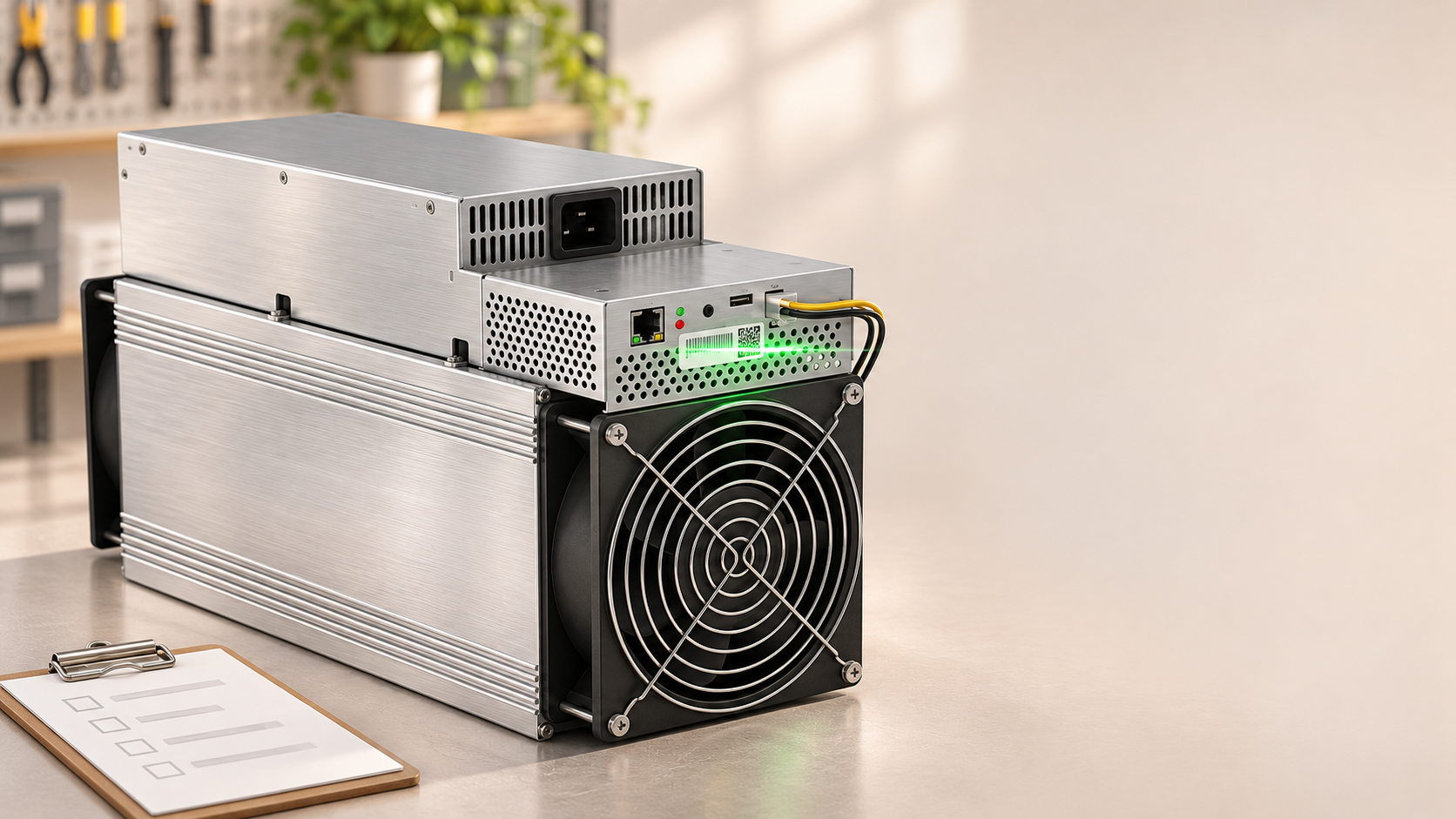
Whatsminer hardware is built for continuous operation, but when something fails, the warranty process works differently from Canaan Avalon. MicroBT — the company behind Whatsminer — handles after-sales through a structured support system that starts with the serial number on your machine. This guide walks through the complete warranty claim process for every Whatsminer model we sell: from finding your serial number to getting a repair or replacement, with the common faults we see in Mineshop support.
Step 1: Find your serial numbers
Every Whatsminer has serial numbers in three places, and you need all of them for a warranty claim:
| Location | What to photograph |
|---|---|
| Miner exterior label | The QR code and SN printed on the side or back of the chassis — this is the machine’s primary identity |
| Controller web interface | Log into the miner’s IP address in a browser; the System page shows the miner SN and firmware version |
| Purchase invoice | Your Mineshop order confirmation with the order number and purchase date |
Take clear photos of the physical label and a screenshot of the web interface overview page. MicroBT’s support team uses these to verify the machine’s warranty status before diagnosing.
Step 2: Check warranty status
Whatsminer’s standard warranty period varies by model and purchase date — most current models ship with coverage measured from the delivery date. To check:
- Find your delivery date from your Mineshop order history or shipping confirmation.
- Check the model’s warranty terms on MicroBT’s official Whatsminer website.
- Contact Mineshop support if unsure — we verify your purchase date and advise whether a warranty claim or out-of-warranty repair is the right path.
Step 3: Document the fault
What to photograph and film
- The miner’s display or status lights showing the fault state — red error indicators, blank display or abnormal patterns
- The web interface error page — screenshot any error code or abnormal reading (temperature, hashrate, fan speed)
- A short video of the fault reproducing — always include the SN label in the frame
- The pool dashboard if the miner connects but reports zero hashrate
Step 4: Submit the warranty claim
Bought from Mineshop (EU customers)
- Contact our support team with your order number, photos and video. We handle the claim with MicroBT on your behalf — the fastest path for EU customers.
- We confirm the diagnosis with MicroBT’s technical team and receive a repair authorisation.
- You receive instructions: either a replacement part ships to you, or the miner goes to the authorised European repair centre.
Direct to MicroBT (if you bought elsewhere)
- Visit whatsminer.com and navigate to the after-sales section.
- Submit a ticket with your miner SN, fault description, photos and video.
- Wait for MicroBT’s response — typically 1-2 business days.
Common Whatsminer faults
| Symptom | Likely cause | Warranty path |
|---|---|---|
| Fan error / stopped | Cooling fan failure | Replacement fan shipped |
| Low or zero hashrate | Hashboard chip failure or temperature | May need repair centre |
| Will not power on | Power supply failure | PSU replacement with video |
| High temperature | Fan degradation or dust | Clean first; fan if persists |
| Network disconnection | Configuration, not hardware | No RMA needed |
| Hashboard not detected | Control board or connection | Usually repair centre |
Fault patterns reflect Mineshop’s repair experience with Whatsminer M30, M50, M60 and M70 series.
After warranty: repair options
When your warranty expires, Whatsminer machines remain repairable — fan replacements, PSU swaps and hashboard repairs are common. Sometimes a newer, more efficient model costs less than repairing an older unit. Compare efficiency and hashrate before investing in a repair.
Quick checklist
- Miner model and SN (photo + web interface screenshot)
- Purchase date and order number
- Fault description with error codes
- Photos/video of fault (SN visible)
- Web interface screenshot of error
- Shipping address
Send to Mineshop support if bought from us, or via the official Whatsminer portal. See also our Avalon RMA guide for Canaan miners.


Comments (0)