



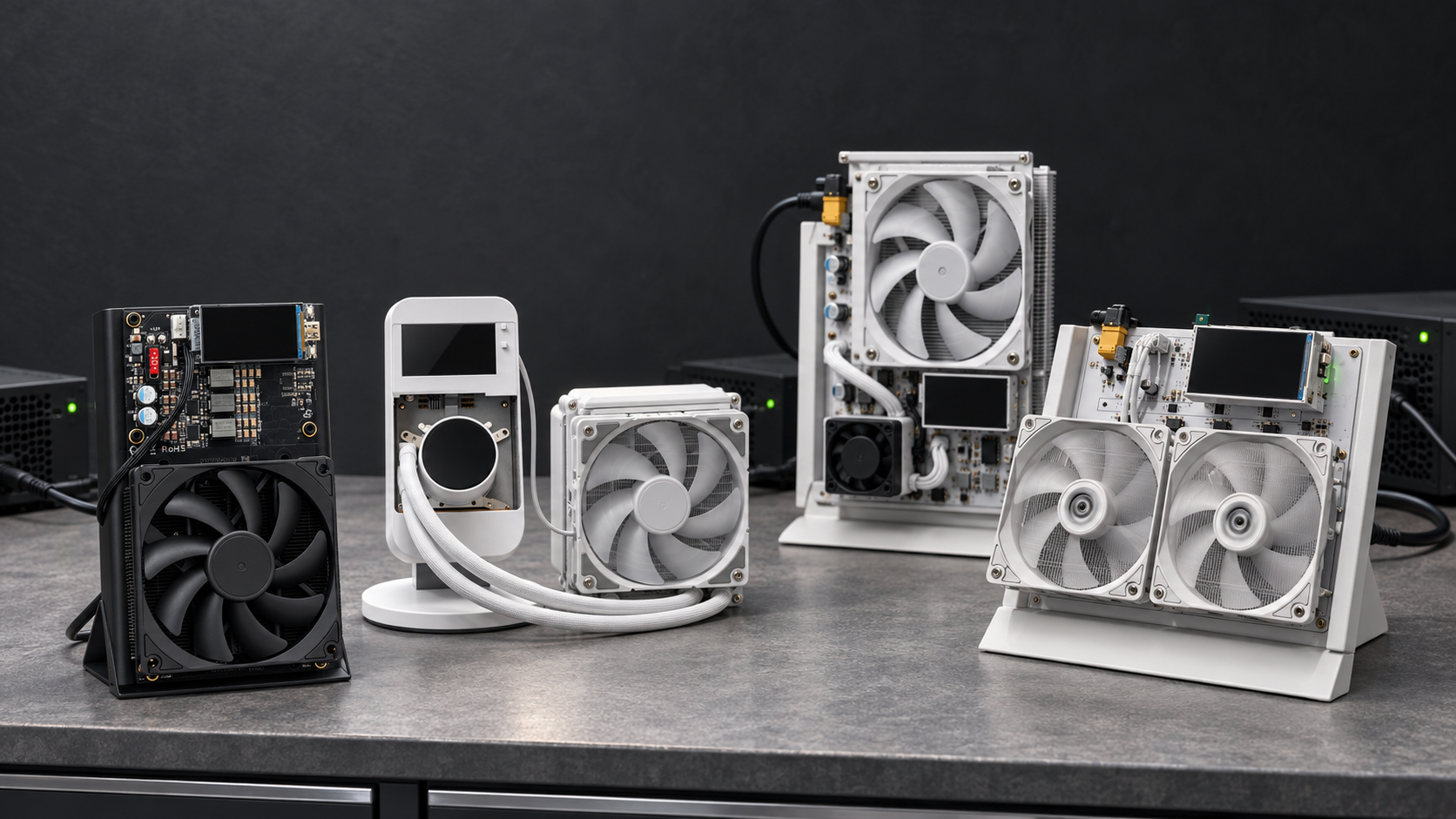
The NerdQaxe++ family used to be an easy choice: pick the compact air-cooled unit, connect WiFi, point AxeOS at a pool, and let it run. The 2026 range is more interesting. Mineshop now lists the PowerMining NerdQaxe++ Rev6.1, the water-cooled NerdQaxe++ Hydro, the tower-cooled NerdQX 8T, and the larger NerdOctaxe in the same home-miner orbit. They share the same basic promise, but they do not fit the same room, noise tolerance, or buyer.
Quick Recommendation
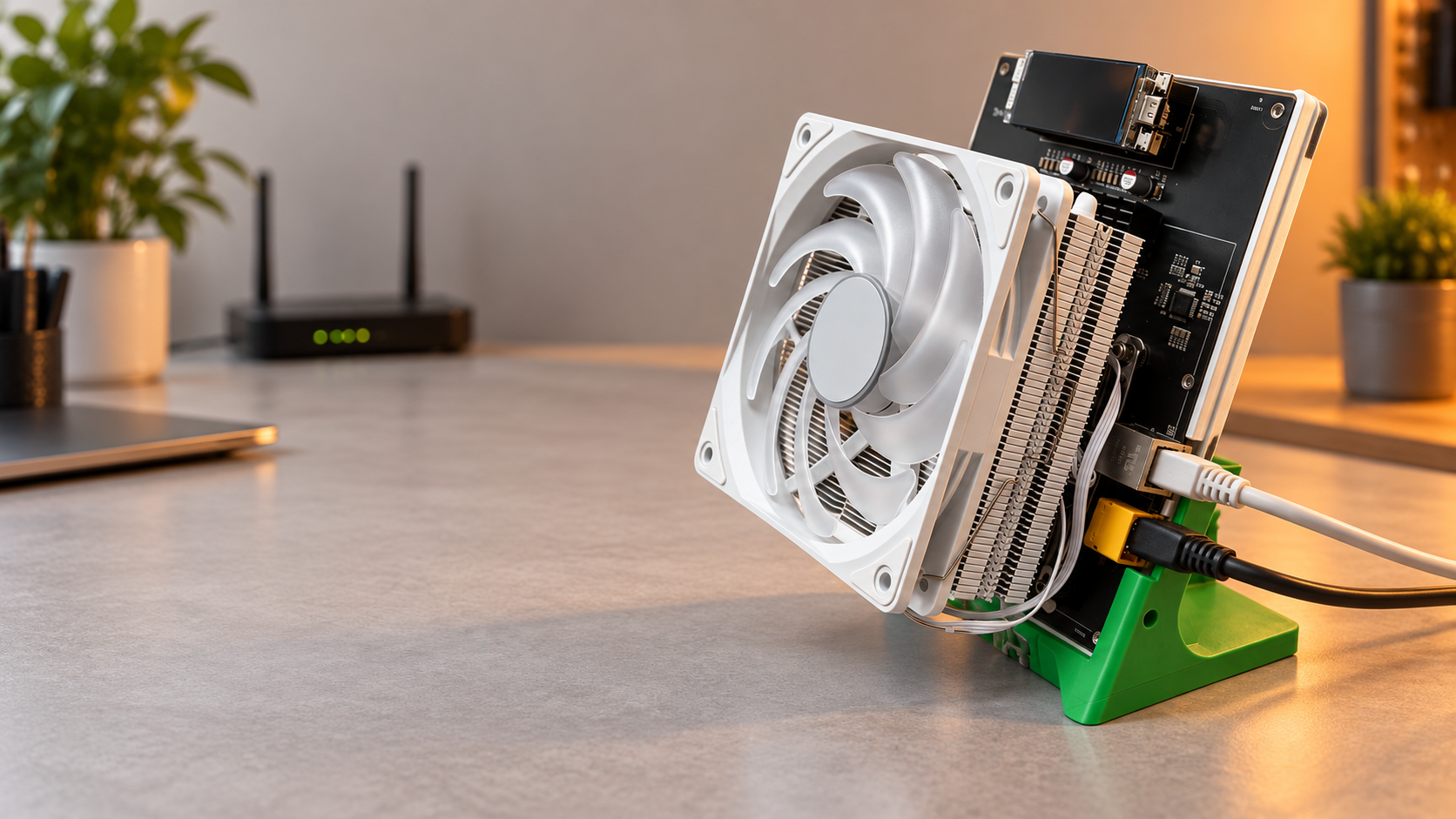
Choose the PowerMining NerdQaxe++ Rev6.1 if you want the balanced option. Its live product page lists 6.1 TH/s, about 76-80W at stock settings, four BM1370 ASIC chips, a 12V/10A power supply, a metal stand, a LILYGO display, and AxeOS firmware. For most home users, that is the cleanest mix of hashrate, power draw, noise, size, and setup simplicity.
Choose the NerdQaxe++ Hydro if quiet operation is the priority and the live listing is available when you buy. Its page lists 4.8 TH/s, around 75W typical power, four BM1370 chips, and a Snowman KS120 sealed liquid cooler. It gives up some headline hashrate compared with the Rev6.1, but the cooling format is easier to live with on a desk, shelf, or bedroom cabinet.
Choose the NerdQX 8T if you want the stronger four-chip option and have room for a taller cooler. The listing shows up to 8 TH/s at about 140W, with a 120mm tower heatsink, six copper heat pipes, three-fan airflow, XT60 power connector, and AxeOS. It is still a home miner, but it is less of a tiny desk ornament and more of a compact performance build.
Treat the NerdOctaxe as the step-up reference, not the default first pick. Its page lists 9.6 TH/s from eight BM1370 chips and 150-180W at stock settings. That is useful if you already understand heat, placement, power supplies, and firmware settings, but it is more device than many first-time solo miners need.
What These Miners Have In Common
All four are SHA-256 Bitcoin miners aimed at home use. They are not industrial machines like an Antminer S21, and they should not be judged like one. The goal is a compact, visible, low-power way to participate in mining, learn the stack, and solo mine or pool mine from a normal home network. The Rev6.1, Hydro, NerdQX, and NerdOctaxe pages all describe WiFi setup, dashboard control, included power supplies, and AxeOS-style operation. That matters more than the last decimal in efficiency because it decides whether the miner becomes a daily-use device or a project that gets unplugged.
The open-source side is also important. PowerMining's NerdQaxe++ hardware repository points to the latest NerdQaxe++ hardware revision and links firmware work back to the NerdQaxe firmware. The ESP-Miner-NerdQAxePlus repository describes a fork adapted for NerdQaxe variants, while the Bitaxe ESP-Miner project documents AxeOS and its local API. The NerdQX repository says NerdQX is based on NerdQaxe++, uses four BM1370 ASICs, and is compatible with the enhanced ESP-Miner NerdQaxe+ firmware. In plain terms: these products sit in a live open hardware and firmware ecosystem rather than being sealed black boxes.
The Specs That Actually Change The Buying Decision
| Model | Best fit | Listed hashrate | Listed power | Cooling style |
|---|---|---|---|---|
| NerdQaxe++ Rev6.1 | Balanced first home solo miner | 6.1 TH/s | 76-80W stock | Low-profile air cooler |
| NerdQaxe++ Hydro | Quiet desk or bedroom placement | 4.8 TH/s | about 75W typical | Sealed liquid cooler |
| NerdQX 8T | Higher four-chip performance | up to 8 TH/s | about 140W | 120mm tower cooler, three fans |
| NerdOctaxe | Experienced home miner step-up | 9.6 TH/s | 150-180W stock | Dual low-profile coolers |
Hashrate is the obvious comparison, but it should not be the only one. In solo mining, more TH/s improves your share of the network lottery, but it does not turn a home miner into predictable income. Every hash is still an independent chance. If you want to model odds, use the Mineshop solo-mining calculator and be honest about the hashrate you will actually run 24/7. Do not buy any mini miner on a profit promise.
Power draw is easier to reason about. A 80W miner uses about 1.92 kWh per day. A 75W miner uses about 1.8 kWh per day. A 140W NerdQX uses about 3.36 kWh per day, and a 150-180W NerdOctaxe uses about 3.6-4.32 kWh per day. Multiply those numbers by your own electricity rate. That gives a real running-cost estimate without guessing Bitcoin price, luck, or pool payout.
Room Fit: Noise, Heat, And Placement
The Rev6.1 is the sensible default for a home office, workshop shelf, or living-room corner where a small fan is acceptable. Its listed ≤40 dB noise target is quiet for a miner, but not silent. Keep it in open air, avoid soft surfaces that block airflow, and leave space around the cooler.
The Hydro version is the specialist for noise-sensitive rooms. A sealed radiator moves heat away from the board and can be easier to place neatly. The trade-off is that the product is less about maximum hashrate and more about comfort. If you want a miner you can tolerate near a bed or work desk, that trade-off can be worth more than another terahash.
The NerdQX is the one to choose when cooling headroom matters. Its own open-source project describes a redesigned PCB, XT60 connector, dedicated voltage-regulator cooling, and temperature monitoring for all four ASICs. That does not mean you should immediately overclock it; it means the design is aimed at sustained operation and tuning. Give it more physical space than a standard NerdQaxe++ and treat it like a compact performance PC: airflow first, cosmetics second.
Setup And Firmware Notes
For normal owners, setup should stay simple: power the miner with the supplied PSU, connect to the miner's temporary WiFi network, enter your home WiFi, then configure pool details and your wallet address in the web dashboard. Mineshop's AxeOS guide is the best internal follow-up for dashboard screens, logs, firmware updates, and pool fields.
Firmware updates deserve patience. The NerdQaxe firmware README points users to the NerdQaxe web flasher and official releases; Bitaxe ESP-Miner documents factory images, OTA updates, and the AxeOS API. Match firmware to the exact hardware variant. Do not flash a generic image because the names sound close. A NerdQaxe++, NerdQX, and NerdOctaxe may share firmware heritage, but they are not the same board.
Buying Checklist
Before ordering, check the product page again for live price, stock, plug type, PSU, warranty text, and shipping destination. Then decide by use case. For a first compact miner, pick the Rev6.1. For the quietest room fit, consider Hydro if available. For higher four-chip output and better cooling hardware, pick NerdQX. For a larger eight-chip home setup, compare NerdOctaxe only after you are comfortable with power, heat, and firmware maintenance.
The best mini miner is not the one with the biggest number on the page. It is the one you will actually keep powered, cooled, and configured correctly. For most Mineshop readers, that makes this a practical choice between comfort, hashrate, and placement, not a bet on instant profitability.
Comments (0)